Available now·Mac, Windows & Linux
Download Morphjet
Grab the app for your platform. It converts your files right on your own computer, with nothing uploaded, no account, and no internet needed after the first run.
Morphjet is a paid app. This is the full version, and it needs a licence key to convert your files. One-time purchase, no subscription, with a 14-day money-back guarantee. See the plans. Launch offer on now: LAUNCH30 takes 30% off until 30 September.
macOS (Apple Silicon)
macOS 15 Sequoia or later, Apple Silicon (M1 and newer)
- Open the downloaded .dmg and drag Morphjet to your Applications folder.
- Launch it from Applications. The first conversion downloads only the engines that job needs.
Windows
Windows 10 or 11, 64-bit
- Run the downloaded installer and follow the prompts.
- Open Morphjet from the Start menu. The first conversion downloads only the engines that job needs.
Windows may warn you the first time
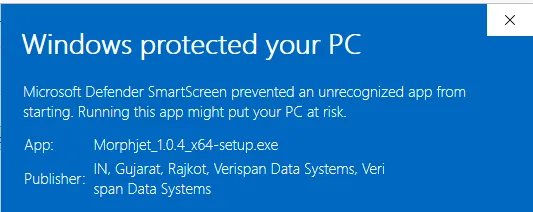
Windows shows a blue “Windows protected your PC” screen for apps it has not seen many times yet. Morphjet is new, so it has not built that history up.
Click More info, check the publisher reads Verispan Data Systems, the company that makes Morphjet, then click Run anyway.
Linux
glibc 2.35 or later (Ubuntu 22.04+, Debian 12+, Fedora 36+), 64-bit x86
- Make the AppImage executable (chmod +x) and run it. No installation, no root.
- The first conversion downloads only the engines that job needs.
Looking for other platforms?
- 100% on-device
- No caps or watermarks
- No account
- Pay once
Every build is signed, so your computer can confirm it came from us and arrived unchanged.
Version 1.0.7, released . See what changed.
Once it's installed
A few things you'll reach for
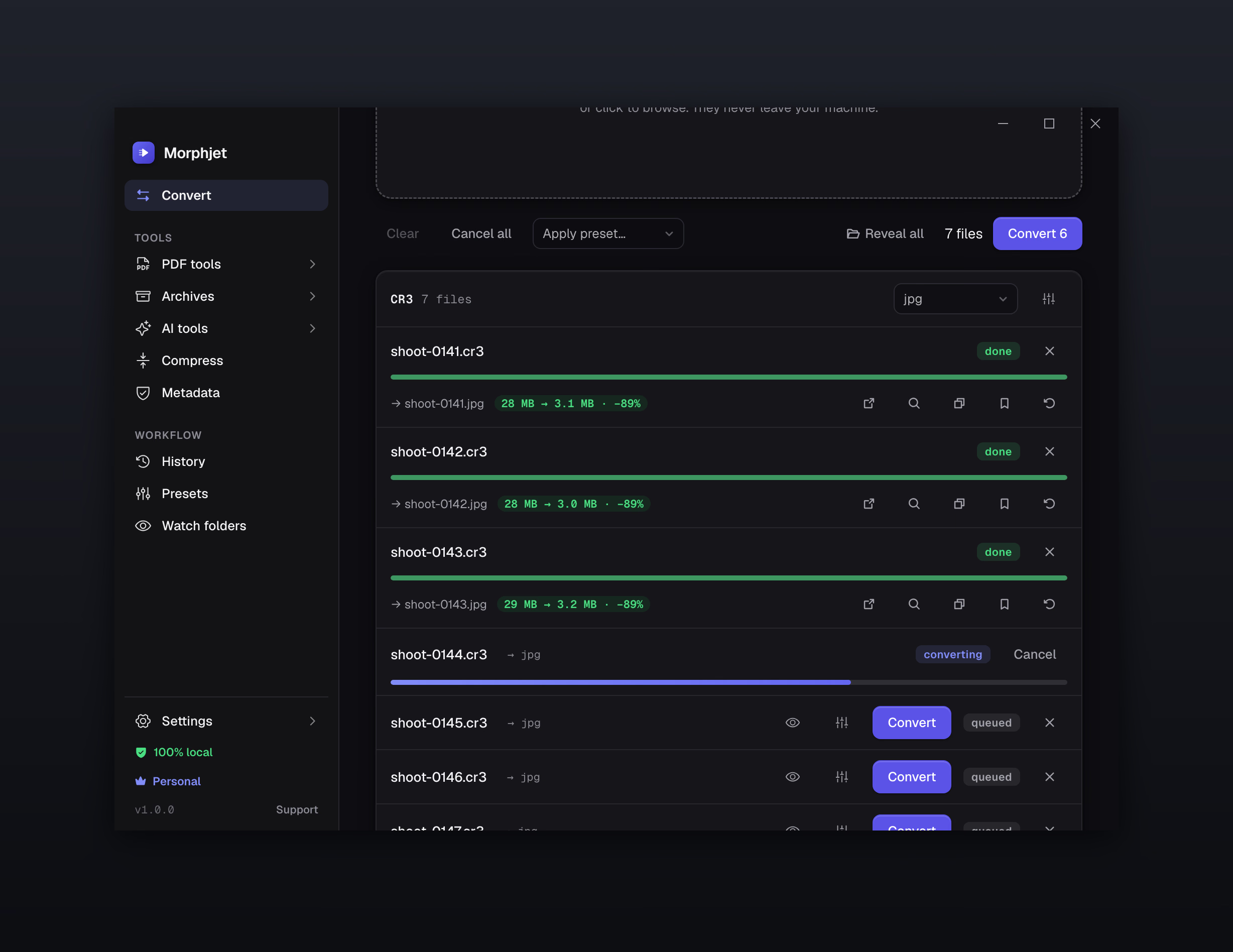
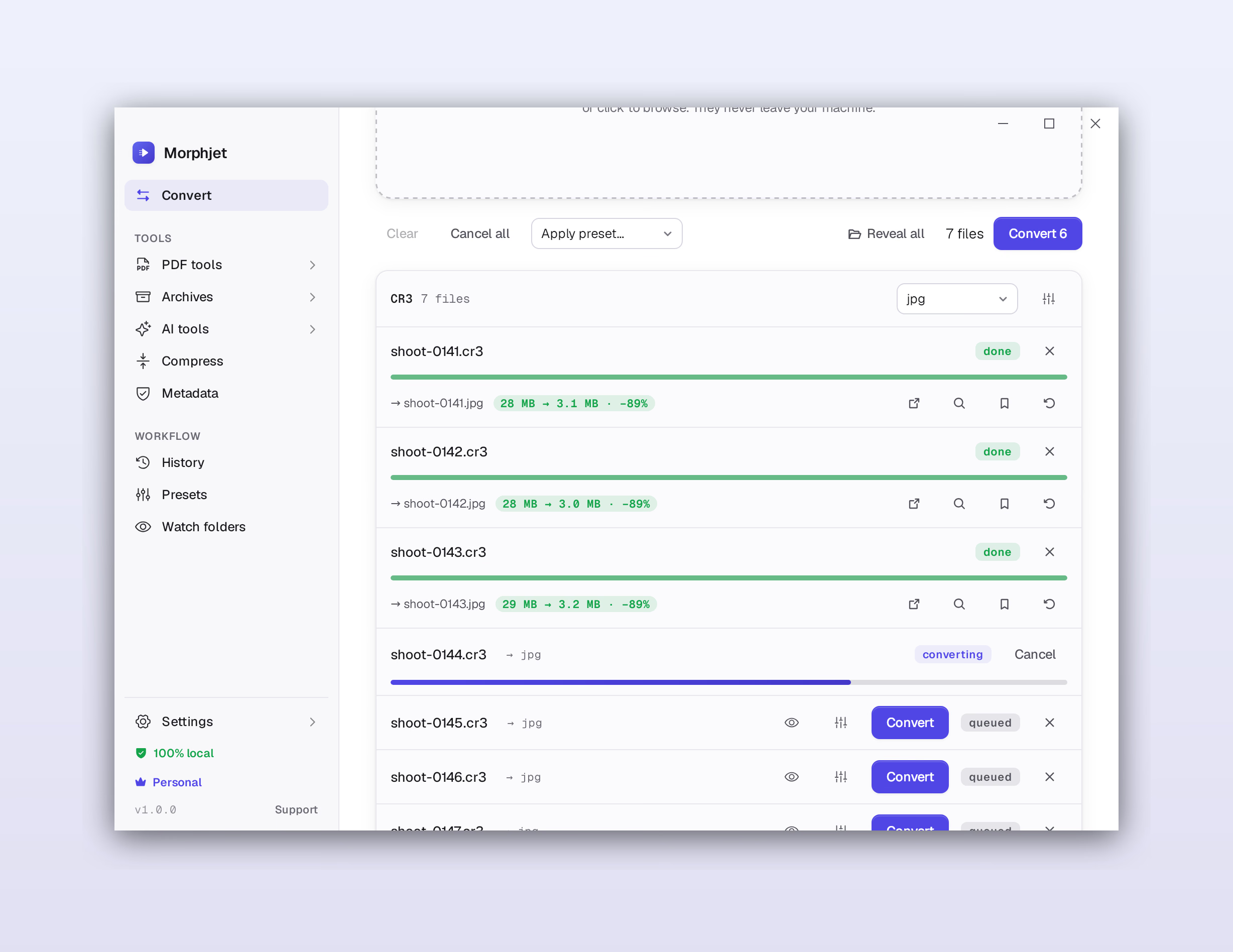
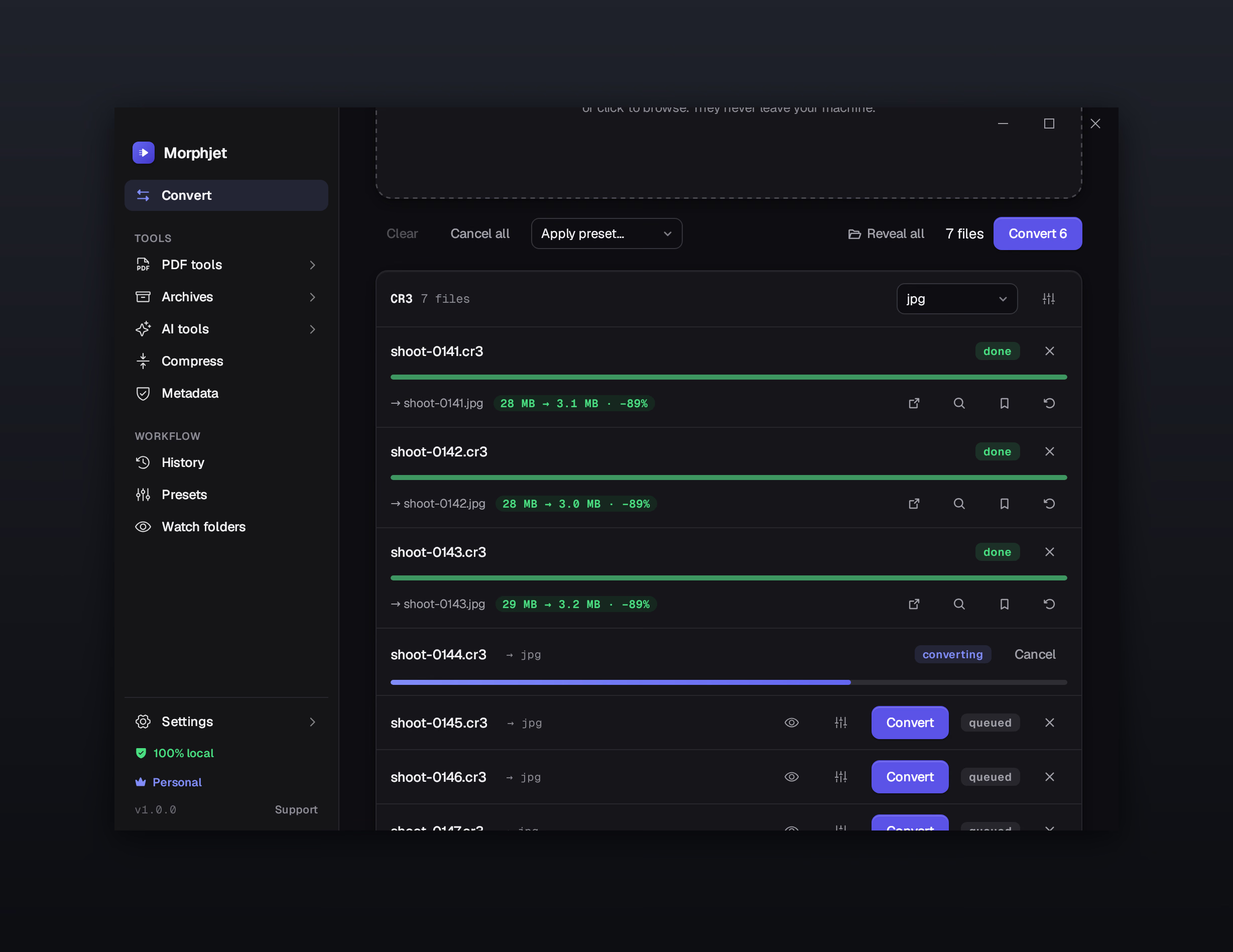
Whole folders at once
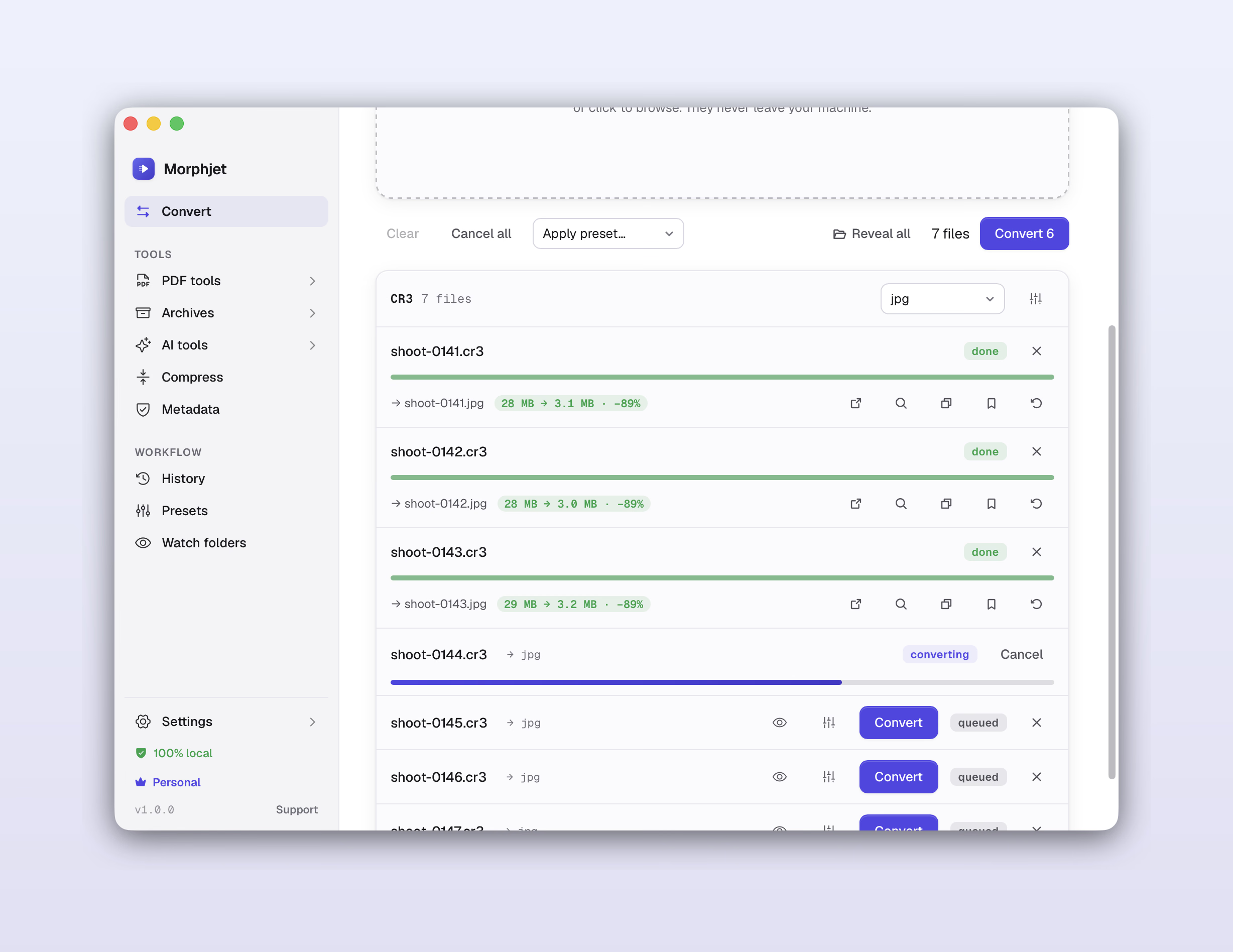
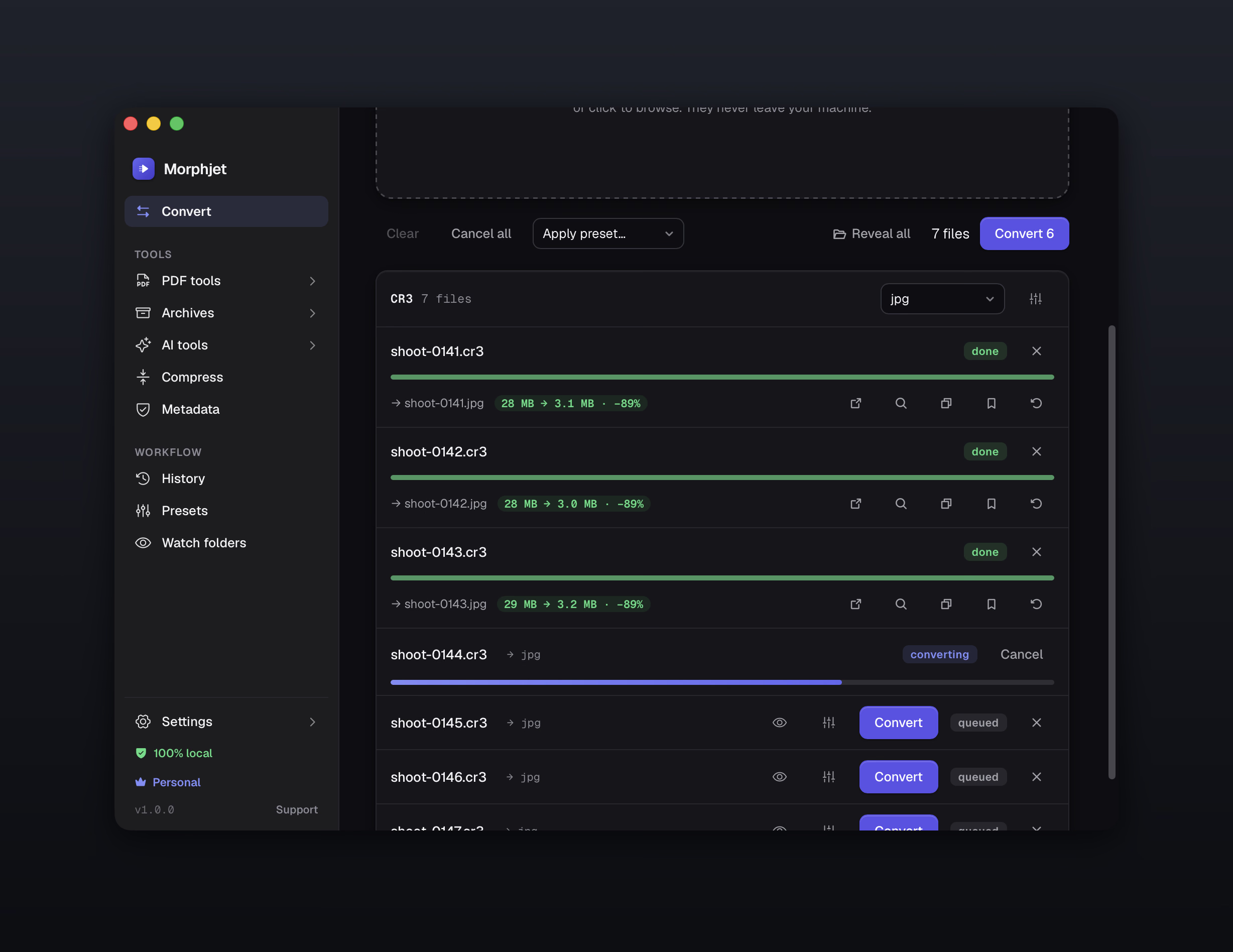
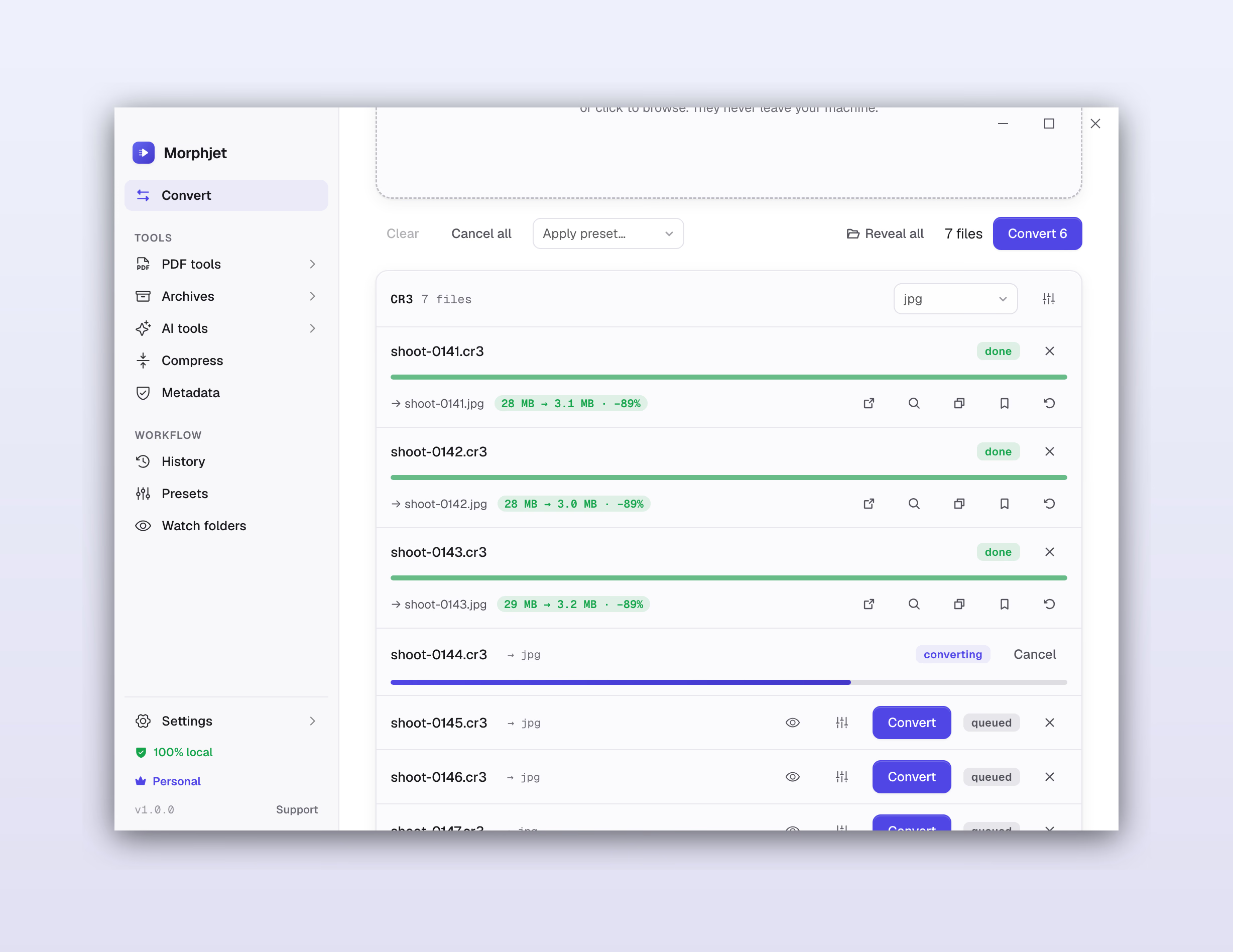
Drop in a folder and convert everything in it in one go, not one file at a time.
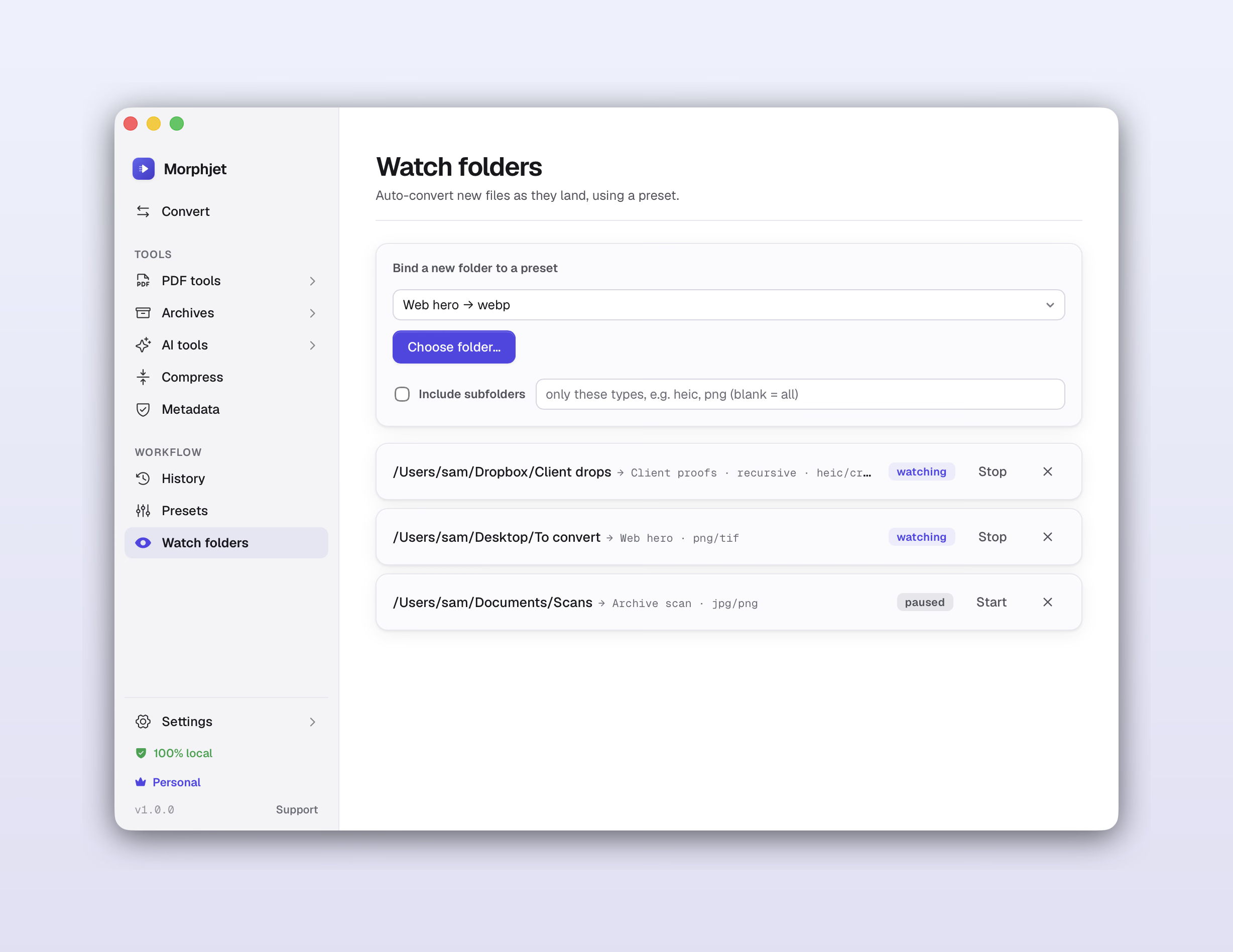
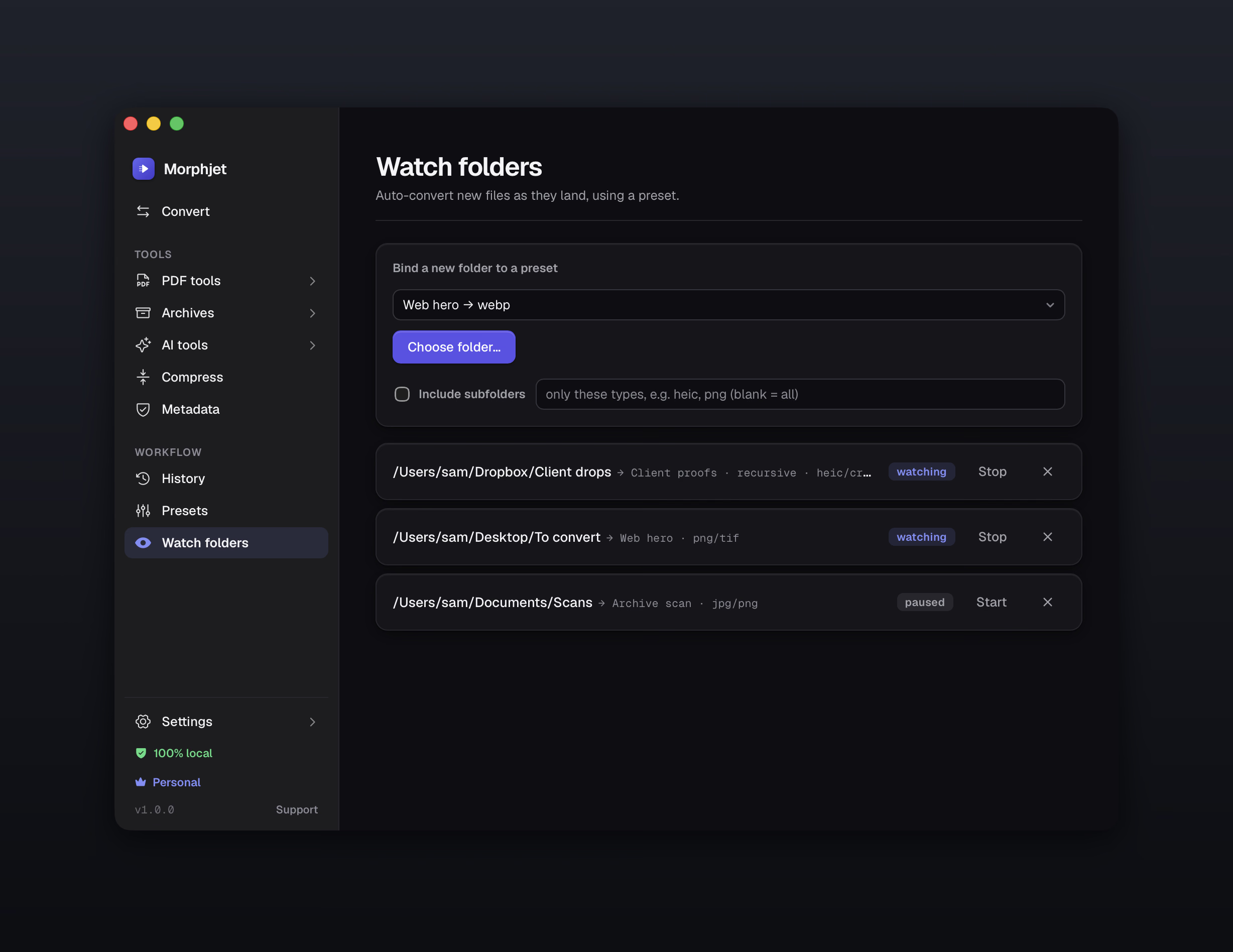
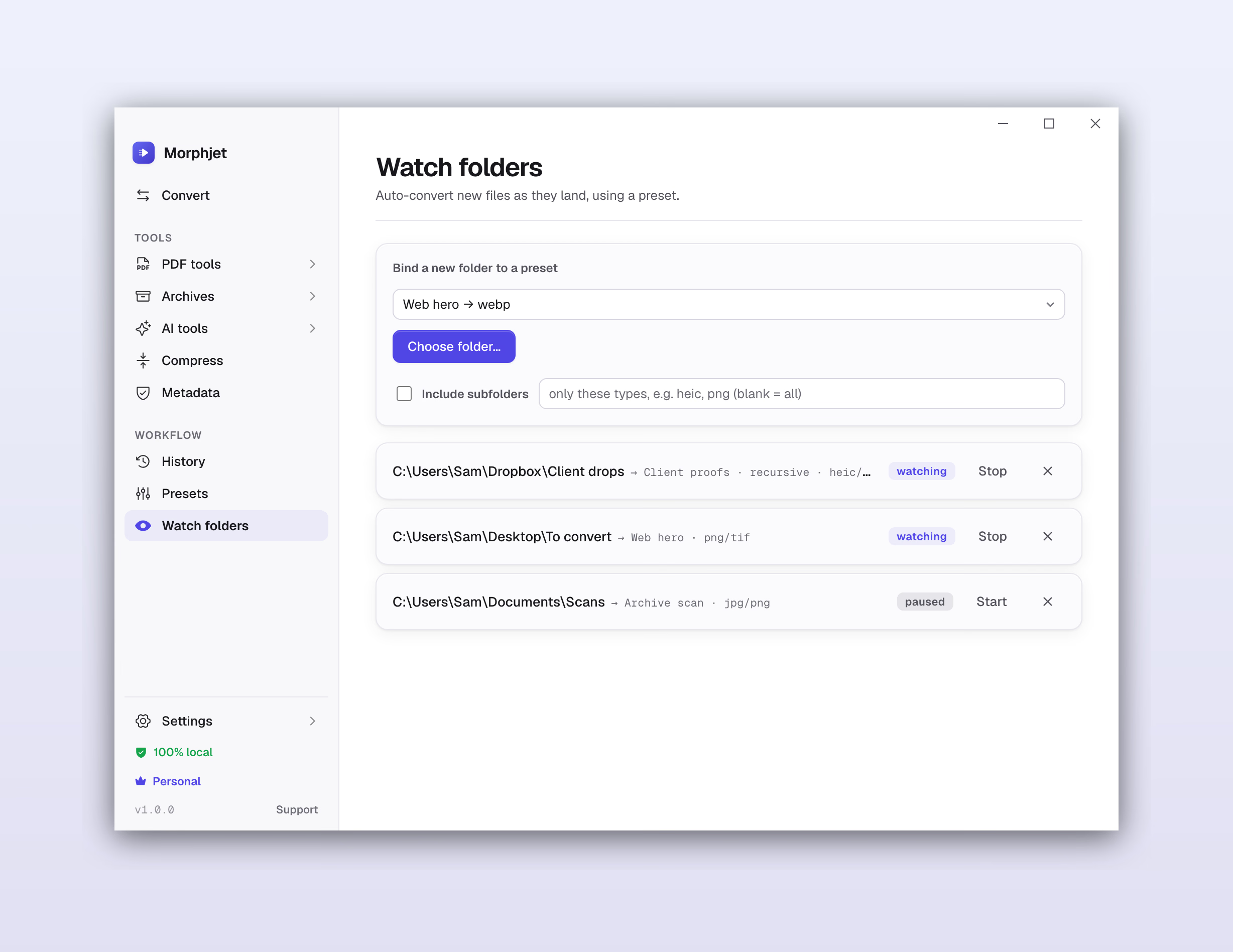
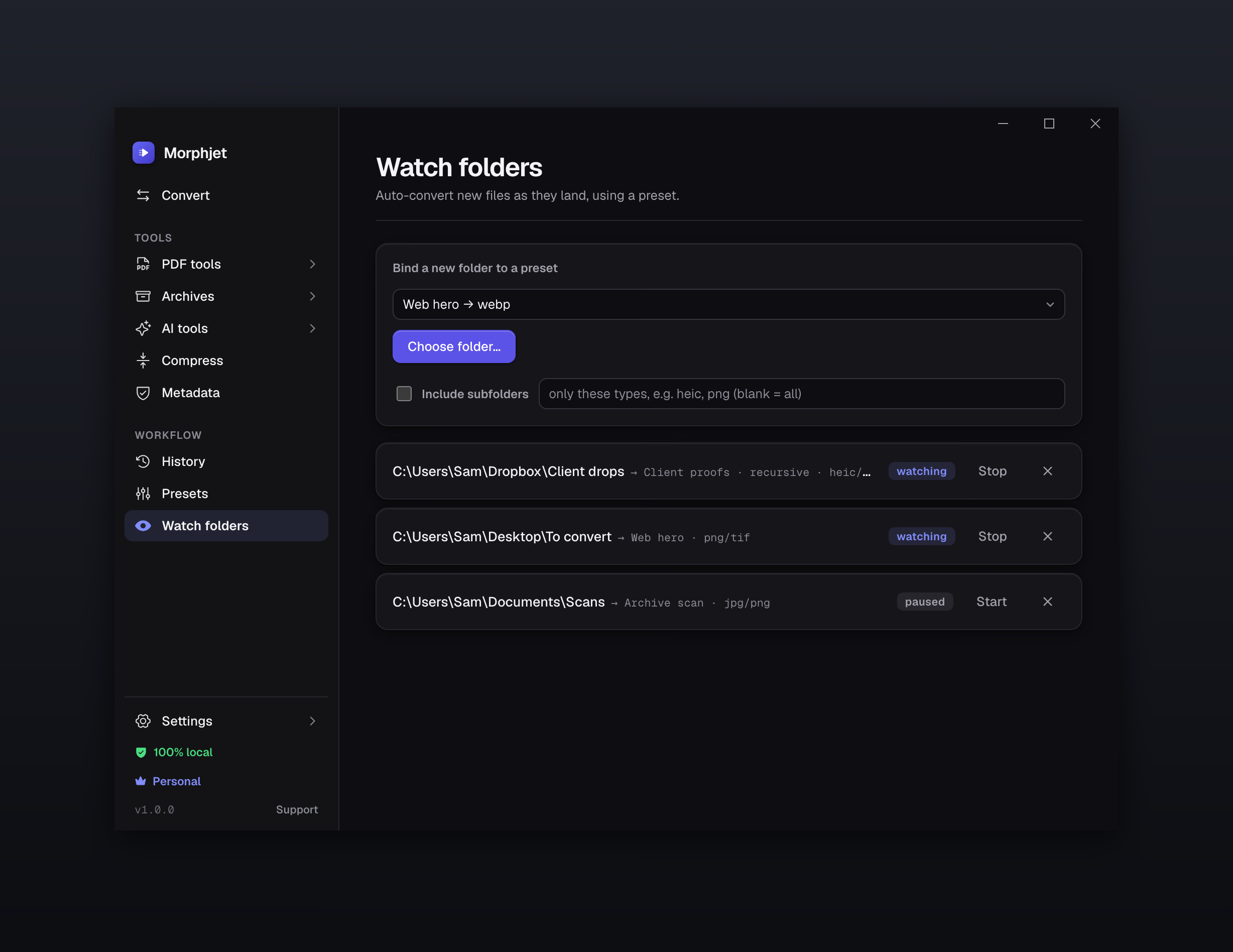
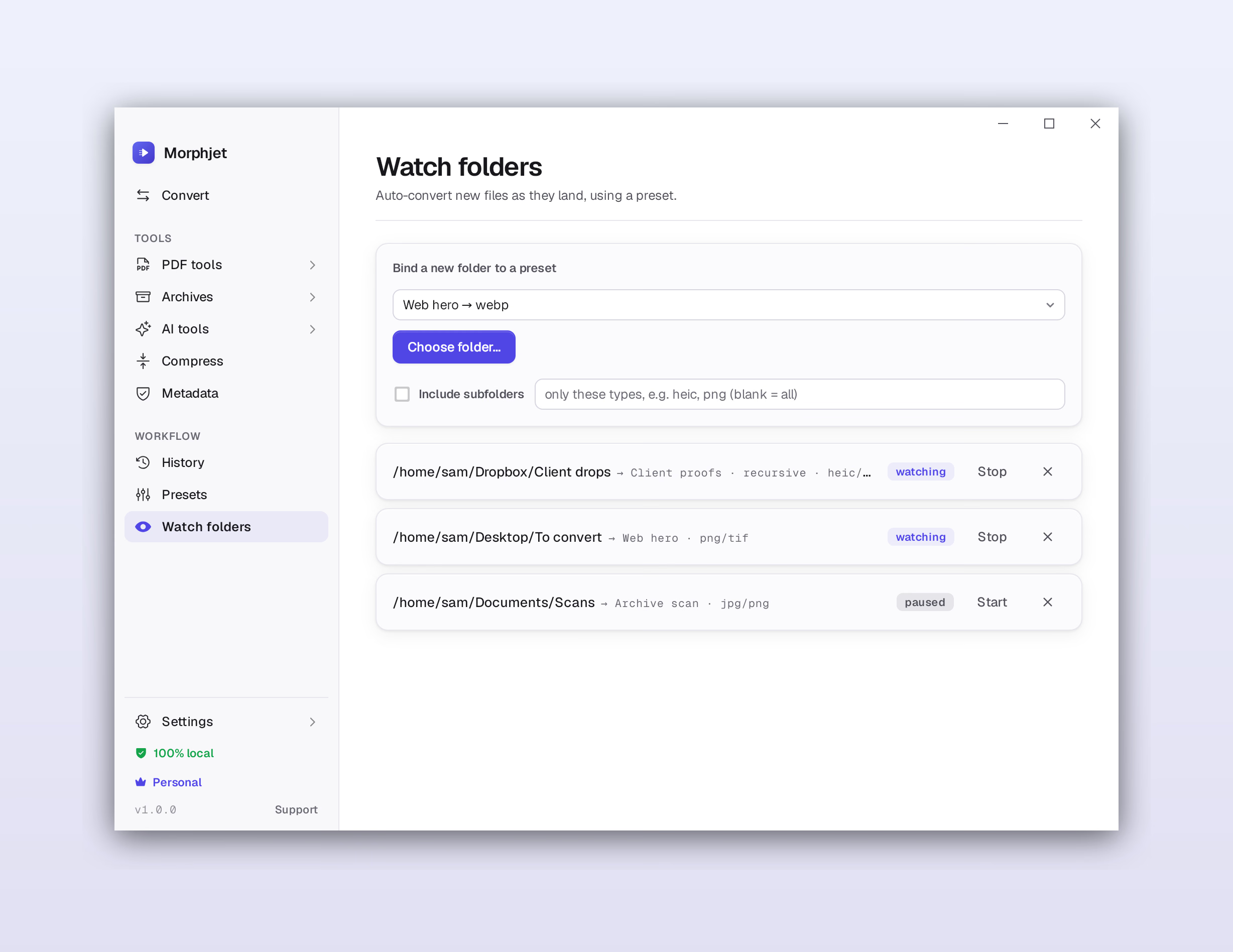
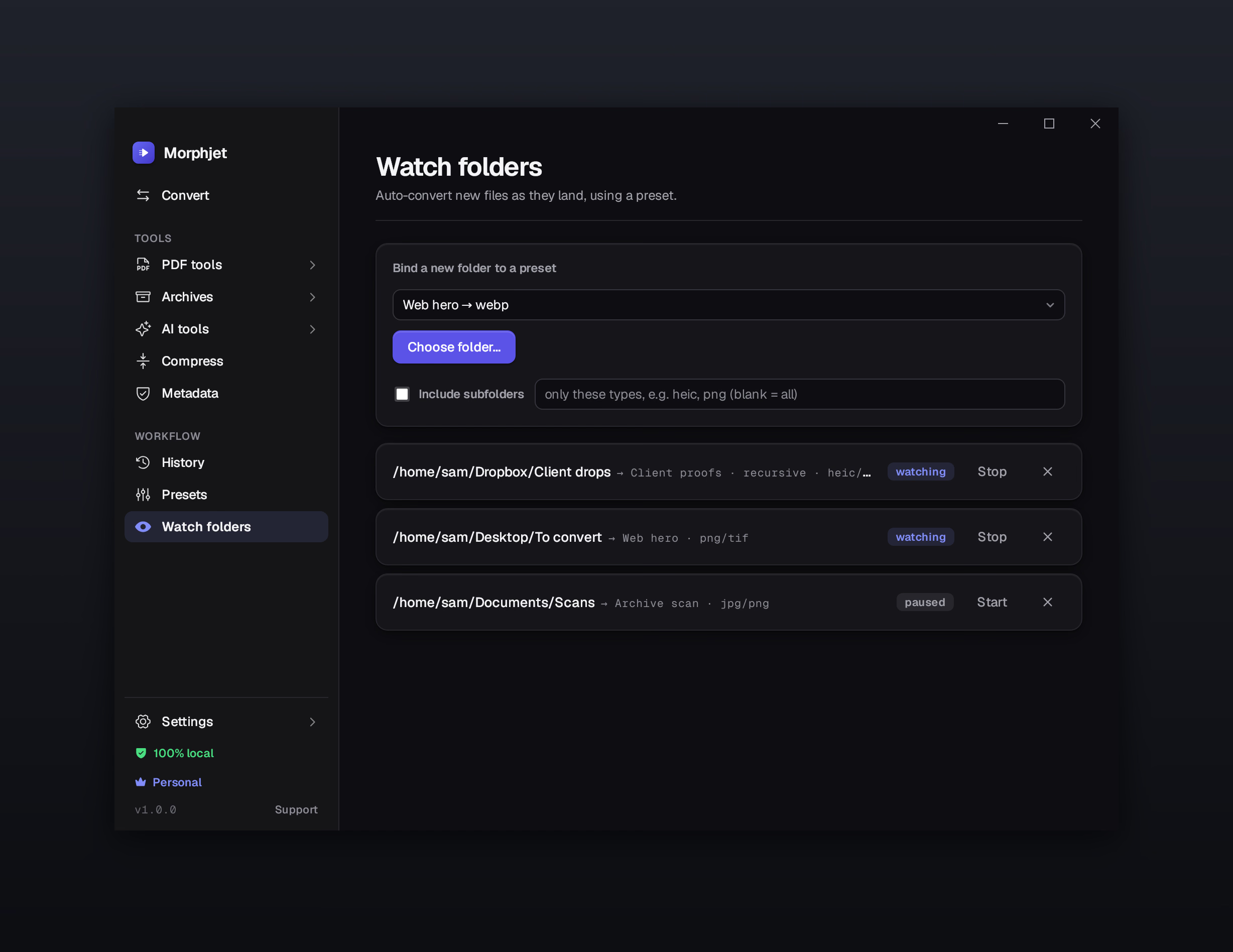
Set it and forget it
Point it at a folder and it converts anything new that lands there, automatically.
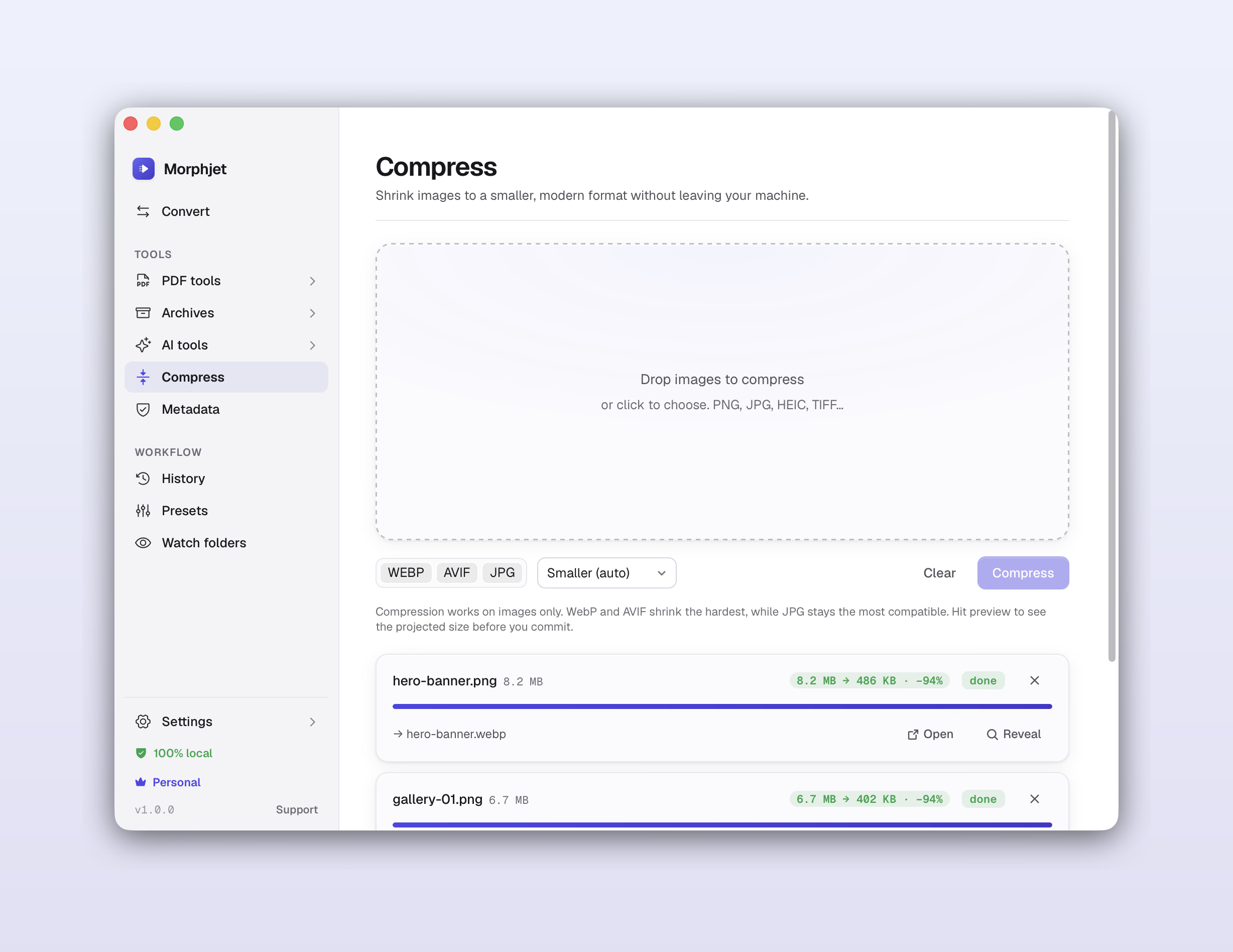
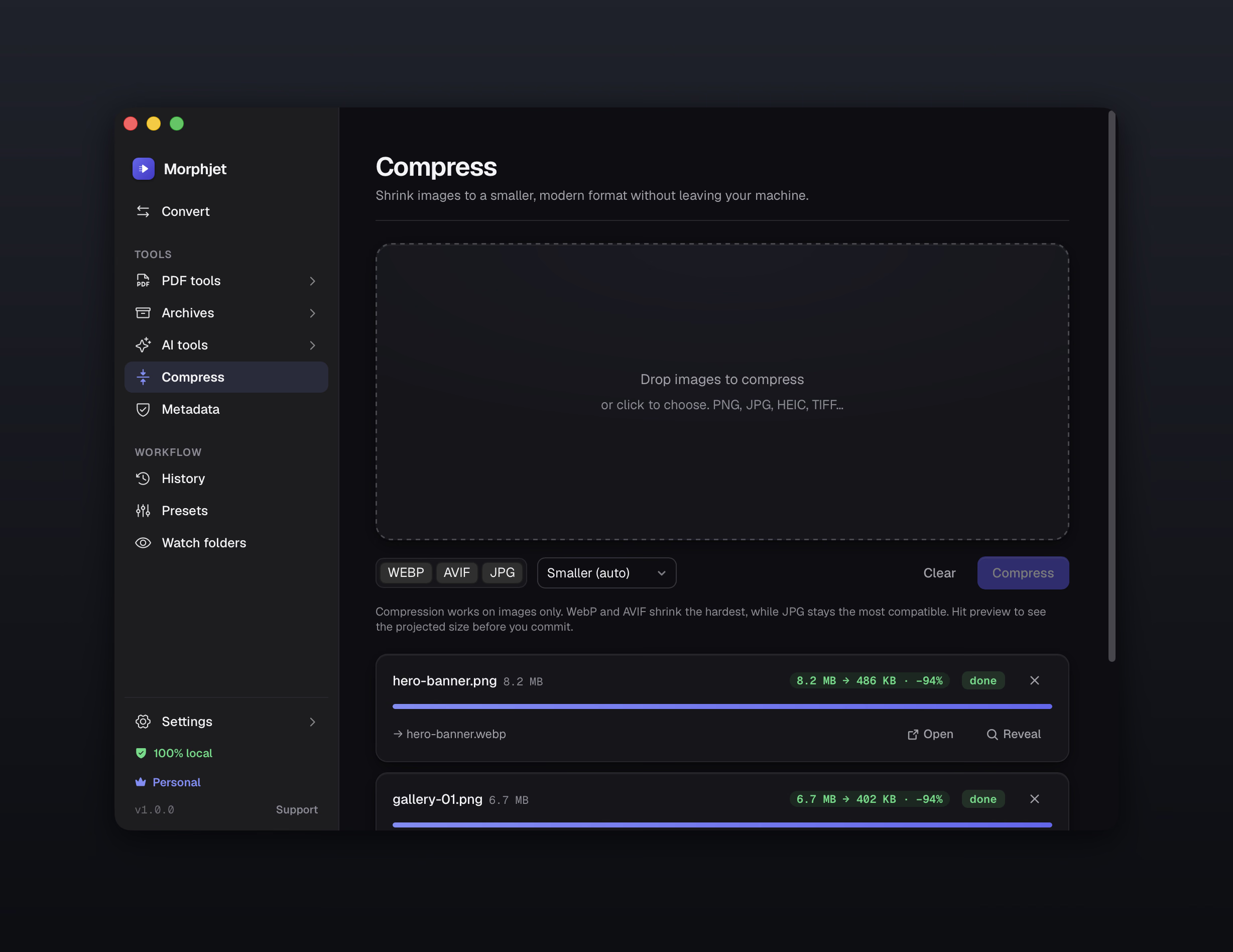
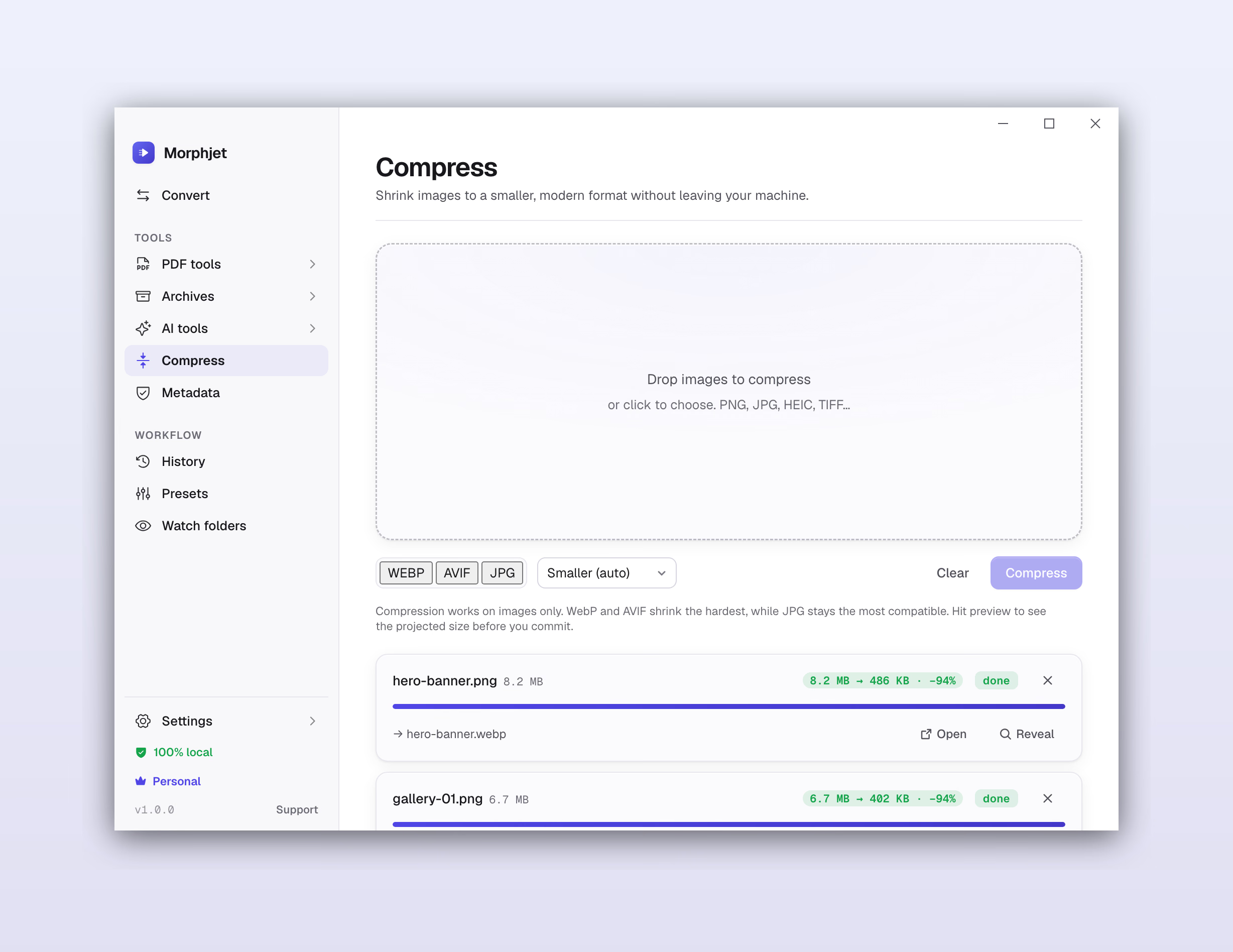
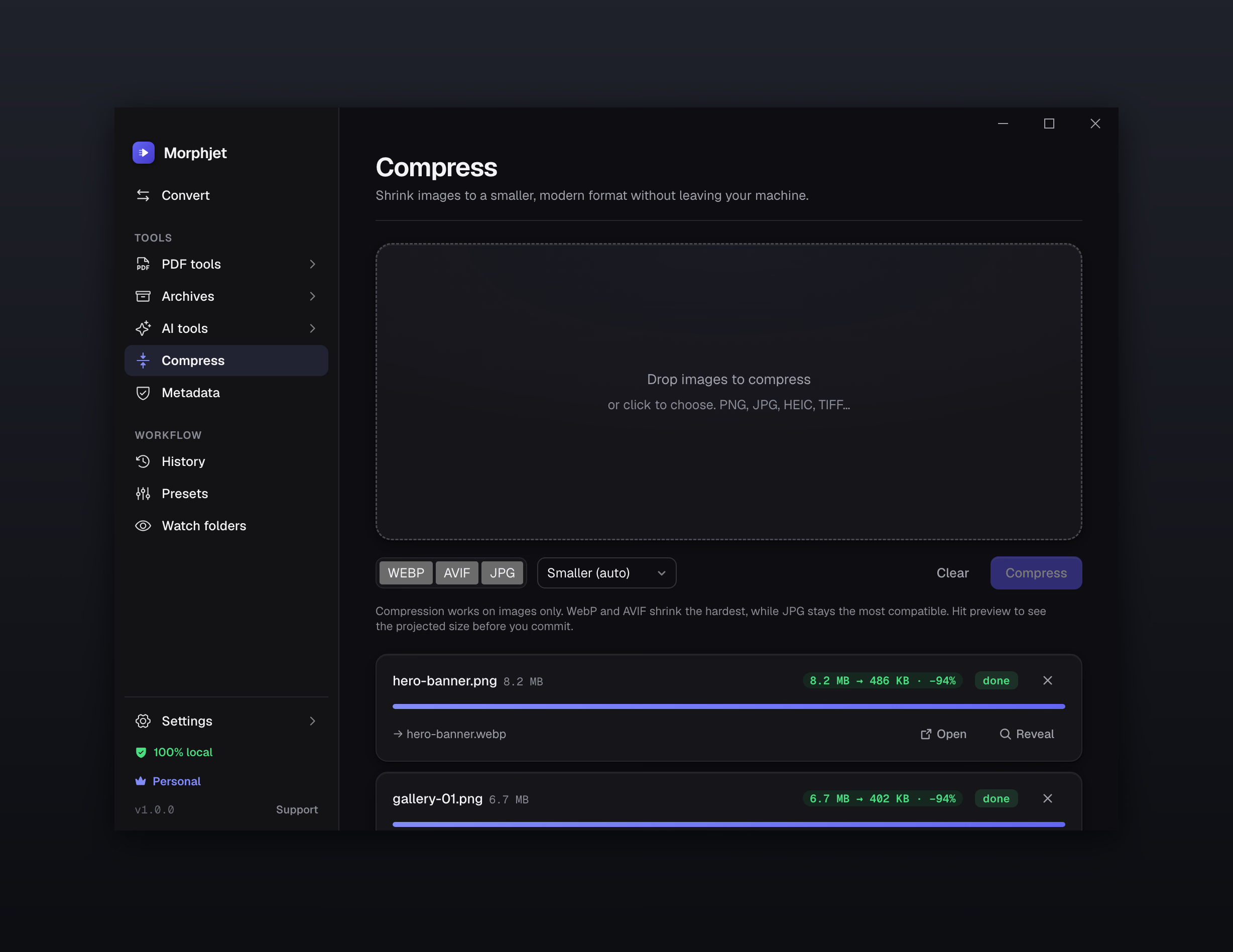
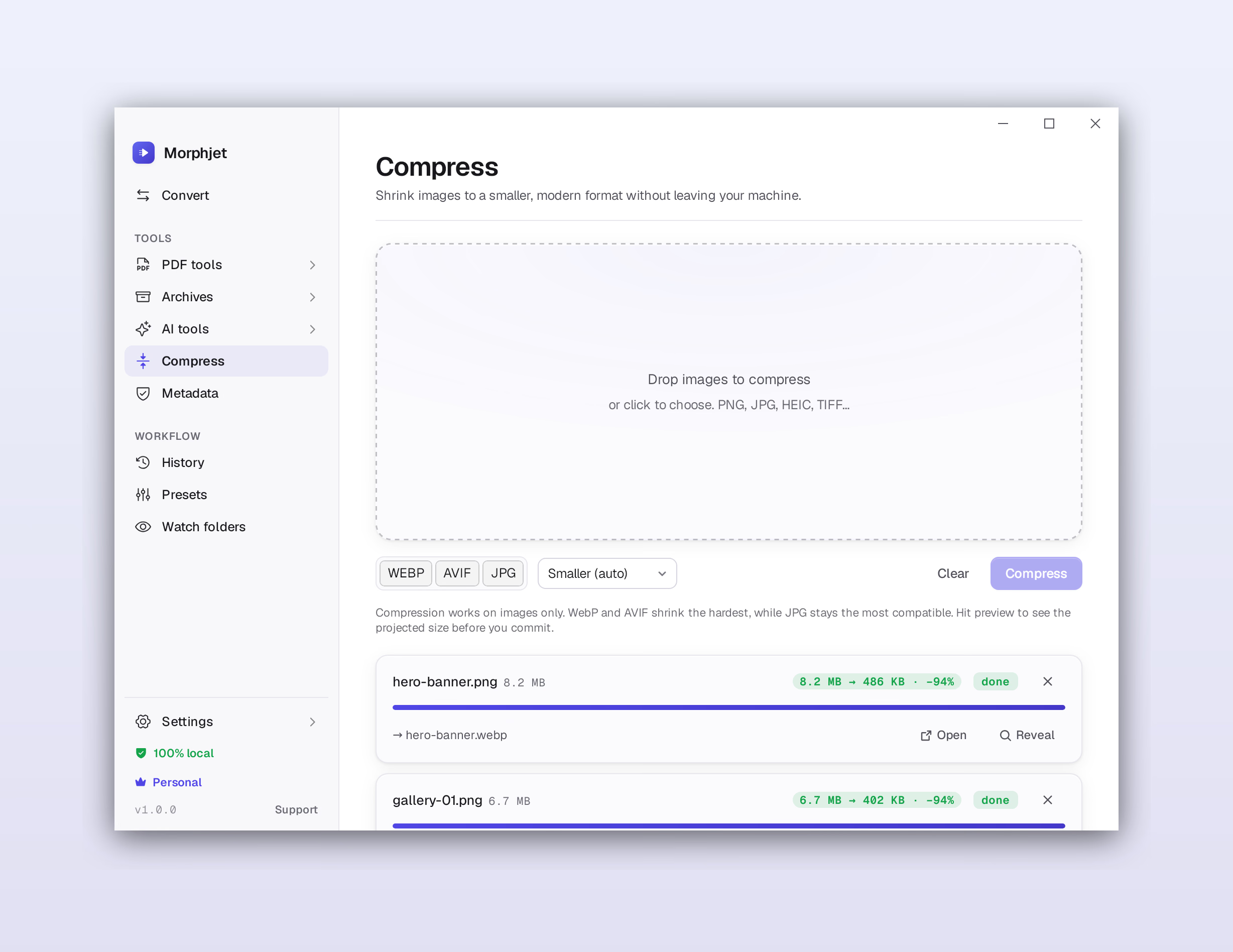
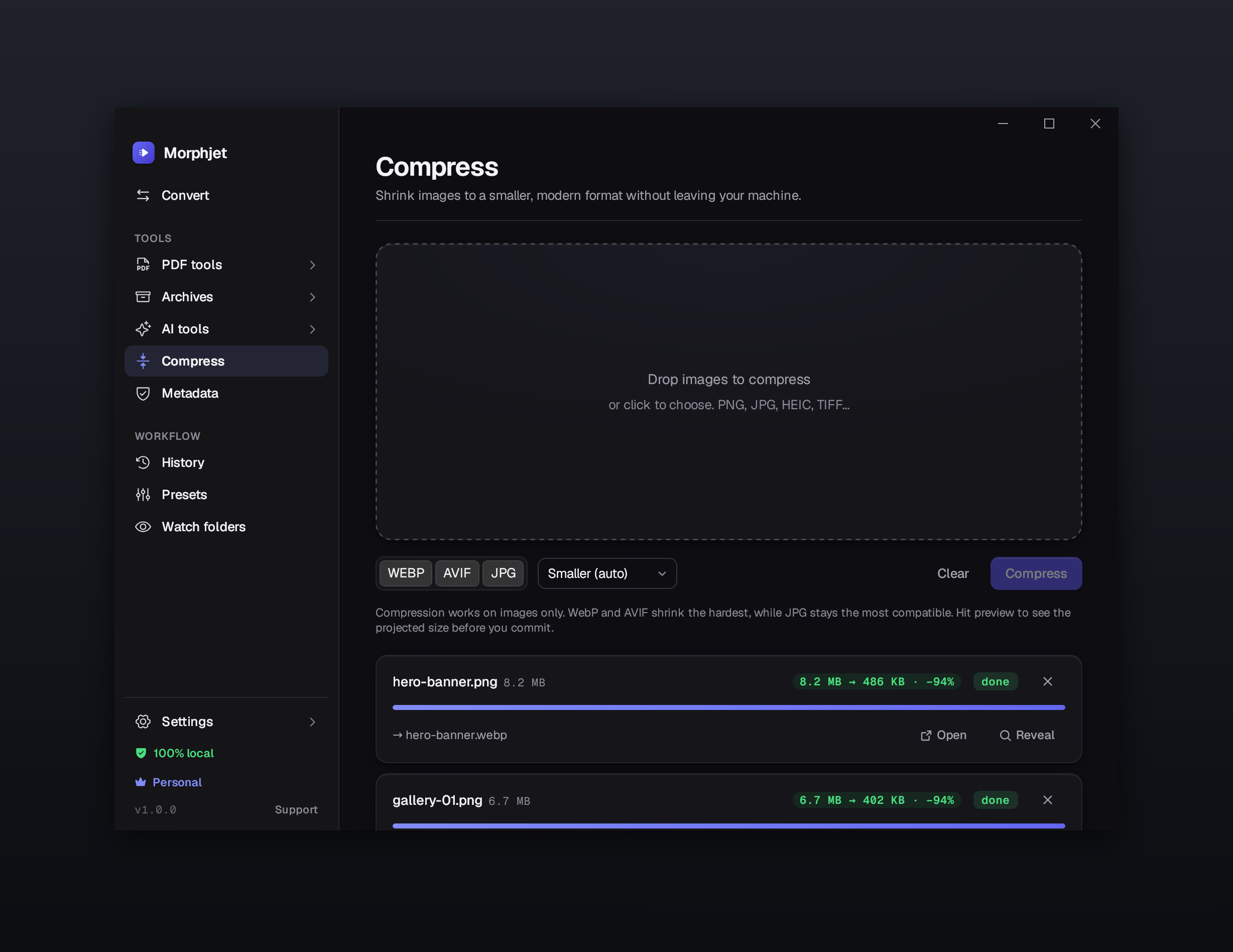
Smaller files, same look
Shrink photos and documents to a target size without an obvious drop in quality.
Before you install
What you need, and what you get
System requirements
- macOS (Apple Silicon)
- macOS 15 Sequoia or later, Apple Silicon (M1 and newer)
- Windows
- Windows 10 or 11, 64-bit
- Linux
- glibc 2.35 or later (Ubuntu 22.04+, Debian 12+, Fedora 36+), 64-bit x86
A typical install is small; each conversion engine downloads only the first time you use that kind of conversion.
Every download includes
- Works completely offline, no account, no sign-in
- No file-size caps, no watermarks, no daily limits
- The whole interface in seven languages
- One-time purchase, not a subscription
- Free updates for as long as you use the app
See pricing for what's in each plan. The app itself is identical in both.
Good to know
Common questions
Is it safe to download and run?
Yes. The Mac and Windows builds are signed, so your computer can confirm the app came from us and reached you unchanged. And because Morphjet converts files on your own machine, it has no reason to send anything anywhere.
Do I need an account?
No. There's nothing to sign up for. You open the app and start converting. Nothing you convert is tied back to you.
Does it work without internet?
Yes. The only time it reaches the network is the first time you use a given kind of conversion, to fetch that one small engine. After that it runs fully offline, and you can convert with your wifi off.
How do updates work?
The app checks for updates on its own and installs them when you're ready. Updates are free for as long as you use the app, on every purchase, so there is nothing to renew and nothing to expire.
Can I install it on more than one computer?
Yes, on the computers your plan covers. It's a one-time purchase you own, not a seat you rent.
What languages is it in?
Seven: English, Spanish, German, Portuguese, French, Italian, and Simplified Chinese. It picks up your system language the first time it opens, and you can change it any time in settings.
Not ready to install yet?
Watch it work on real files first, or read what it costs. It's a one-time purchase with 14 days to change your mind.