MorphjetJoin the waitlist
In final testing·Mac & Windows

Any file. Unlimited. On device.

Run 2,748 conversions, run a full PDF toolkit, transcribe audio, upscale photos, cut out backgrounds. It all runs on your own machine, with no caps and nothing ever uploaded. One app, Mac and Windows.

In final testing. Everyone on the list gets 30% off on launch day, no spam, just one email when it's ready.

  • 100% on-device
  • No caps or watermarks
  • No account
  • Pay once
  • 14-day money back
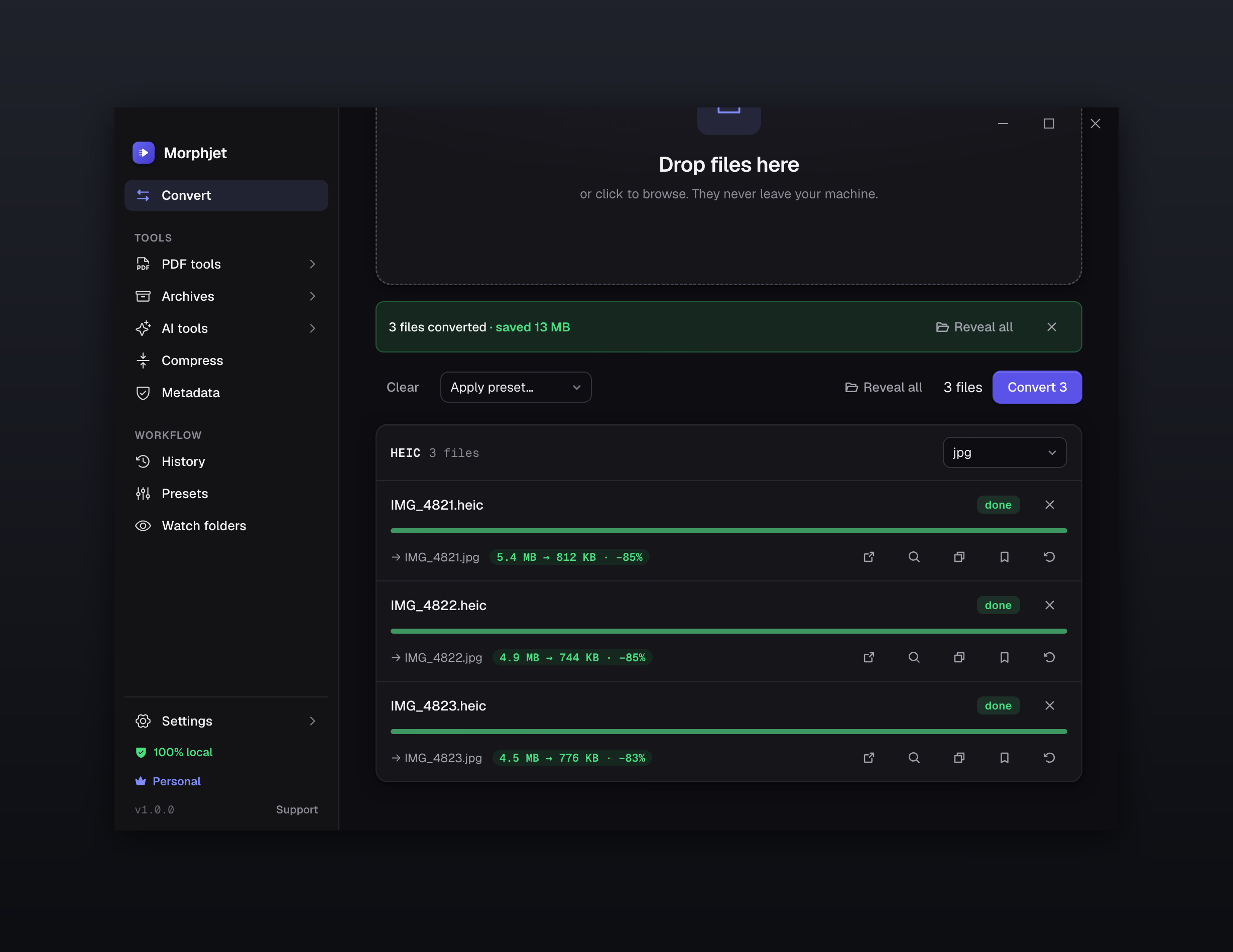
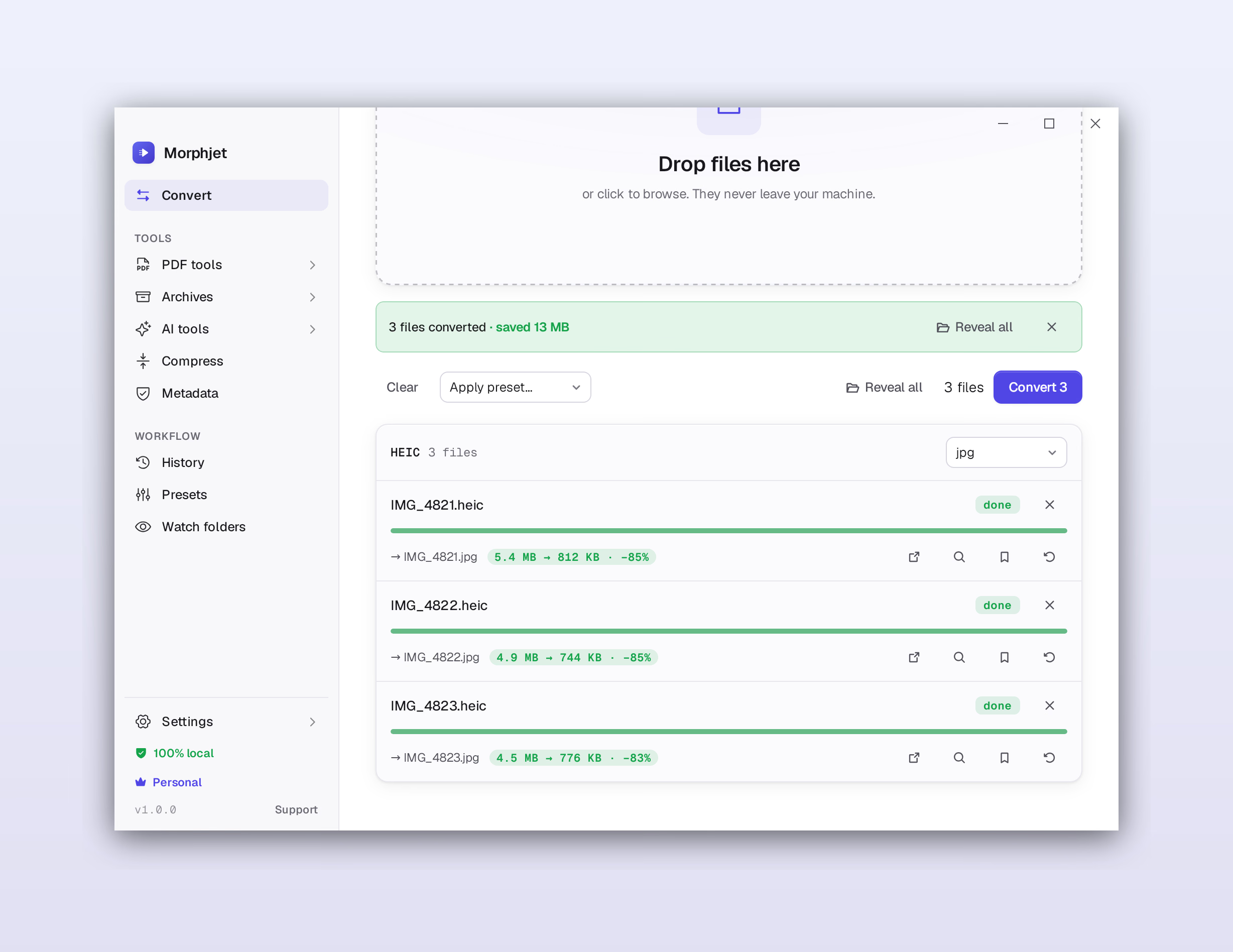
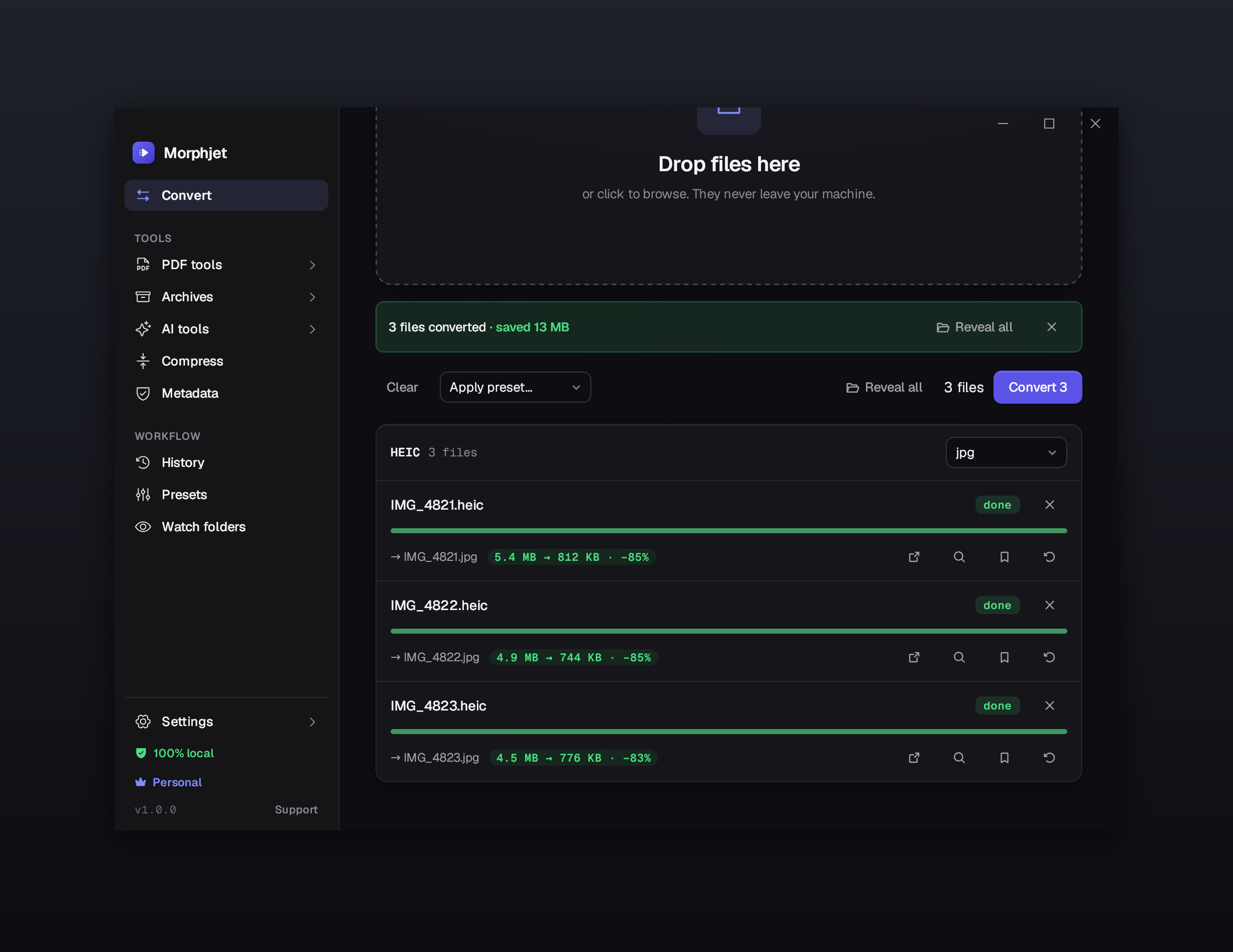
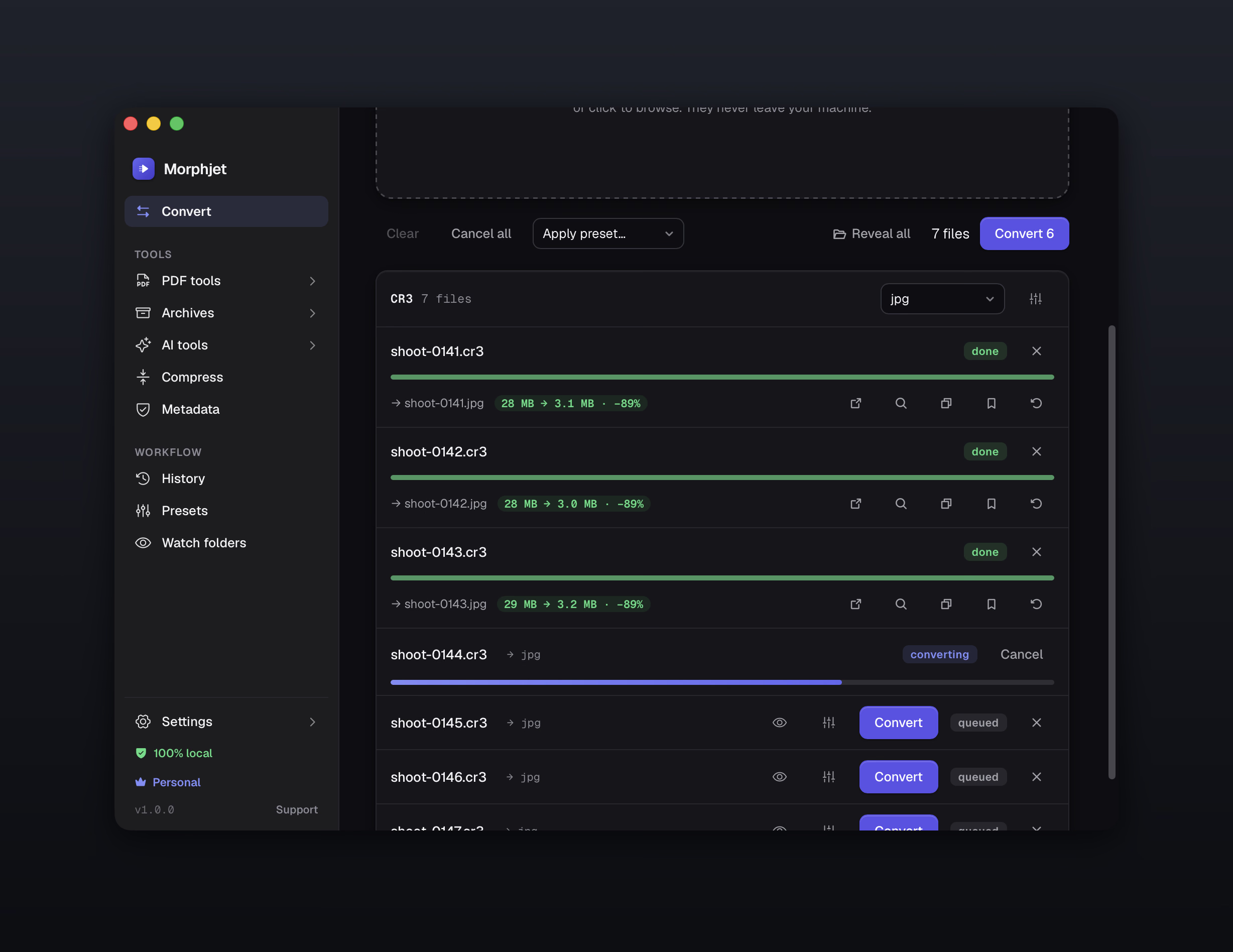
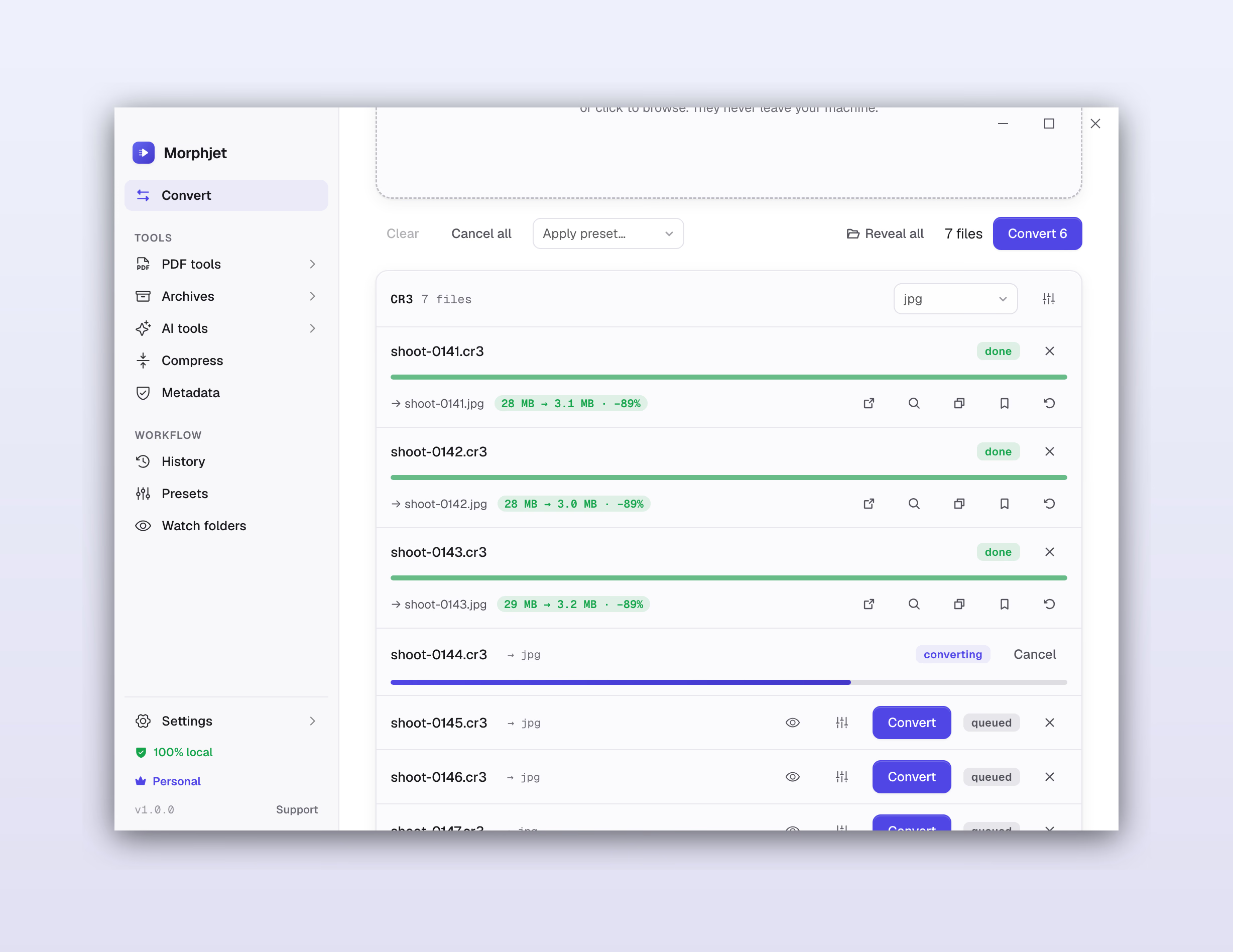
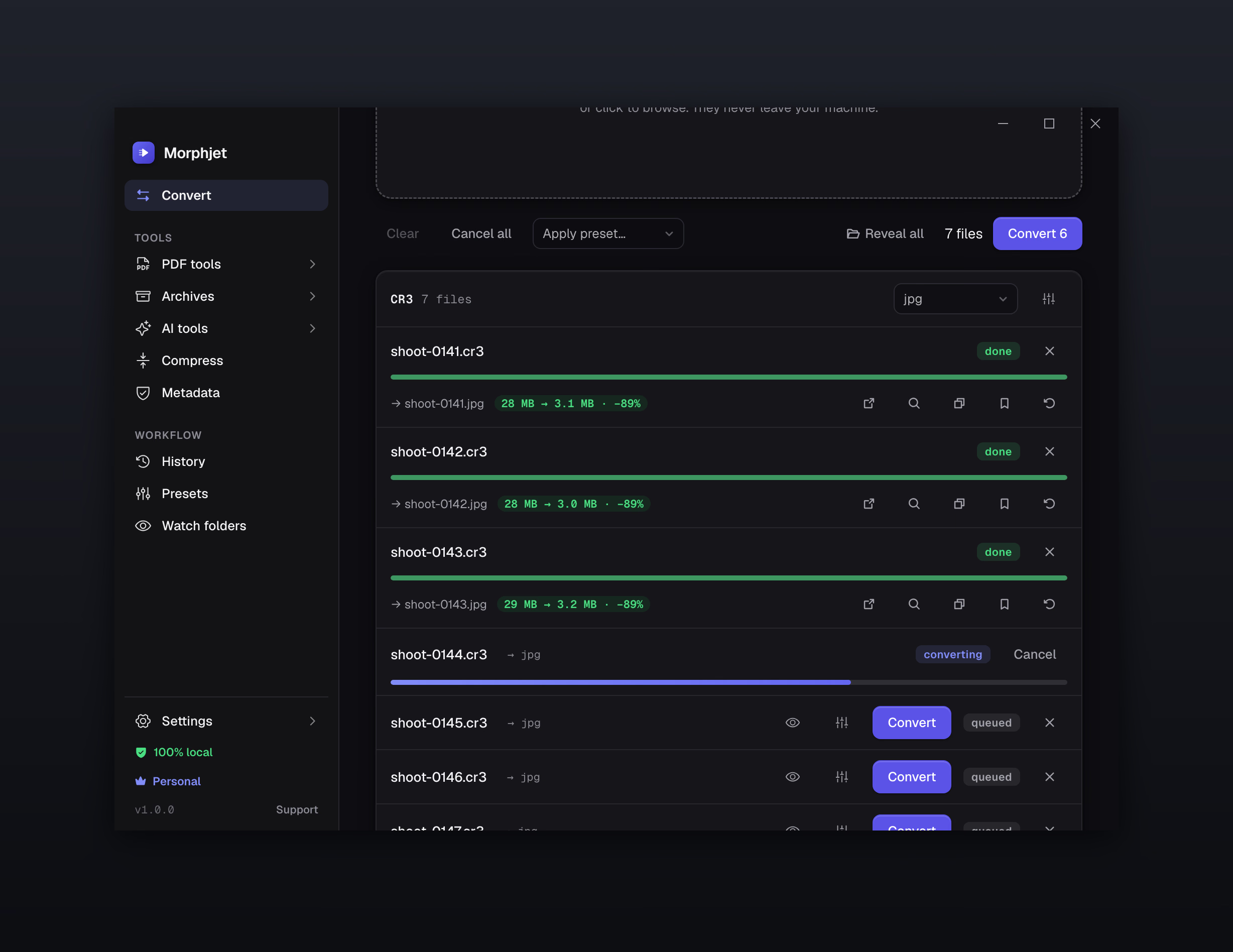
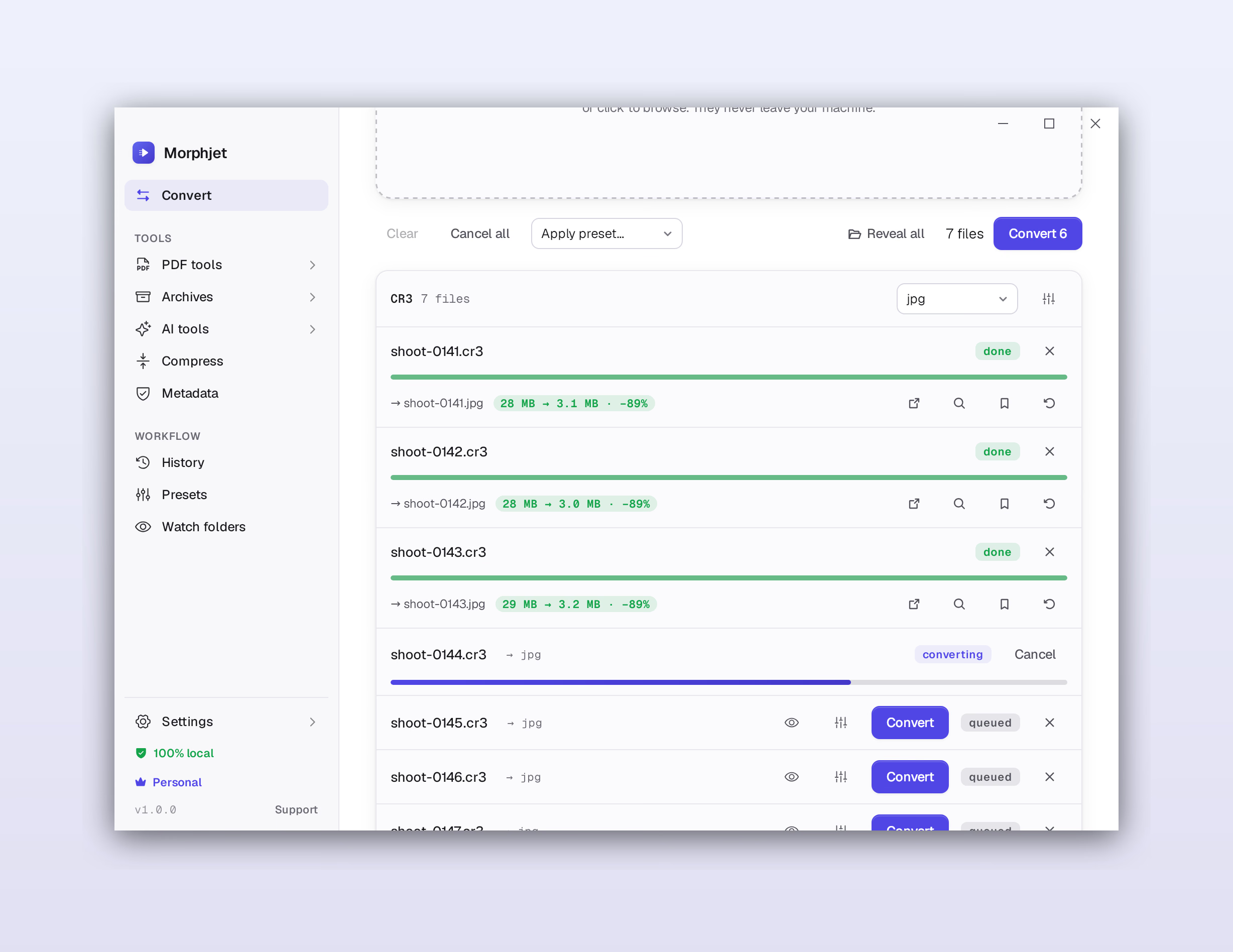
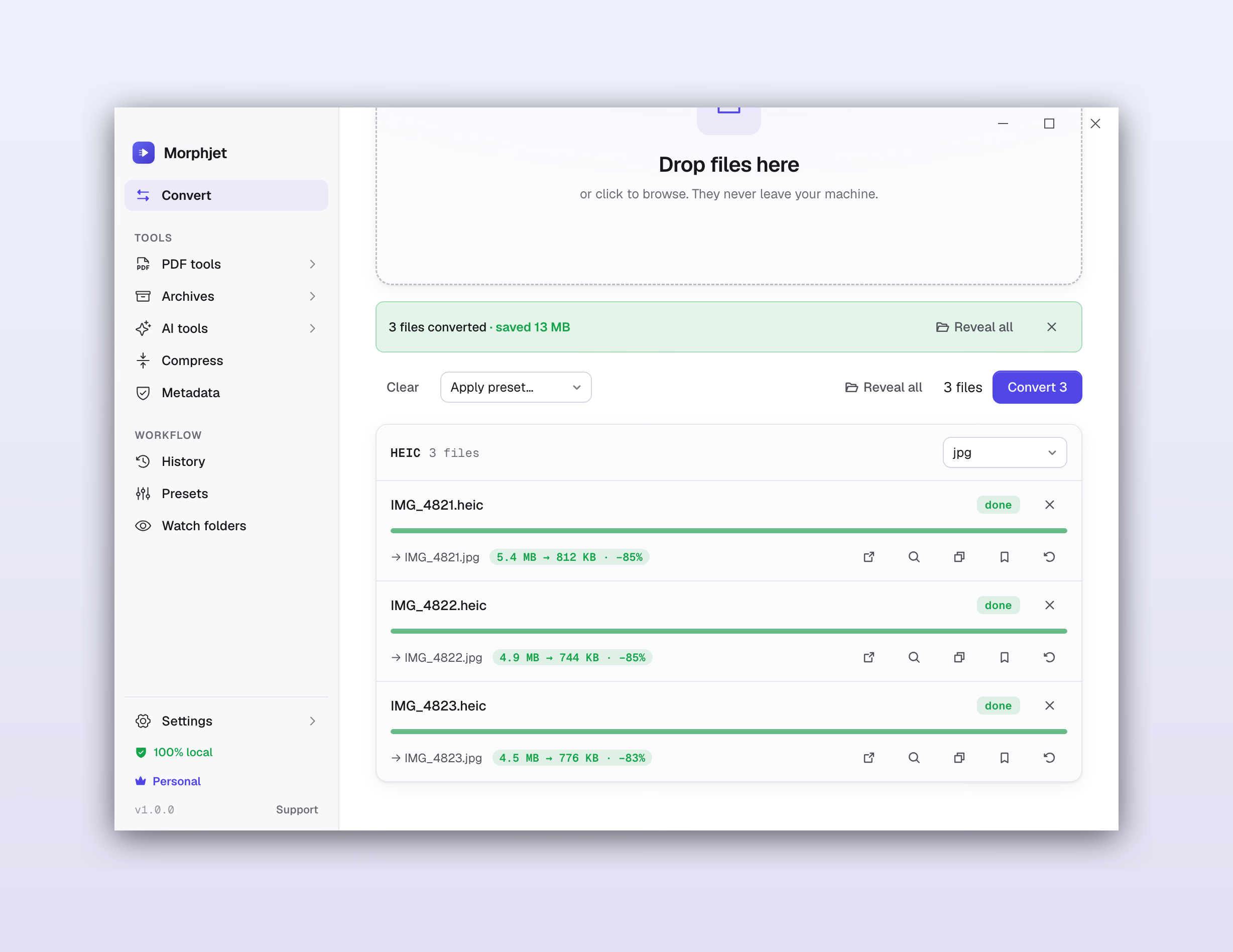
The Morphjet app converting HEIC photos to JPG on a Mac, showing the space saved, all on-device.The Morphjet app converting HEIC photos to JPG on a Mac, showing the space saved, all on-device.The Morphjet app converting HEIC photos to JPG on a Mac, showing the space saved, all on-device.The Morphjet app converting HEIC photos to JPG on a Mac, showing the space saved, all on-device.

Online converters are a black box.

You drag your file into a website and it vanishes into someone else's server. You can't see what runs on it, whether it's copied, how long it's kept, or who else takes a look. You get a download link back and hope for the best.

Some of them are malware.

In 2025 the FBI's Denver office and Malwarebytes flagged a wave of free online converters that quietly install malware or scrape whatever you upload. MIT's IT team is blunt: don't use them. You can't audit a black box. You're just trusting it.

And the safe ones are just annoying.

Two files a day. A watermark stamped across your output. An account you didn't want. A subscription to save a single PDF. For a tool that should take one click.

Morphjet has no black box because your files never leave your computer. The conversion happens right there on your machine. There's nothing to upload, and nothing to trust.

The on-device difference

The whole thing runs on your computer.

Morphjet installs like any other app, with everything it needs built in. When you convert a file, the work happens right there on your machine, the same way Preview or Photos opens one. No upload, no queue, no server in the middle.

  • Nothing uploads

    Your files are read from your disk and written back to it. They never go over the network.

  • No account, ever

    Open the app and convert. No sign-up, no login, nothing that ties a file back to you.

  • Works with the wifi off

    On a plane, on hotel wifi, air-gapped at work. If your computer runs, Morphjet runs.

Everything you throw at it

One app instead of ten browser tabs.

2,748 conversions across the formats you hit every day, and the ones you hit once a year and can never remember how to open.

Archives

Including the password-protected ones.

  • ZIP
  • 7Z
  • TAR
  • GZ
  • RAR
  • CBZ
  • CBR

Plus spreadsheets, presentations, subtitles, fonts, CAD drawings, and a long tail of scientific and legacy formats. If you've heard of it, it's probably in here.

The app itself runs in seven languages, and follows your system language the first time it opens: English, Spanish, German, Portuguese, French, Italian, and Simplified Chinese.

Browse all 513 conversion guides

Beyond converting

It quietly replaces about seven apps.

The converter, the compressor, the PDF toolkit, the metadata cleaner, the archive tool, the folder-watcher, the right-click helper. One app, and it all runs offline.

Batch, with no limits

Drop a whole folder. Convert five files or five thousand. No two-a-day cap, no upgrade wall.

Watch folders

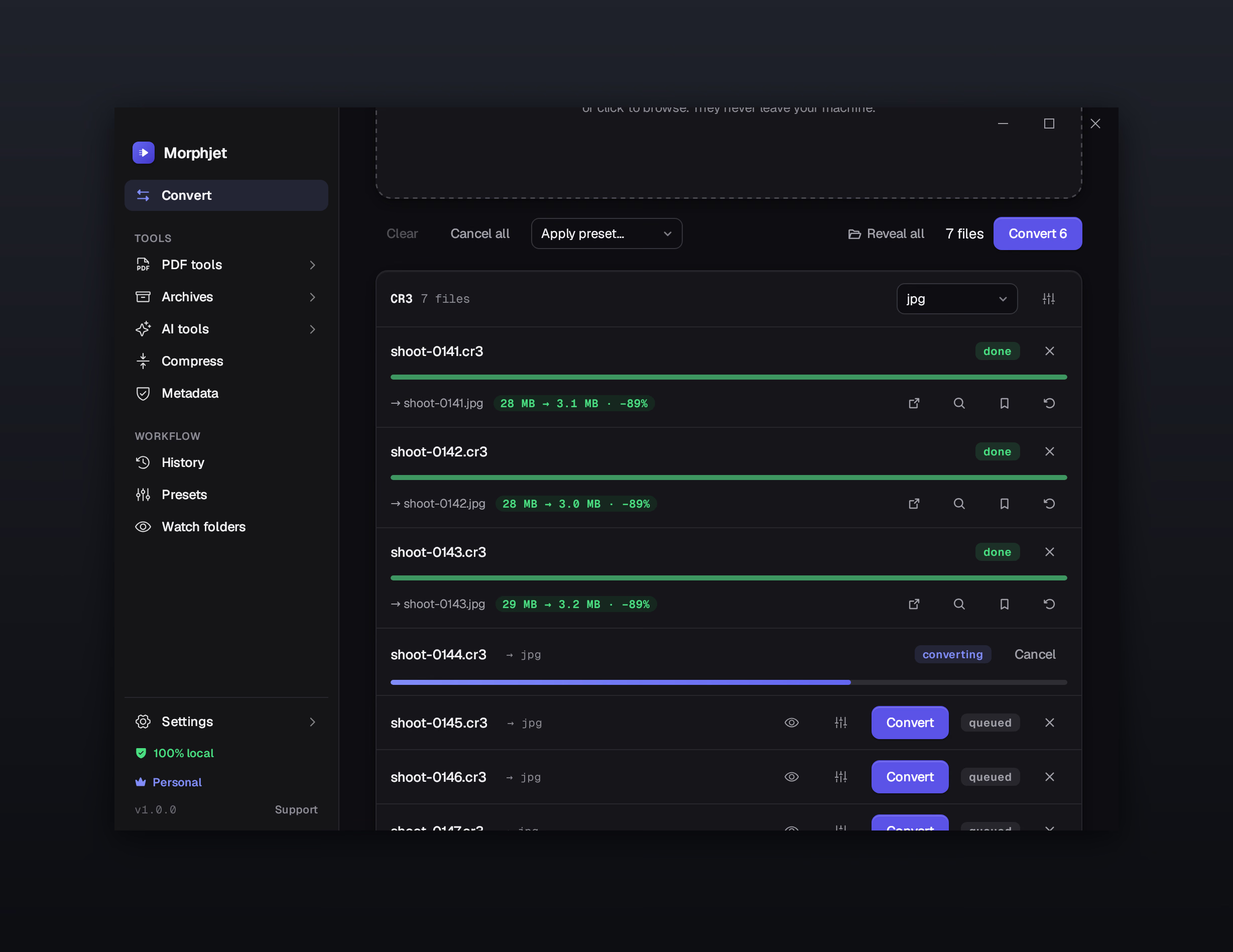
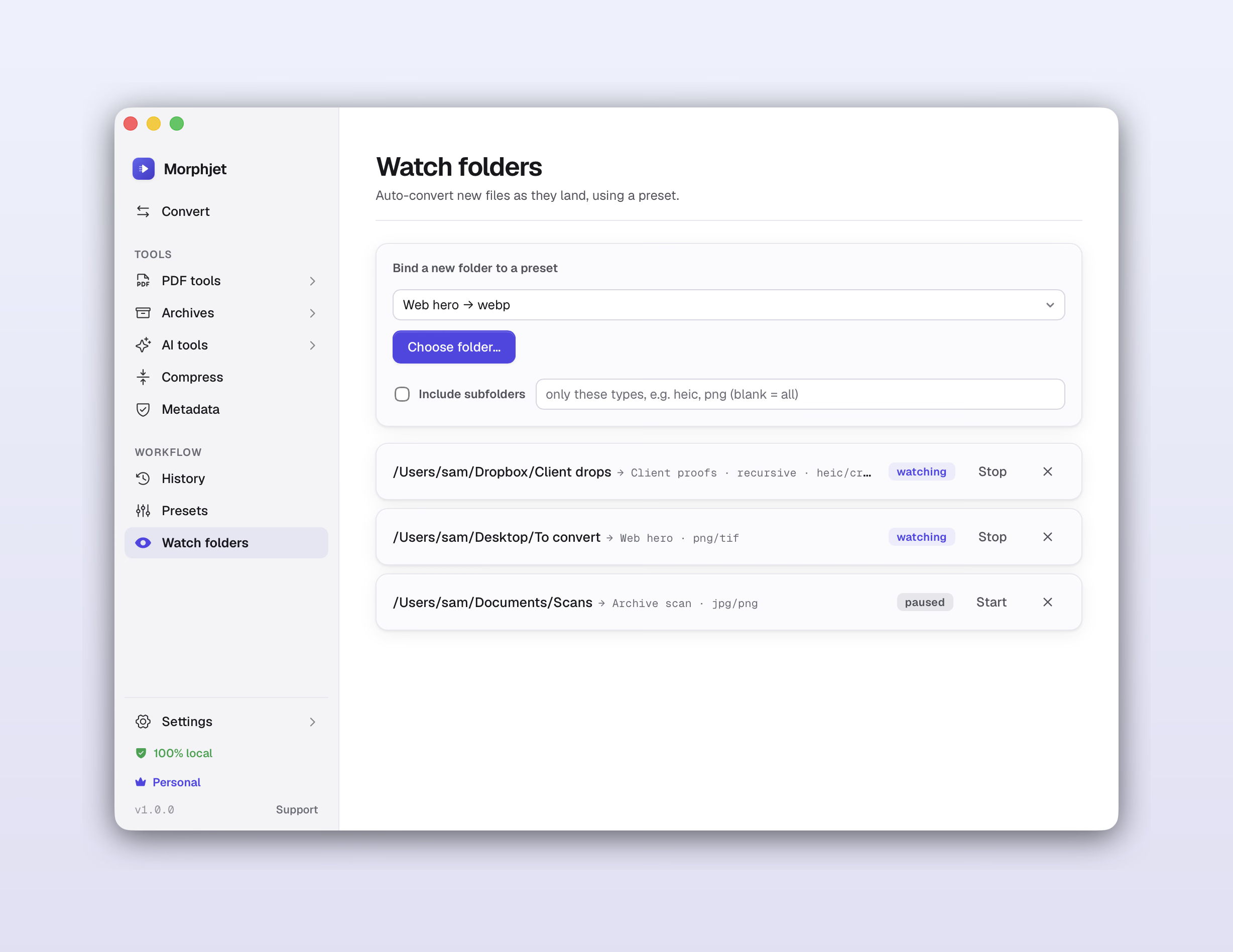
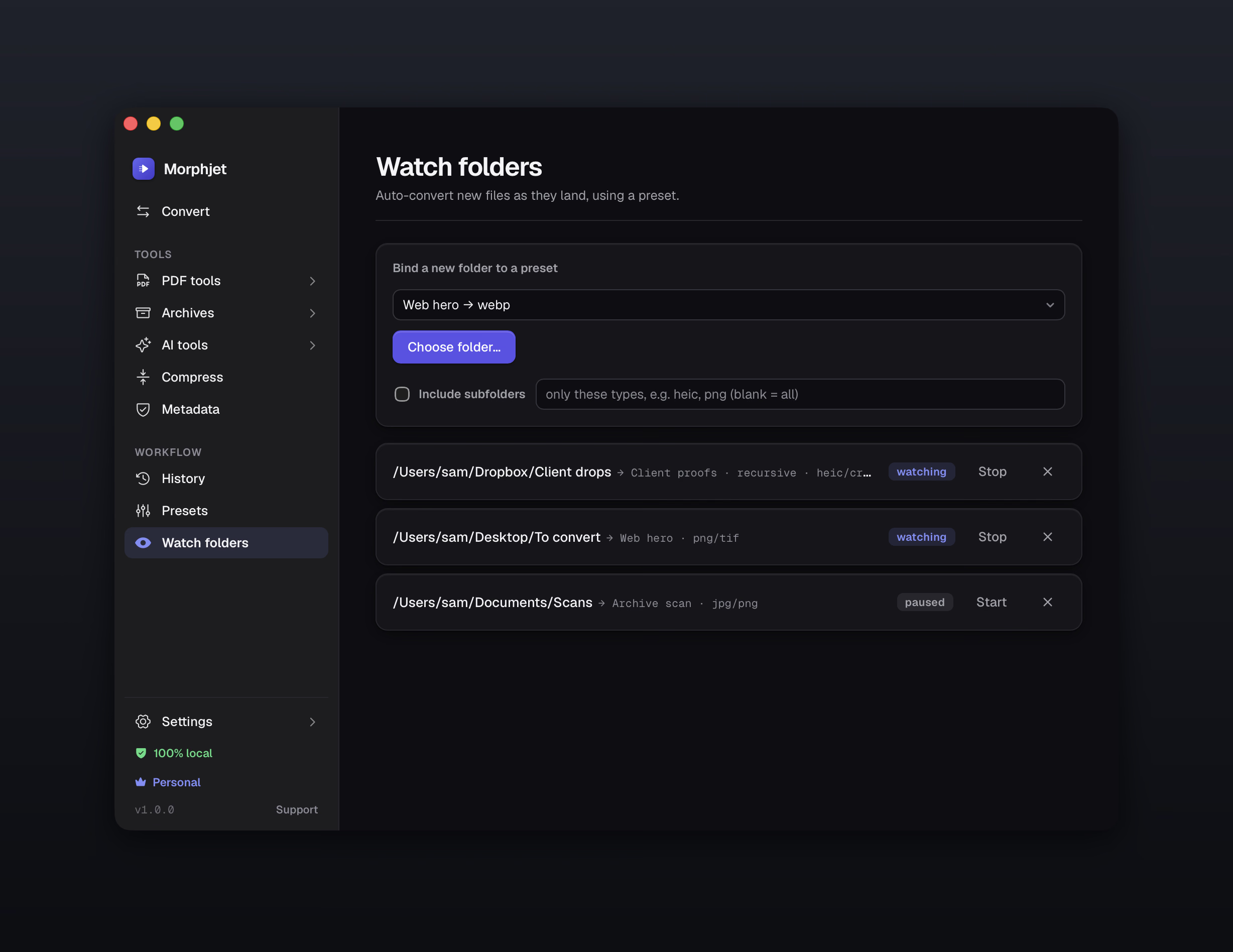
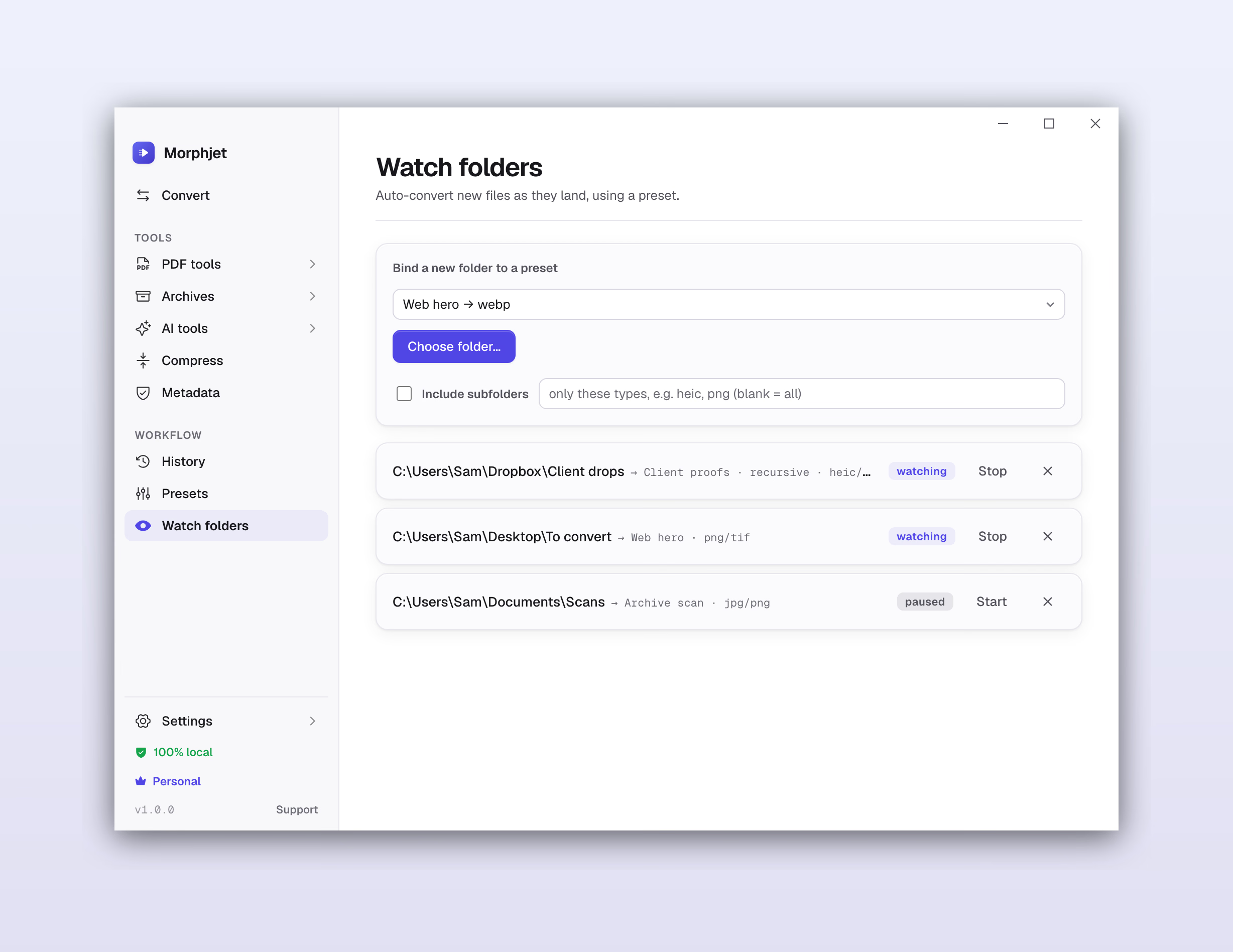
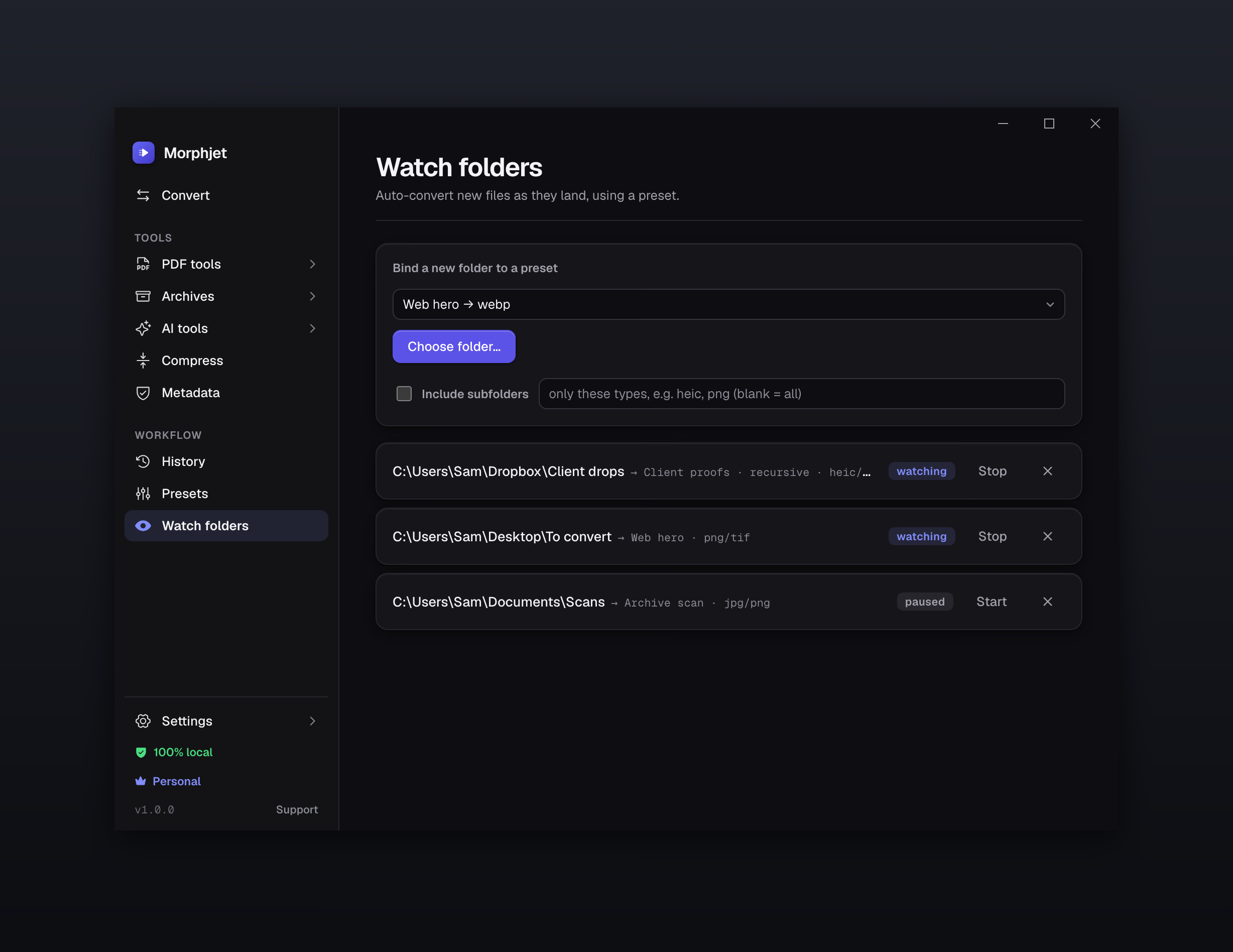
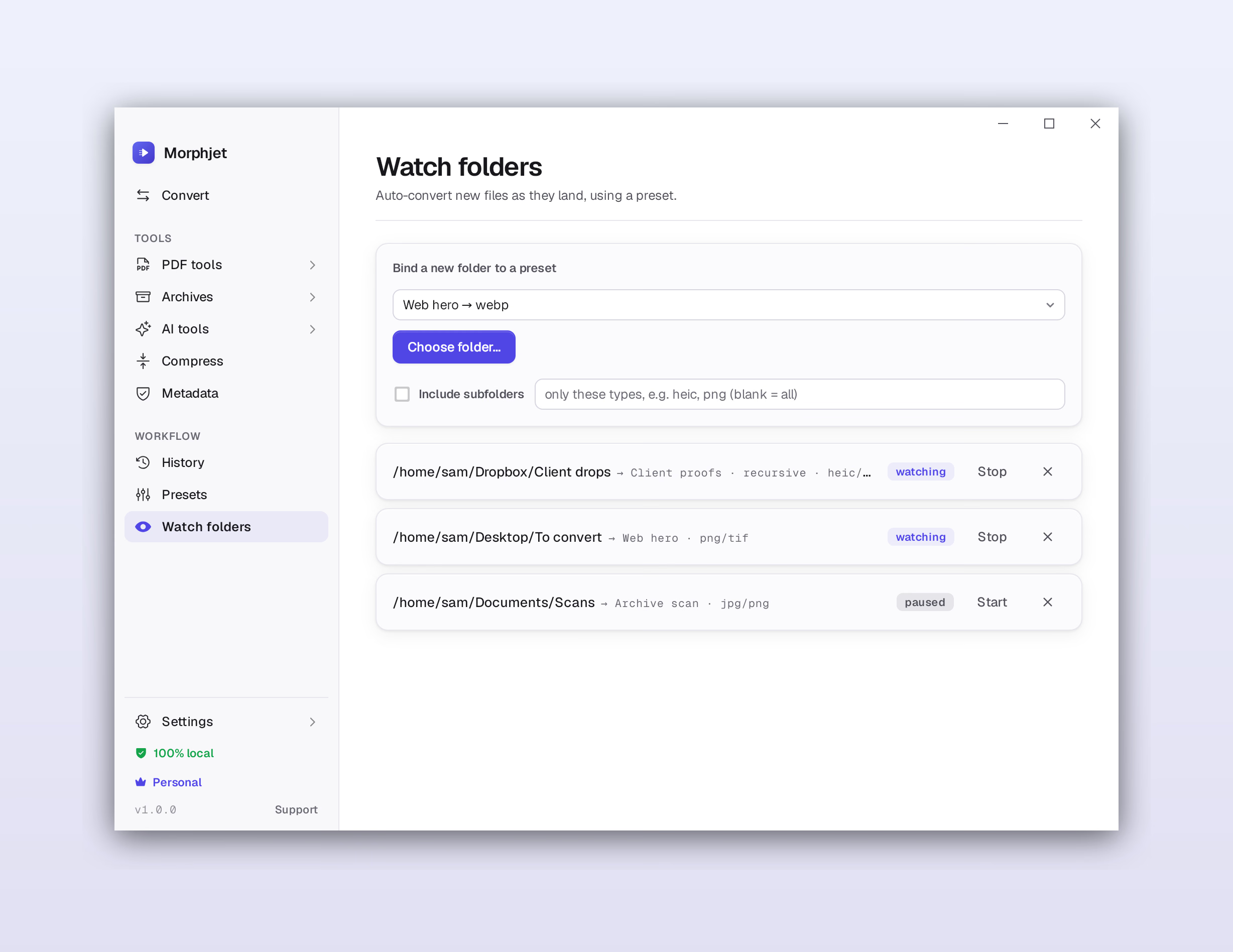
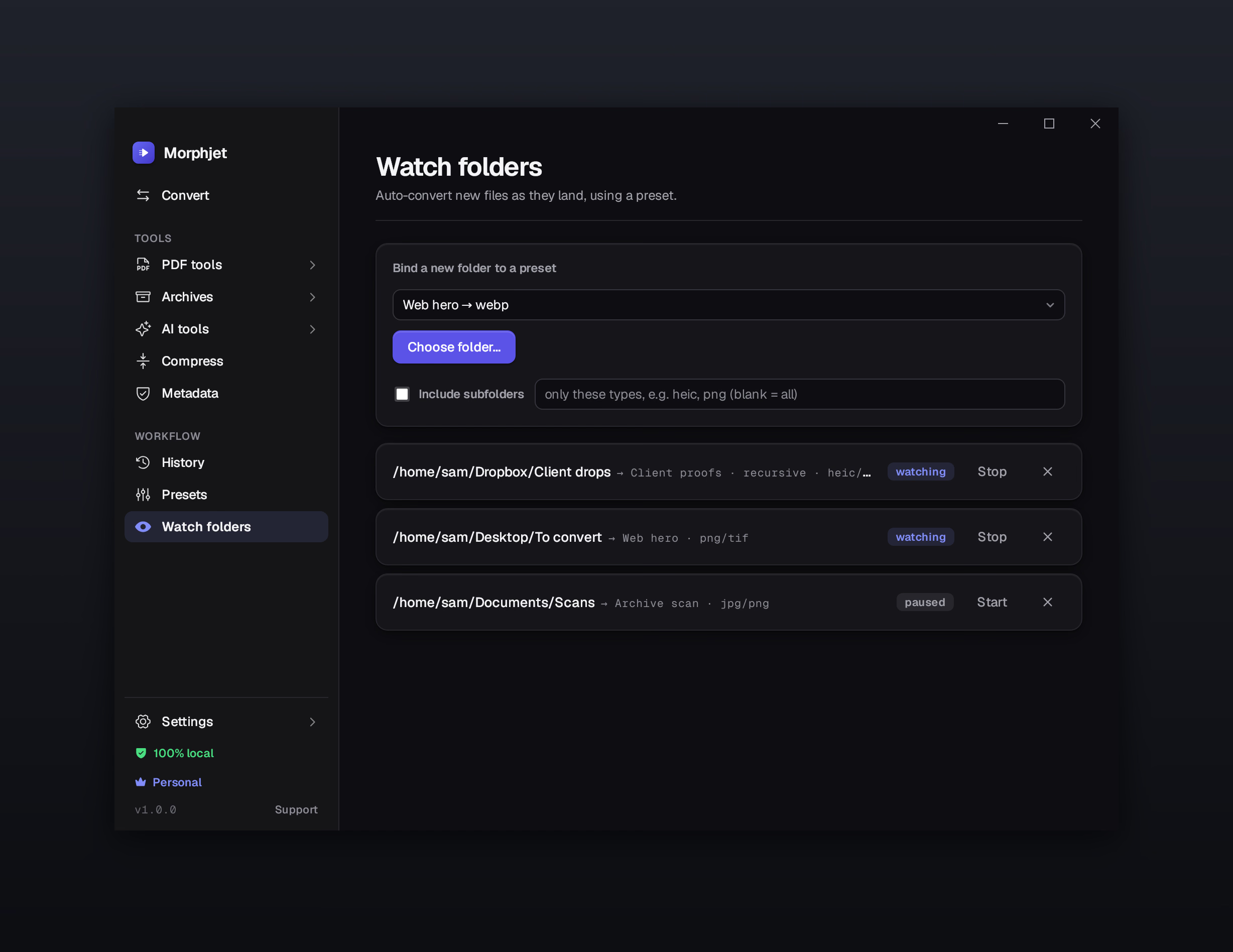
Point Morphjet at a folder. Anything that lands there gets converted, renamed, and filed automatically. Set it once.

Fit under a size limit

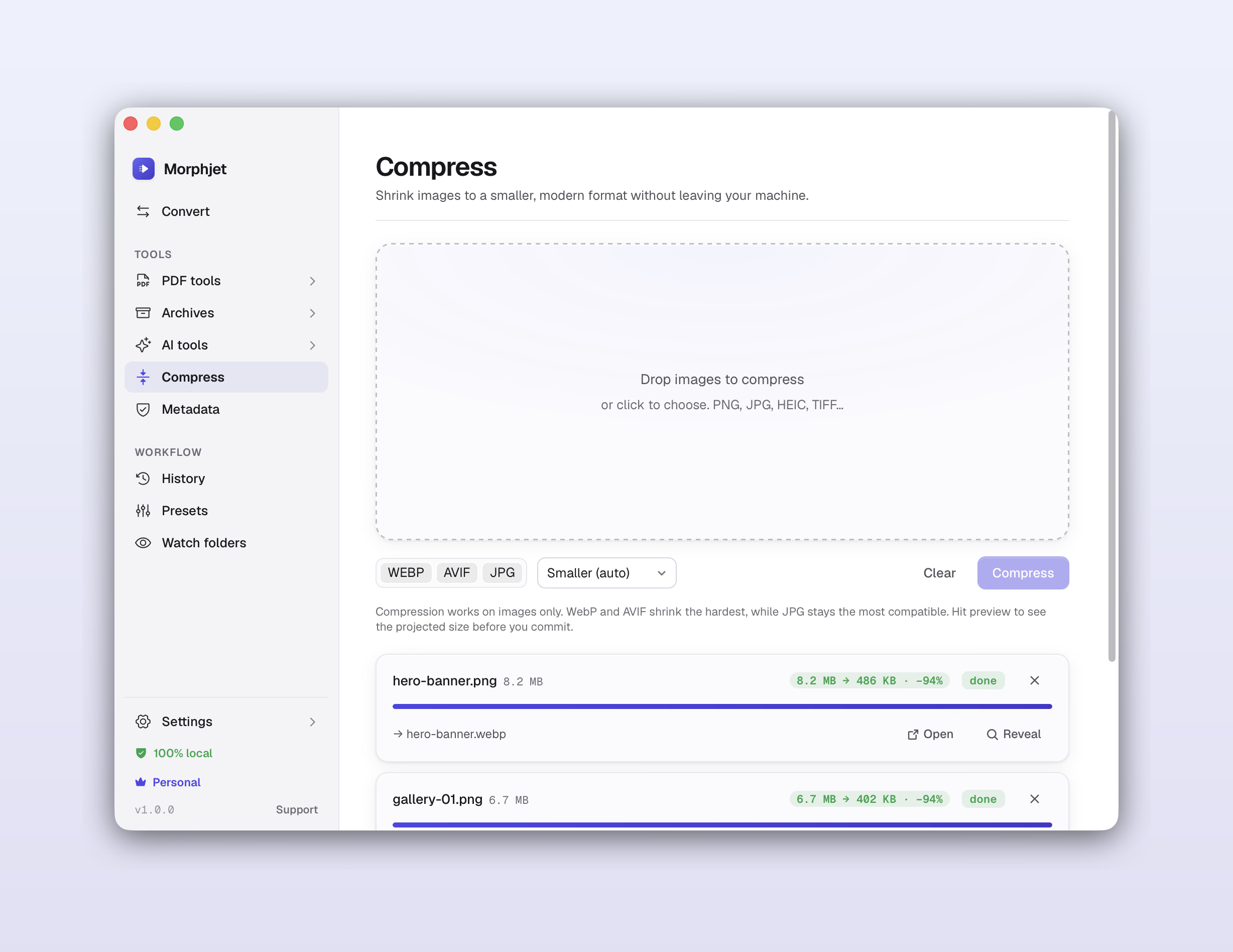
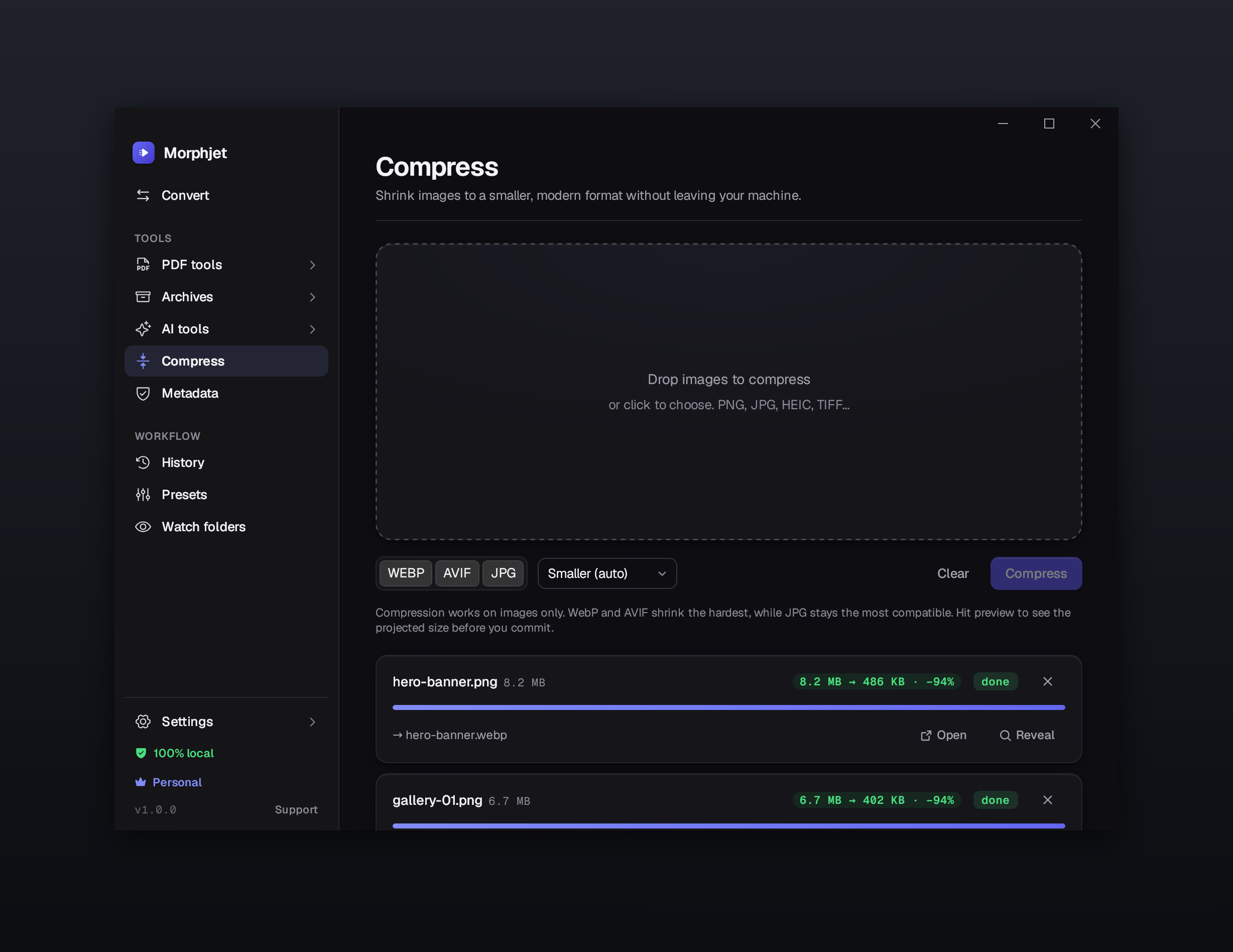
Need it under 8 MB for an email? Pick a target size and Morphjet finds the quality that lands just under it.

A real PDF toolkit

Merge, split, rotate, compress, protect, unlock, reorder pages, and turn images into a PDF. The whole toolbox, on your desktop.

OCR that stays put

Make a scanned PDF searchable in seconds. The recognition runs right on your machine, so even a sensitive scan stays put.

Strip a photo's hidden data

Photos carry GPS coordinates, your camera's serial number, sometimes your name. Morphjet lists exactly what's in there and takes out what you tell it to, without re-encoding a single pixel.

Open any archive

Zip, 7z, tar, rar, and the password-protected ones. Pull them apart or bundle files back up, without installing a second app for whatever someone sent you.

Right-click to convert

Convert straight from Finder or File Explorer without opening the app. Select files, right-click, done.

In your language

The whole app in seven languages: English, Spanish, German, Portuguese, French, Italian, and Simplified Chinese. It follows your system language the first time it opens, and you can switch any time in settings.

Drop a folder, walk away

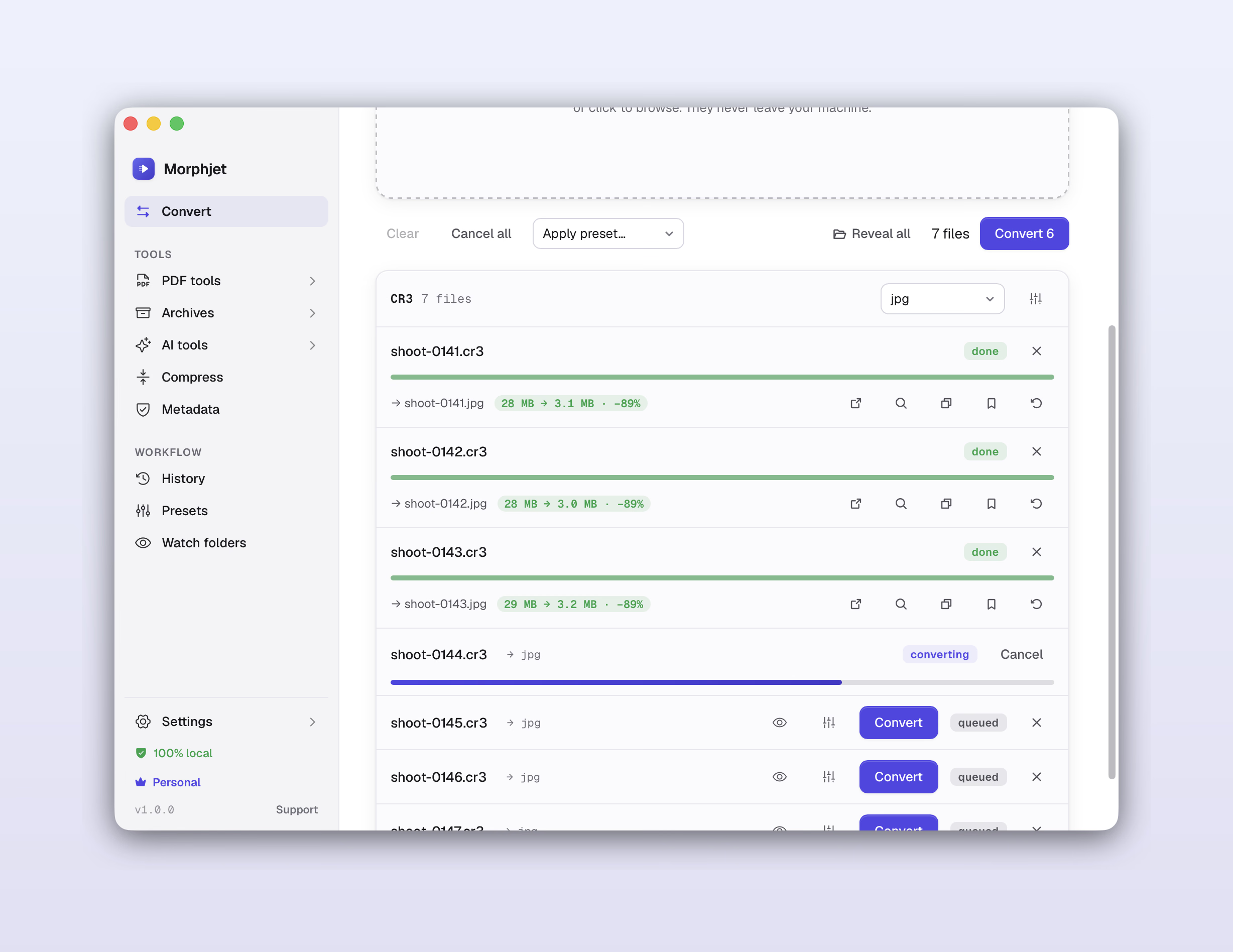
Point Morphjet at 500 files and it works through every one, same settings on all of them, no two-at-a-time cap, no re-uploading each file to a website.

Morphjet converting a batch of files at once on the user's own computer.Morphjet converting a batch of files at once on the user's own computer.Morphjet converting a batch of files at once on the user's own computer.Morphjet converting a batch of files at once on the user's own computer.

Set up a folder once

Anything that lands in a watched folder gets converted, renamed, and filed on its own. Perfect for phone photos, screen recordings, or scans you drop in all week.

Morphjet watching a folder and auto-converting new files as they arrive.Morphjet watching a folder and auto-converting new files as they arrive.Morphjet watching a folder and auto-converting new files as they arrive.Morphjet watching a folder and auto-converting new files as they arrive.

Land under any size limit

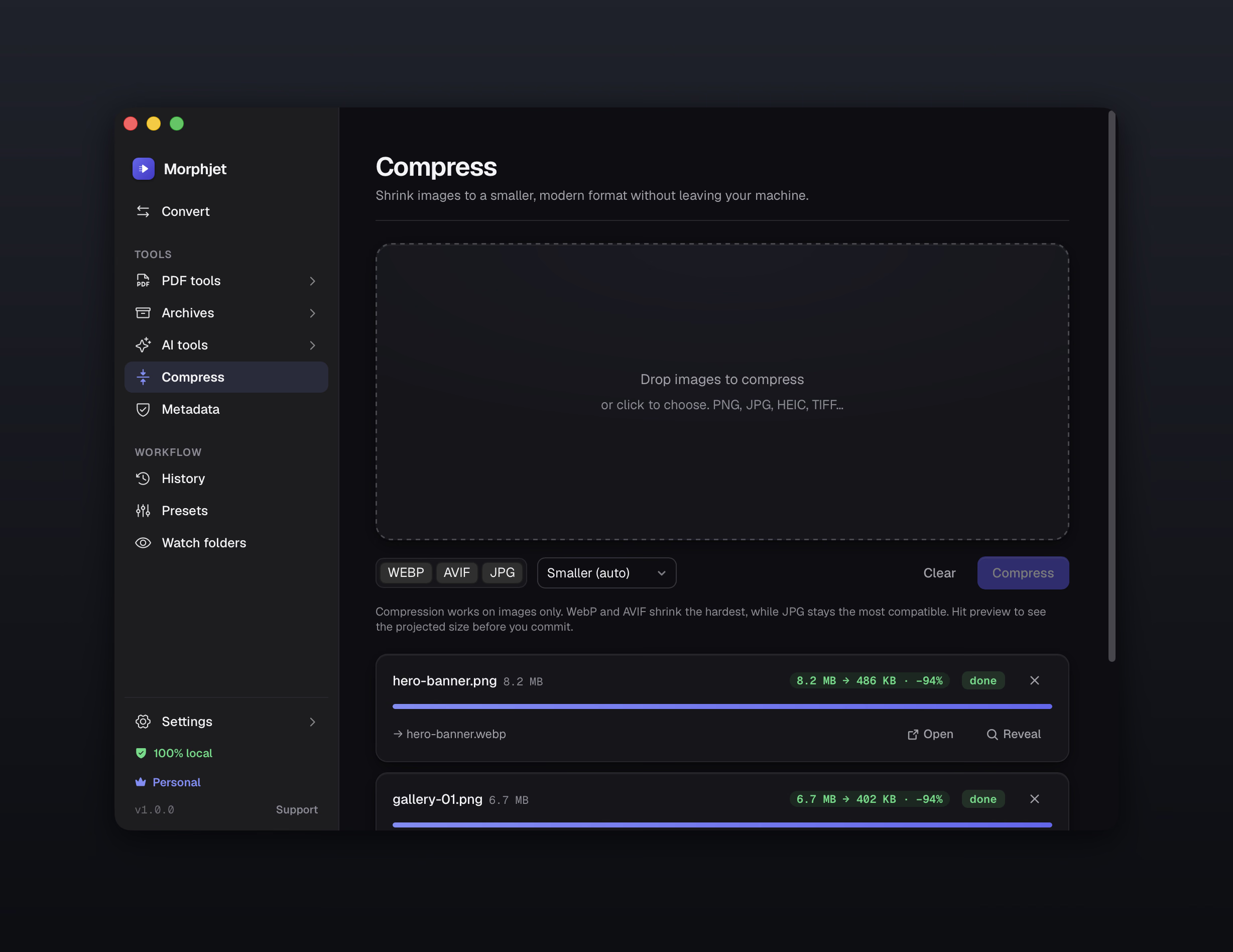
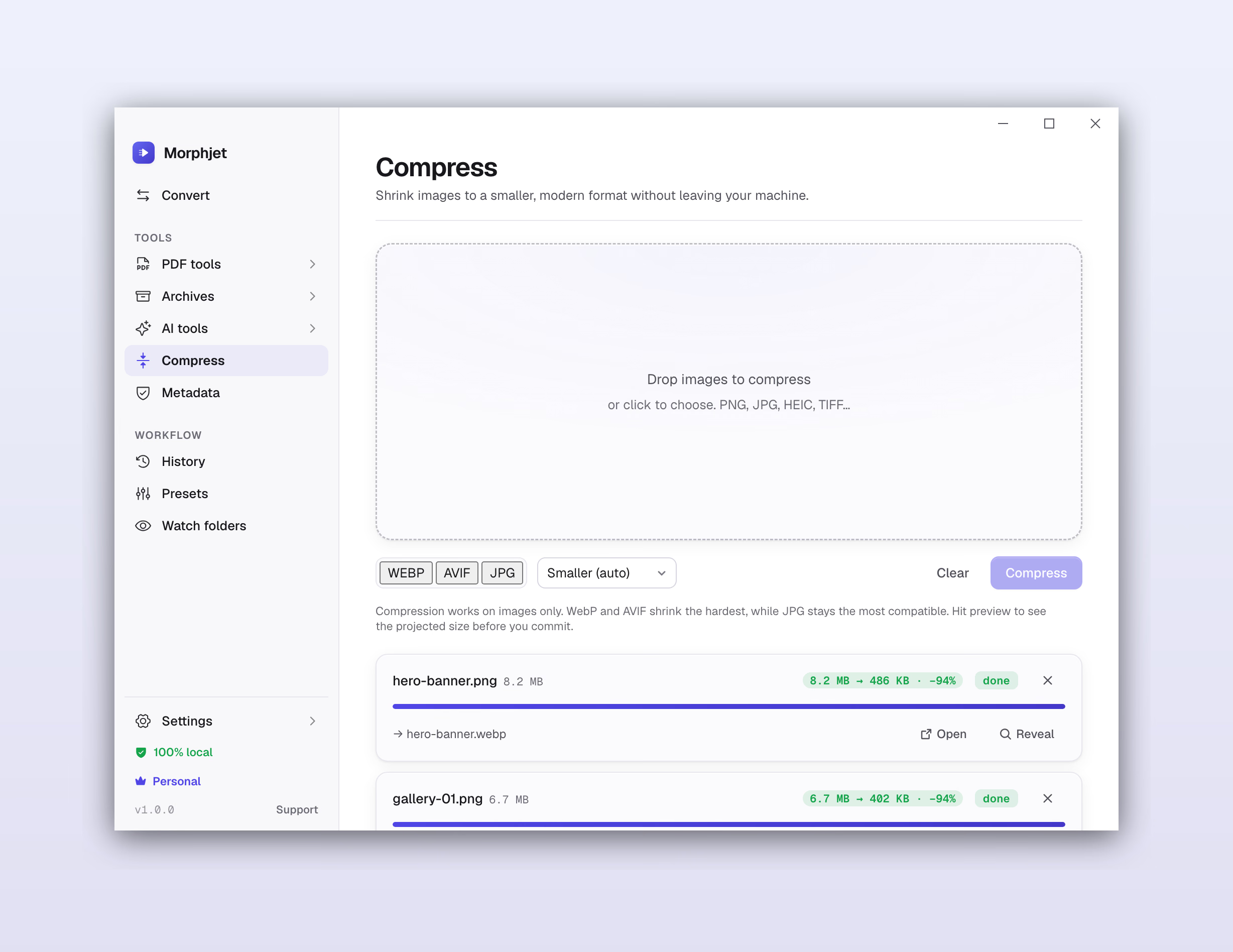
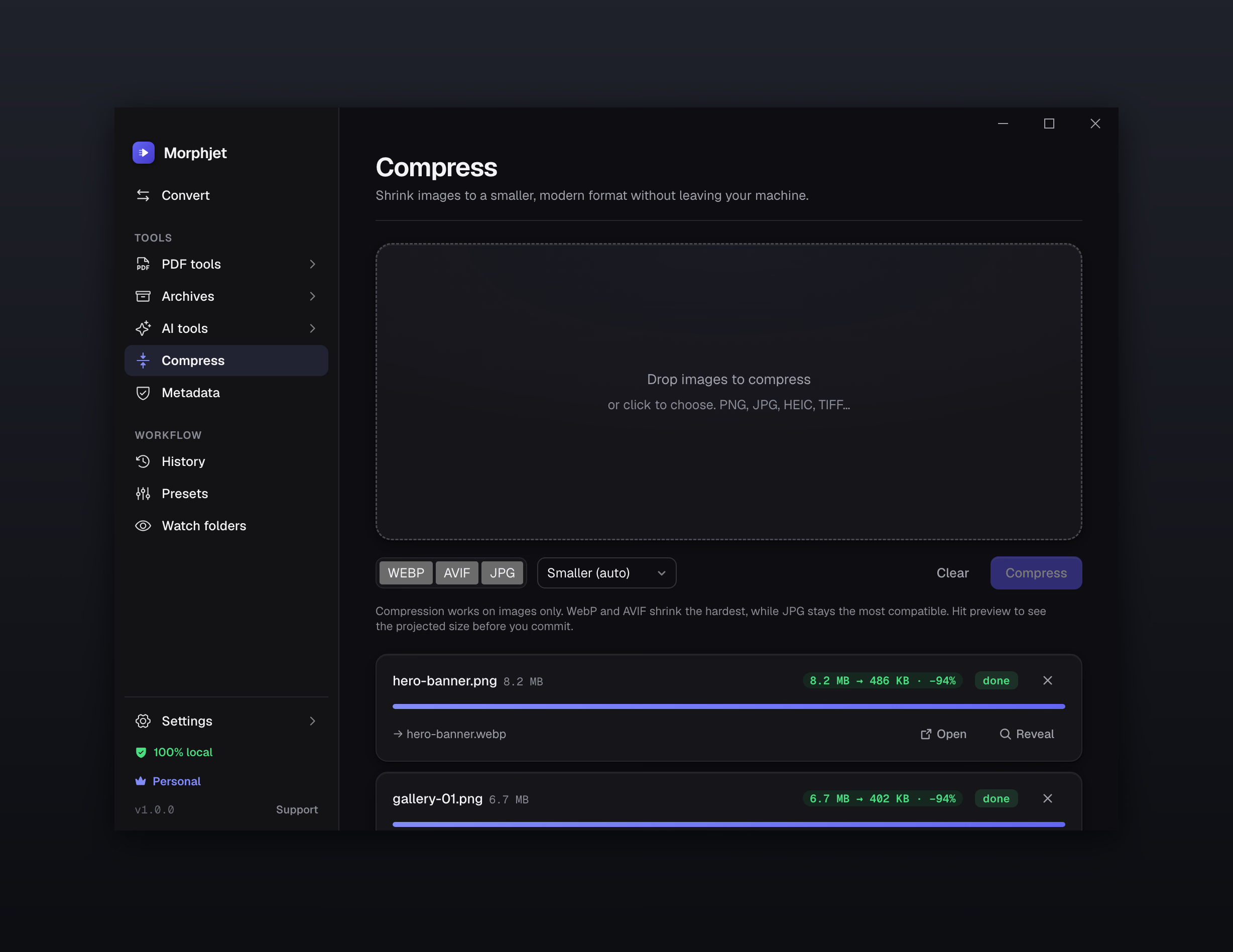
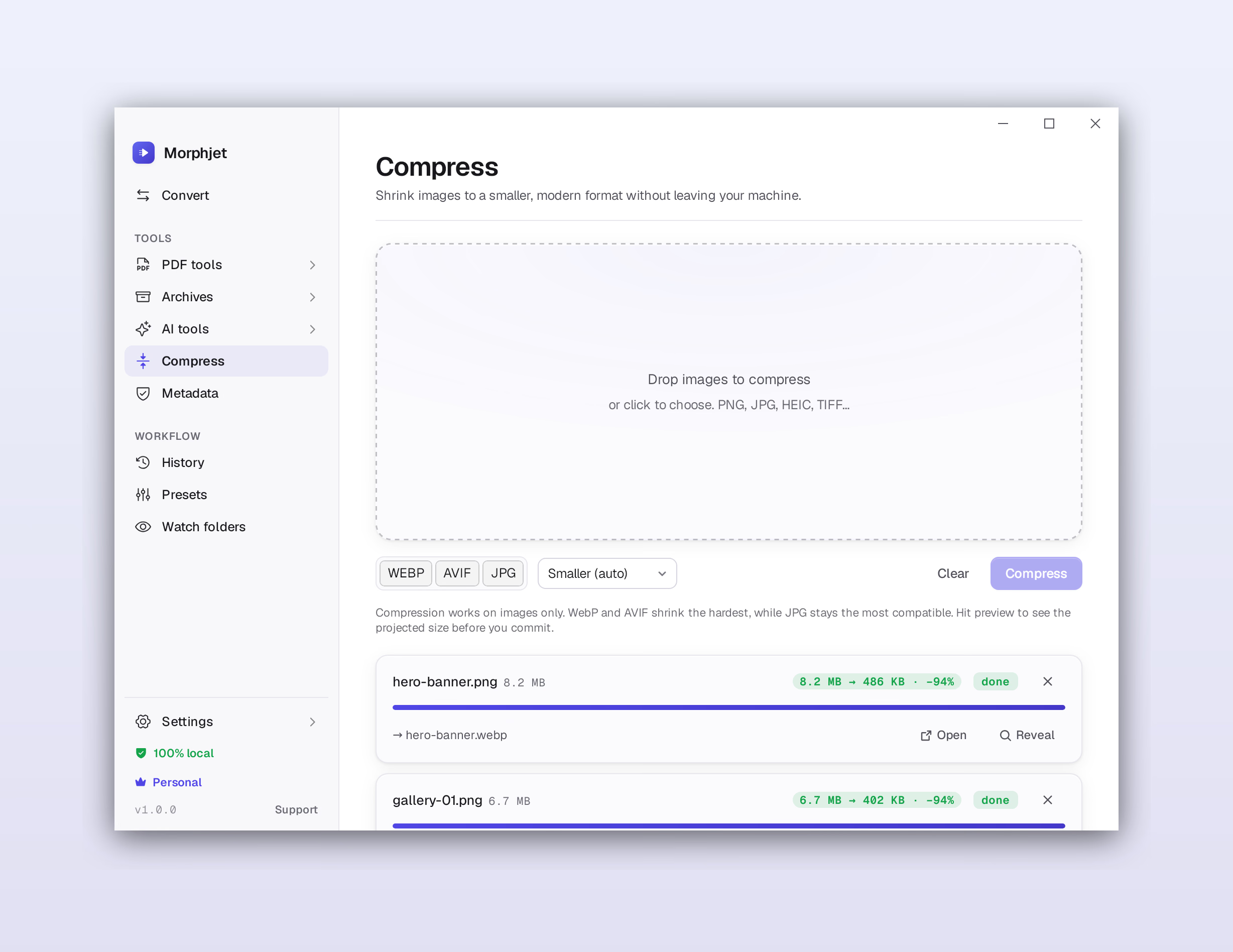
Need it under 8 MB for an email? Pick a target size and Morphjet finds the quality that fits. This one came down 92% with nothing you'd notice.

Morphjet compressing a file to hit an exact target size, showing a 92% reduction.Morphjet compressing a file to hit an exact target size, showing a 92% reduction.Morphjet compressing a file to hit an exact target size, showing a 92% reduction.Morphjet compressing a file to hit an exact target size, showing a 92% reduction.

There's a real command line in there too, plus presets, conversion history, custom output naming, and the dials for quality and codecs.See everything it does.

On-device AI

The AI runs on your machine, not in the cloud.

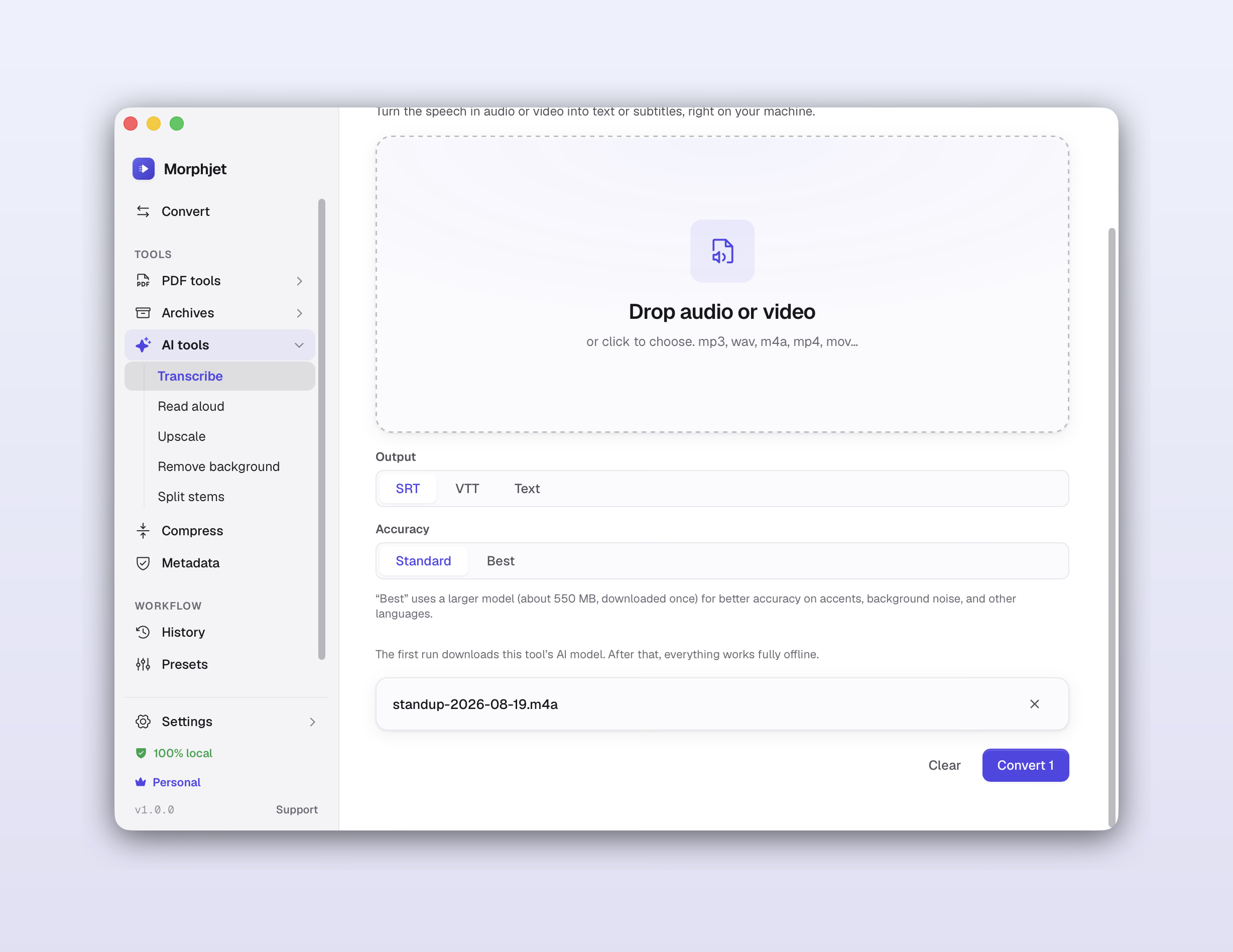
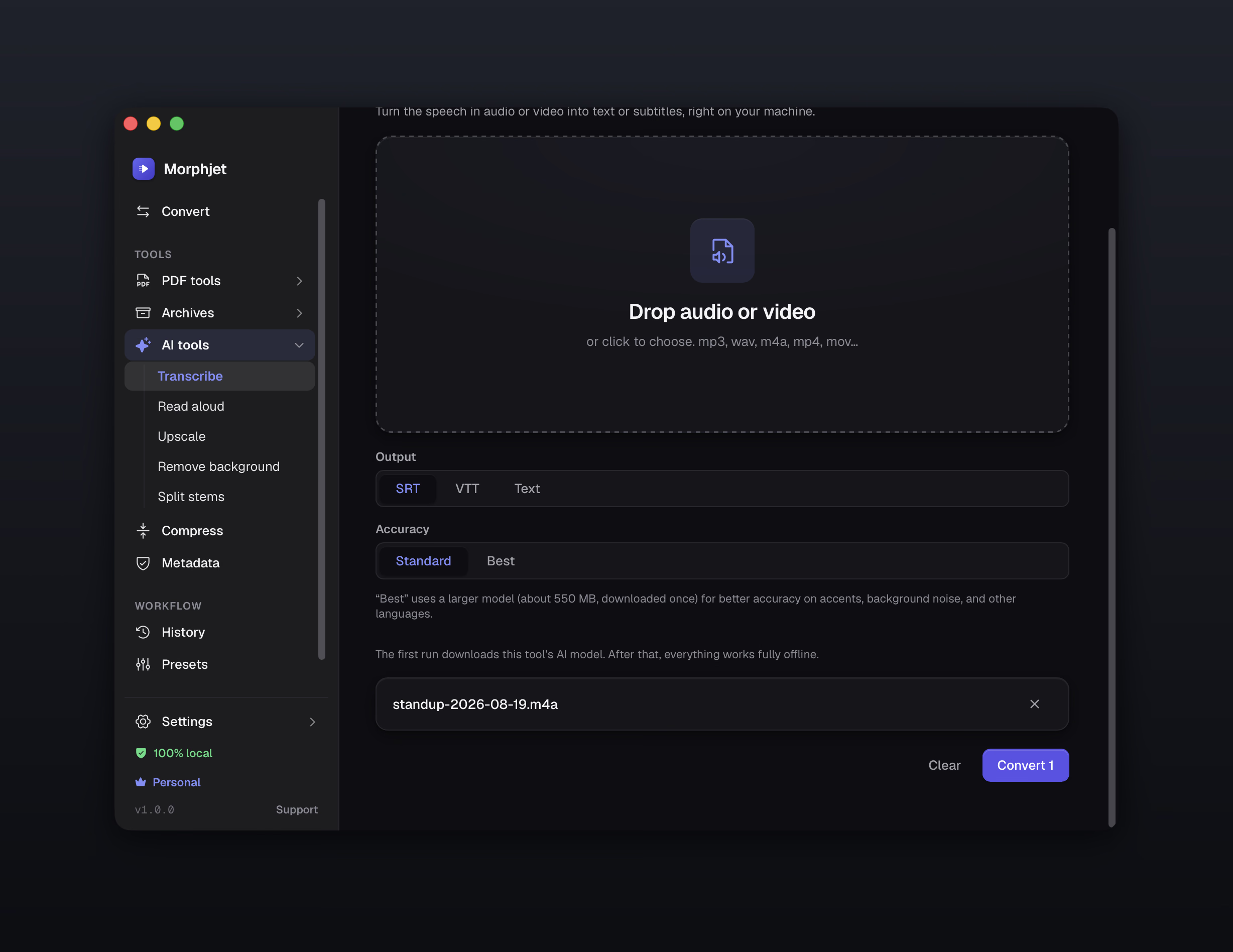
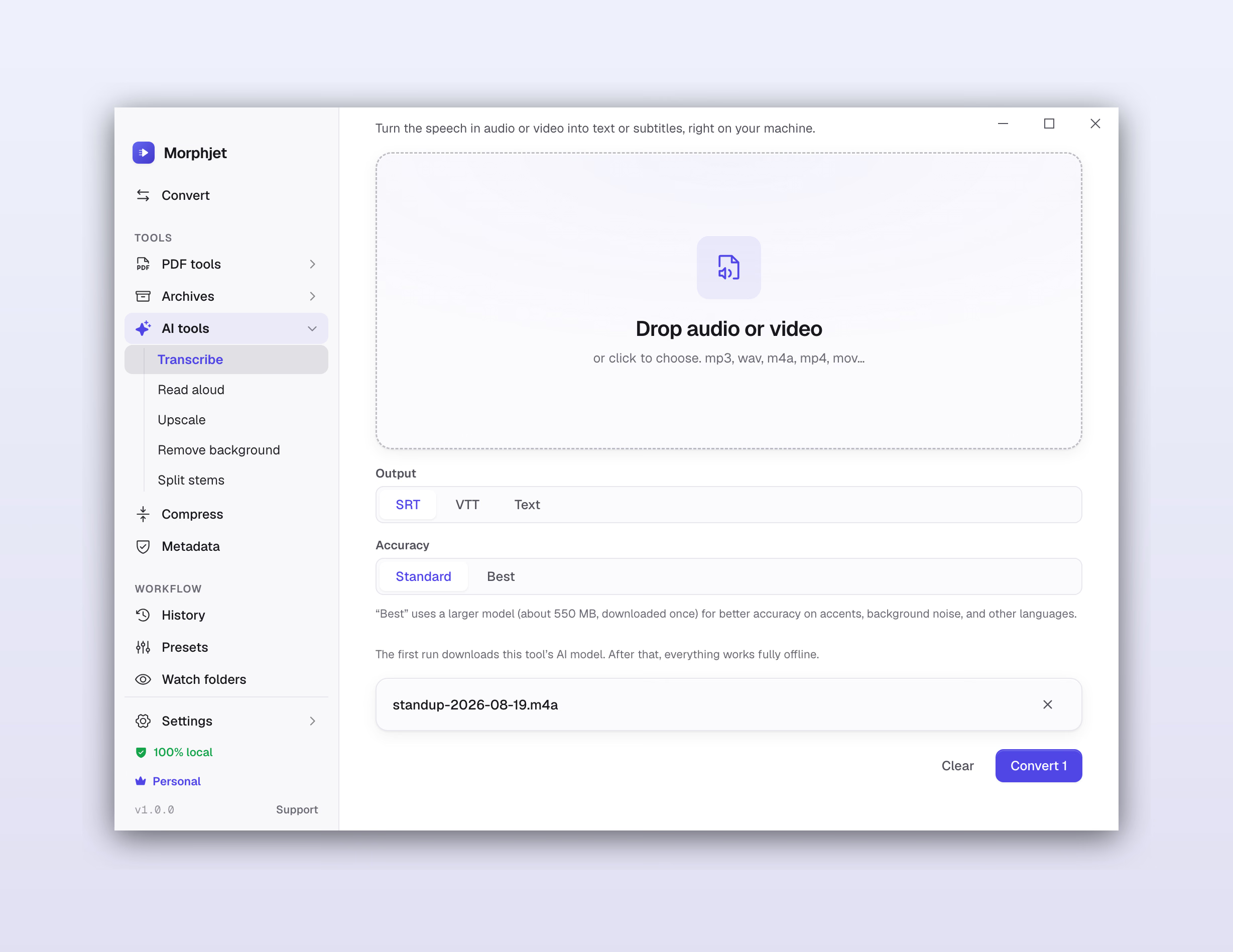
Every other tool's "AI" quietly uploads your file to a server to do the work. Morphjet does it right on your own computer instead, the same privacy promise, applied to the clever stuff.

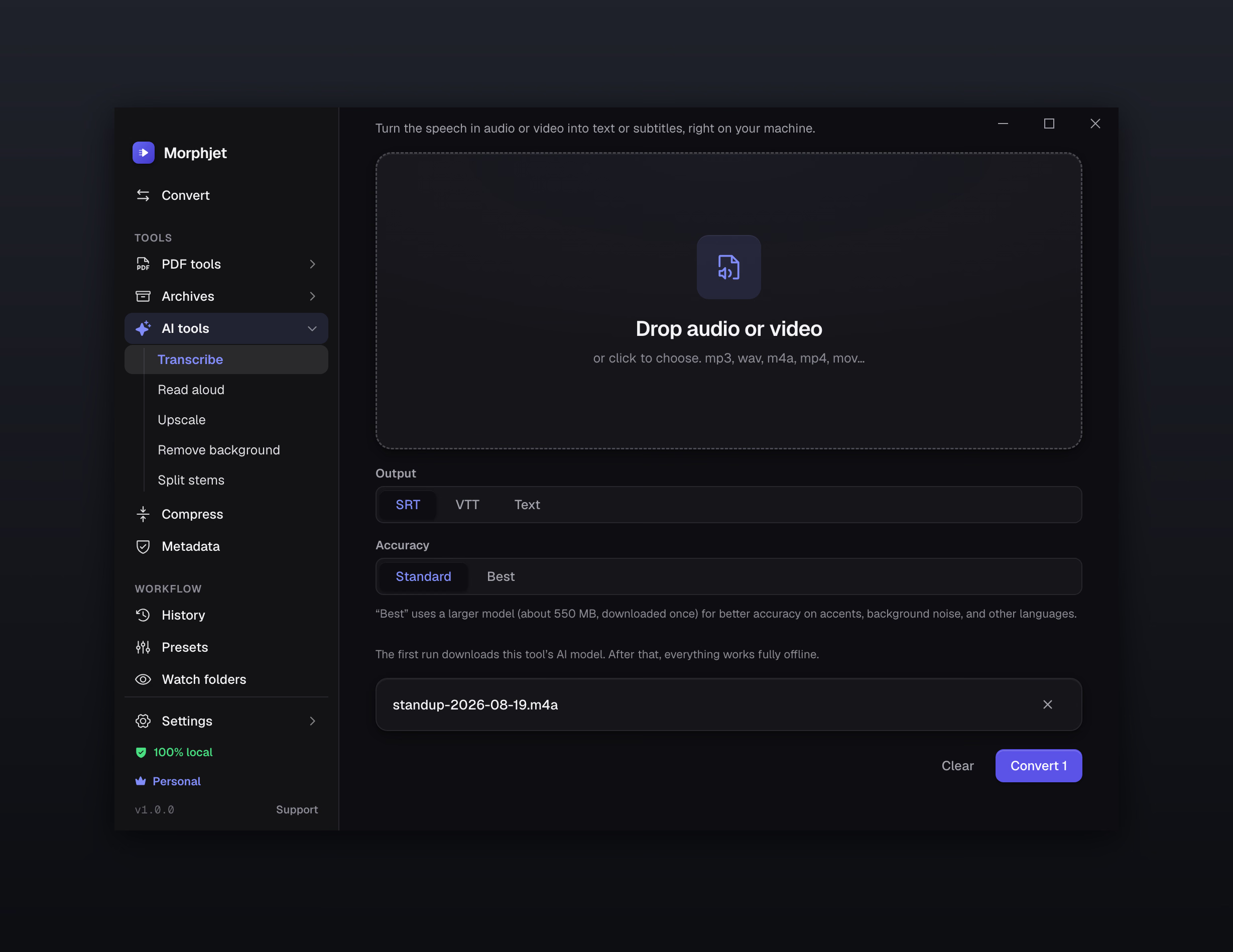
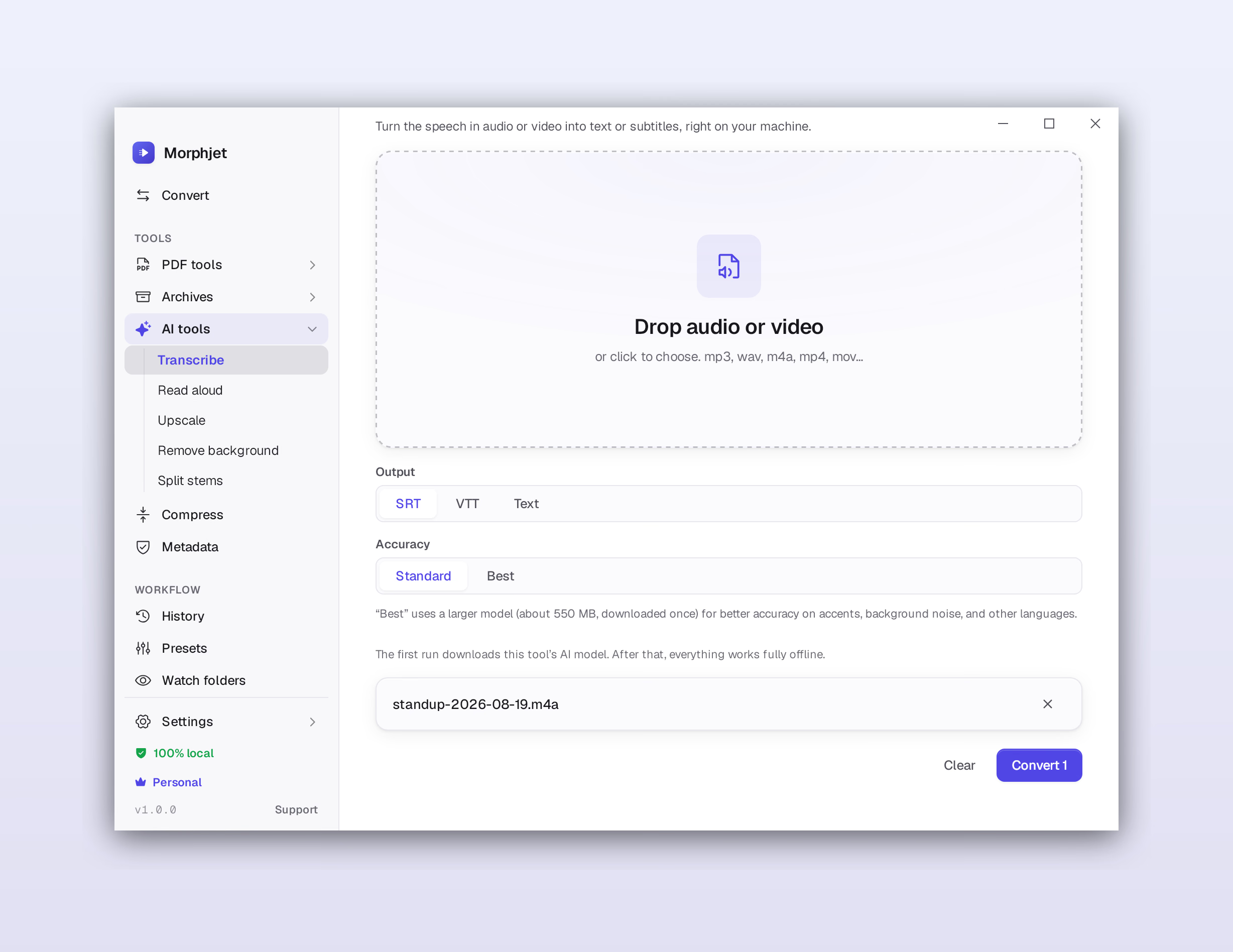
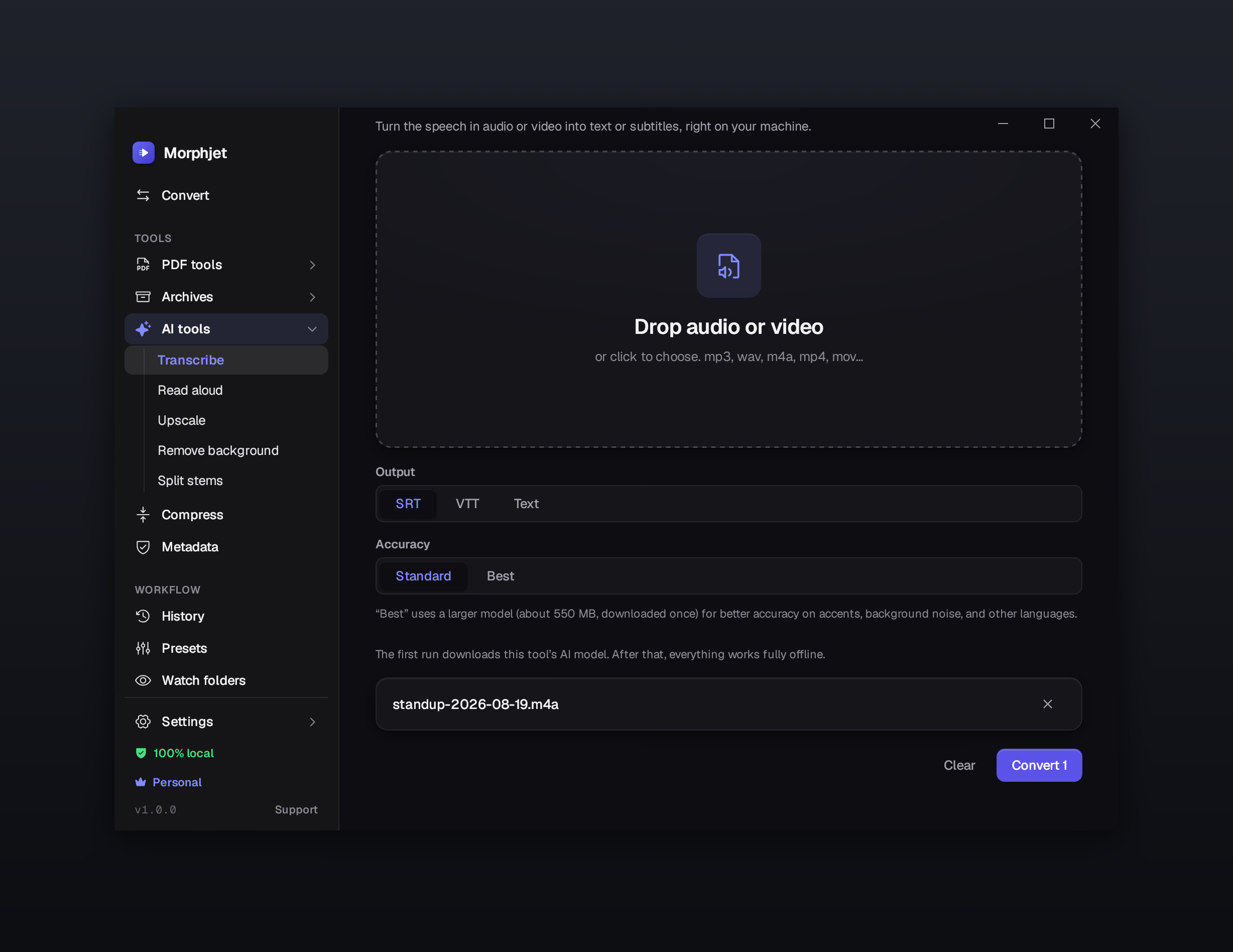
Morphjet turning an audio recording into text entirely on the user's own computer, with no upload and no network activity.Morphjet turning an audio recording into text entirely on the user's own computer, with no upload and no network activity.Morphjet turning an audio recording into text entirely on the user's own computer, with no upload and no network activity.Morphjet turning an audio recording into text entirely on the user's own computer, with no upload and no network activity.
Video → text

Turn talking into text

Drop in a meeting, a voice memo, or a video and get clean text back, or ready-made subtitles you can drop onto a clip.

Ebook → audio

Listen to any book

Have an ebook or PDF read aloud in a natural voice, and get audio you can play in the car, on a run, anywhere.

Photo → 4× larger

Make small photos bigger

Enlarge a tiny, old, or blurry image and get back something sharp, 2× or 4× the size, without the mushy edges.

Photo → cut-out

Cut out the background

Lift the subject cleanly out of a photo and get a see-through cut-out, good enough for product shots and profile pics.

Song → vocals + music

Pull a song apart

Take the vocals out for a karaoke track, or split a song into its separate parts to remix or practice over.

No subscription for any of it.

Cloud AI tools bill you per file or per month. Morphjet's run on the computer you already own, no per-use fee, and they keep working with the wifi off. They ask for a little more power than a normal convert: 8 GB of memory to get started, more if you want it faster.

Proof, not promises

You don't have to take our word for it.

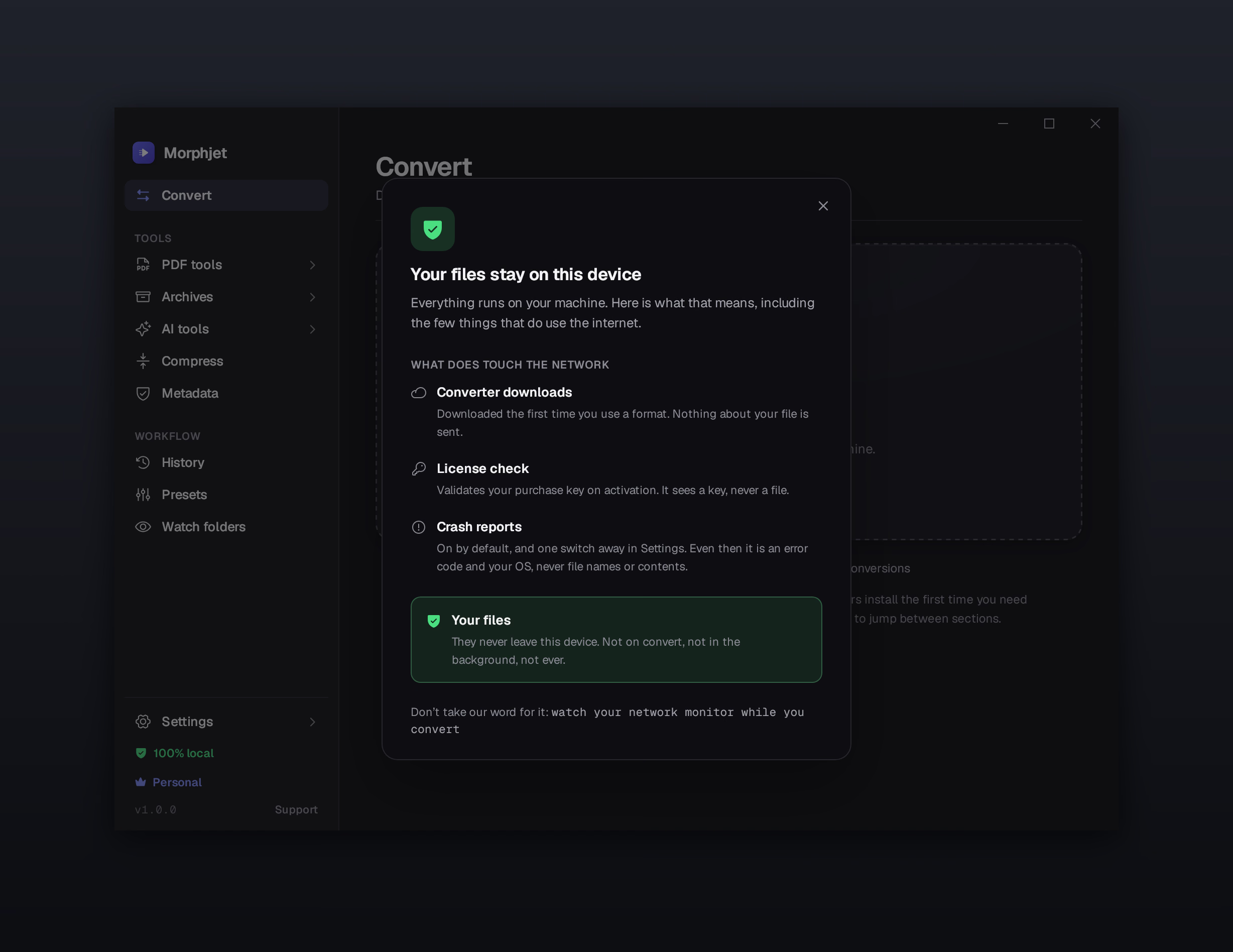
"Private" is easy to say and hard to prove, unless the app runs on your own machine, where you can actually check.

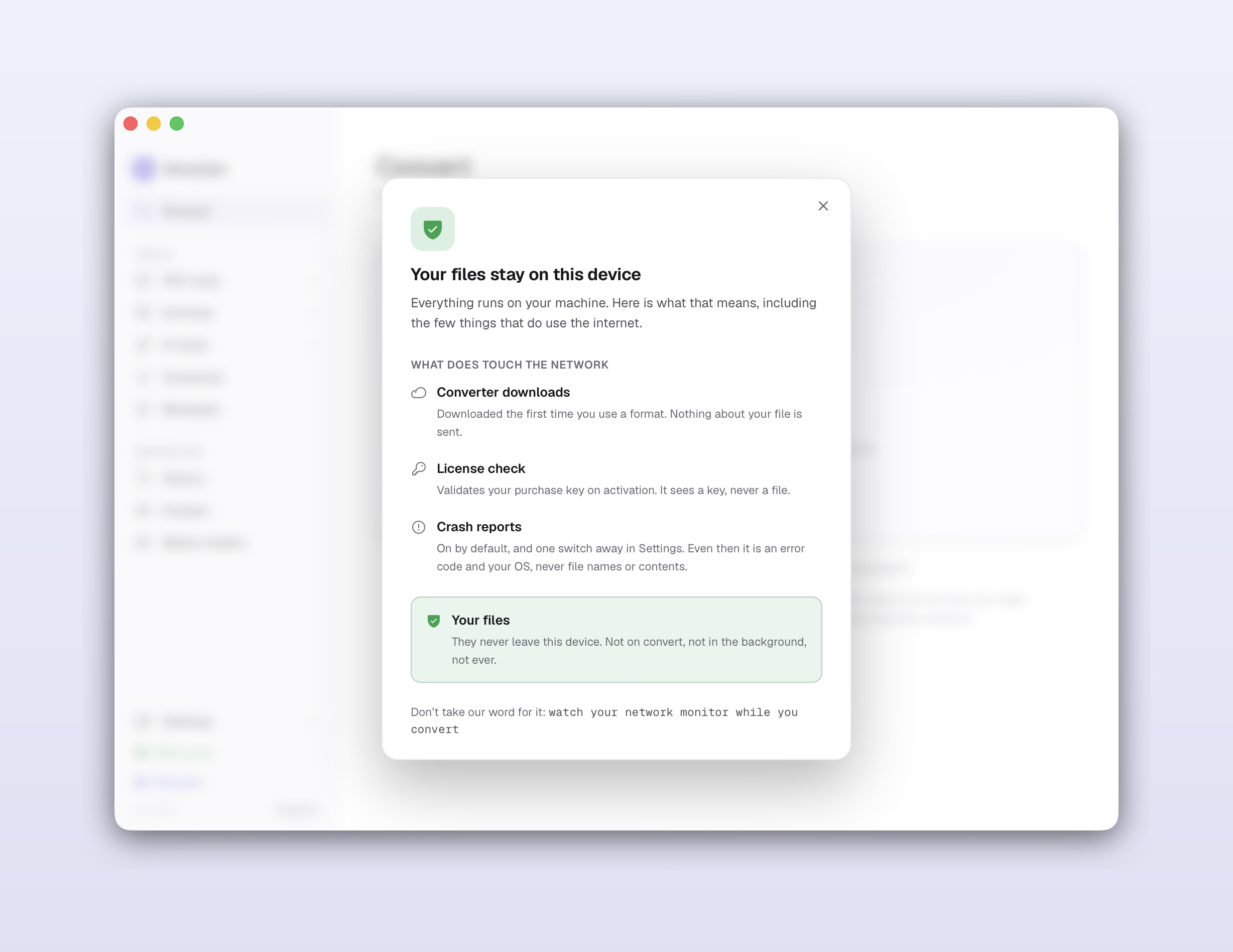
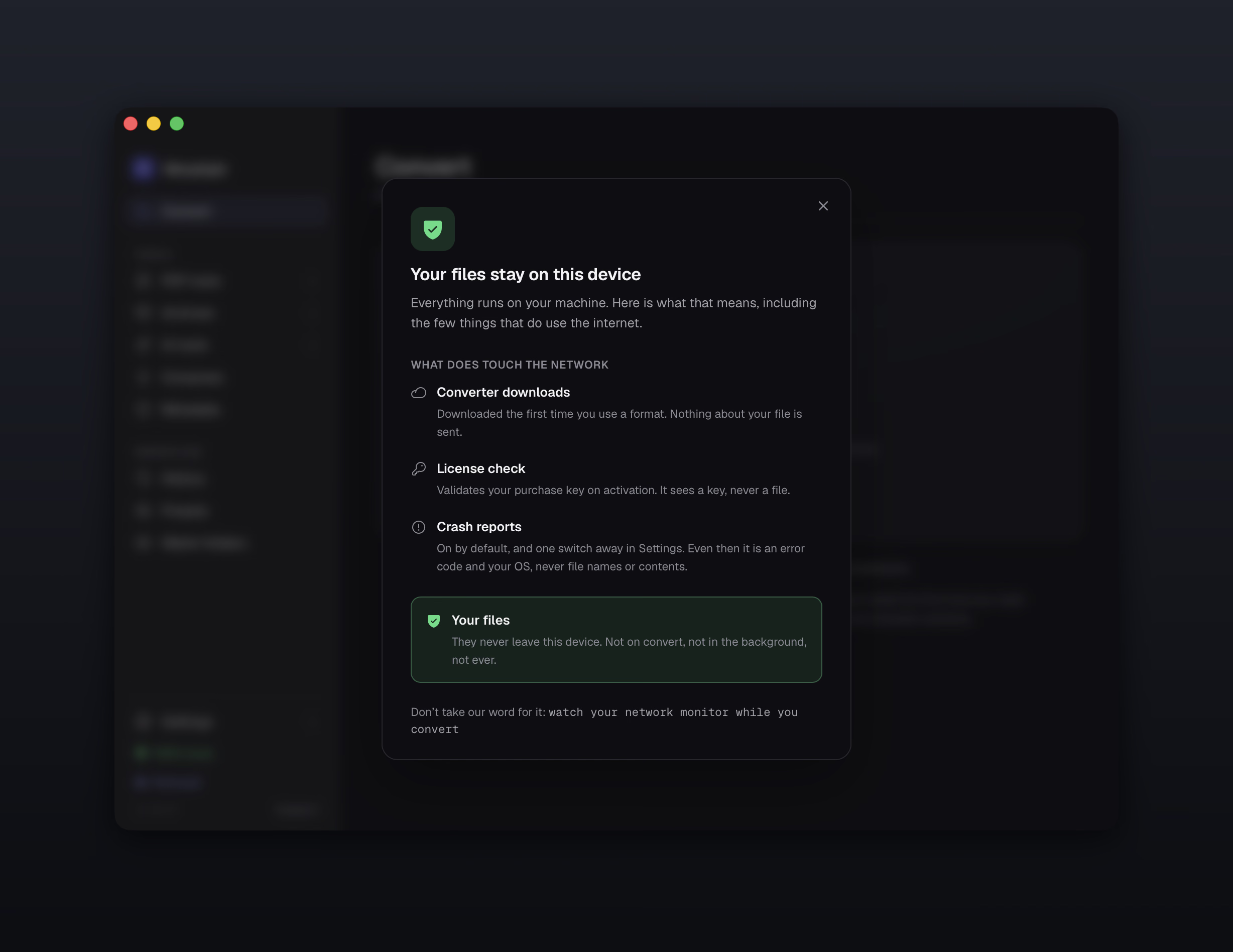
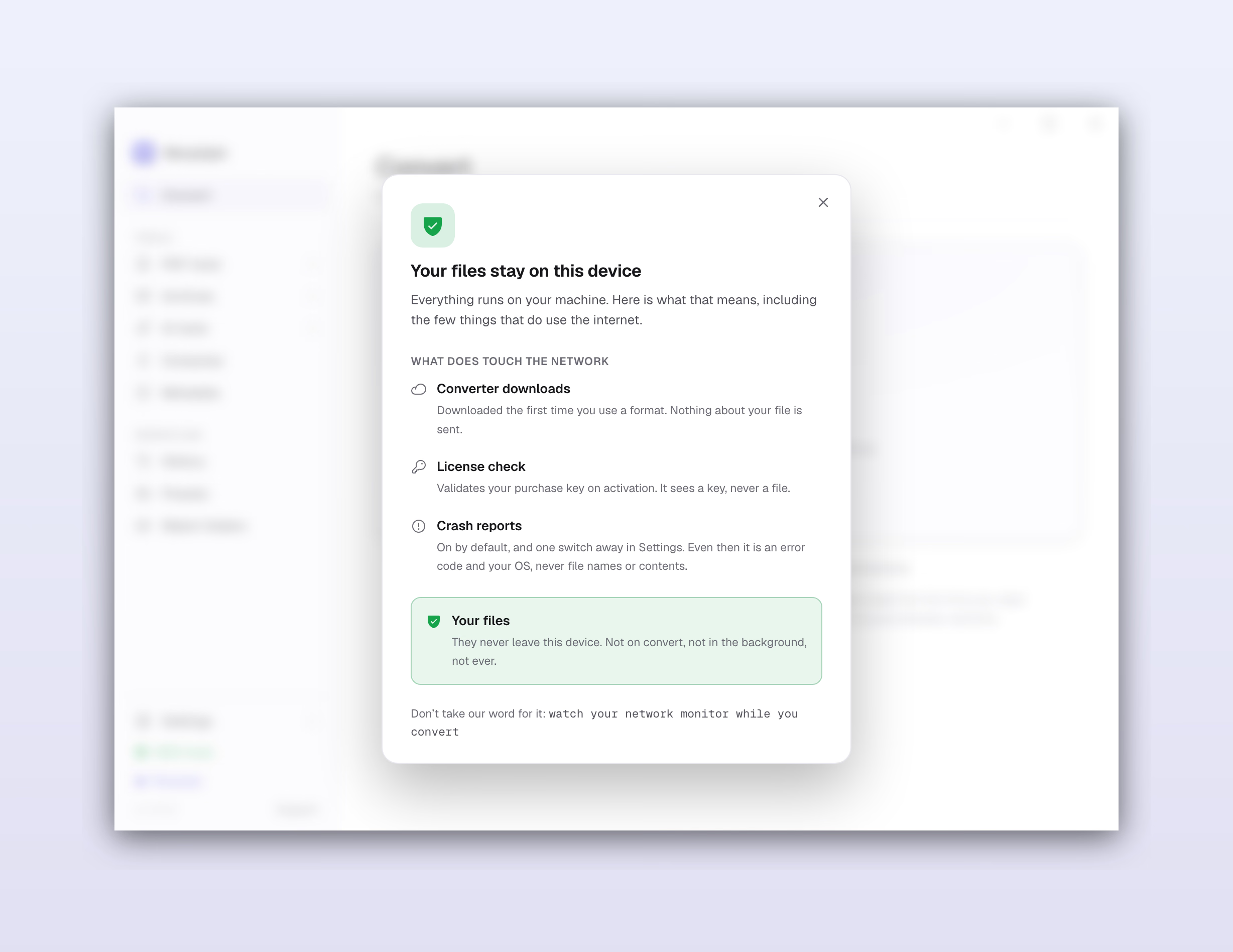
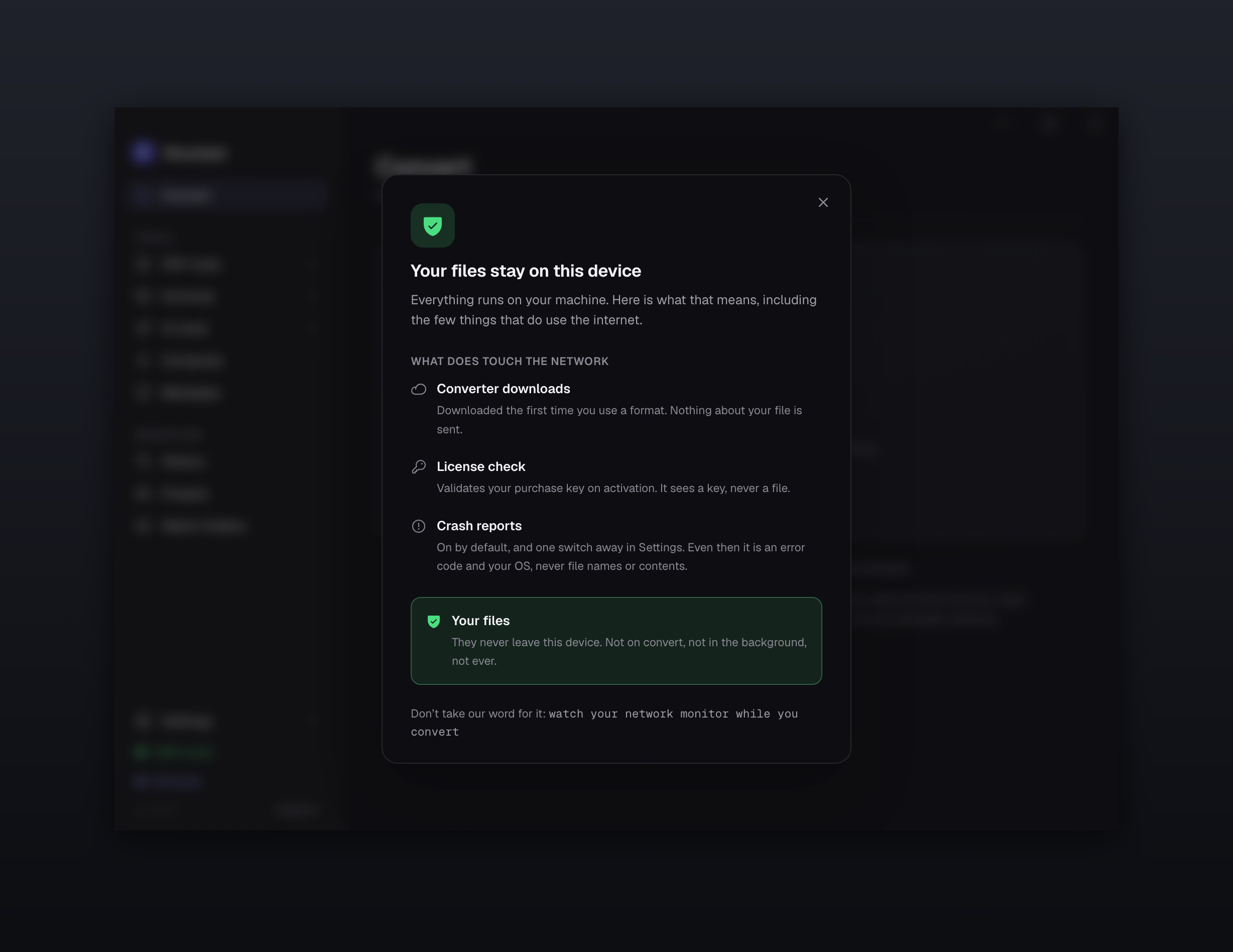
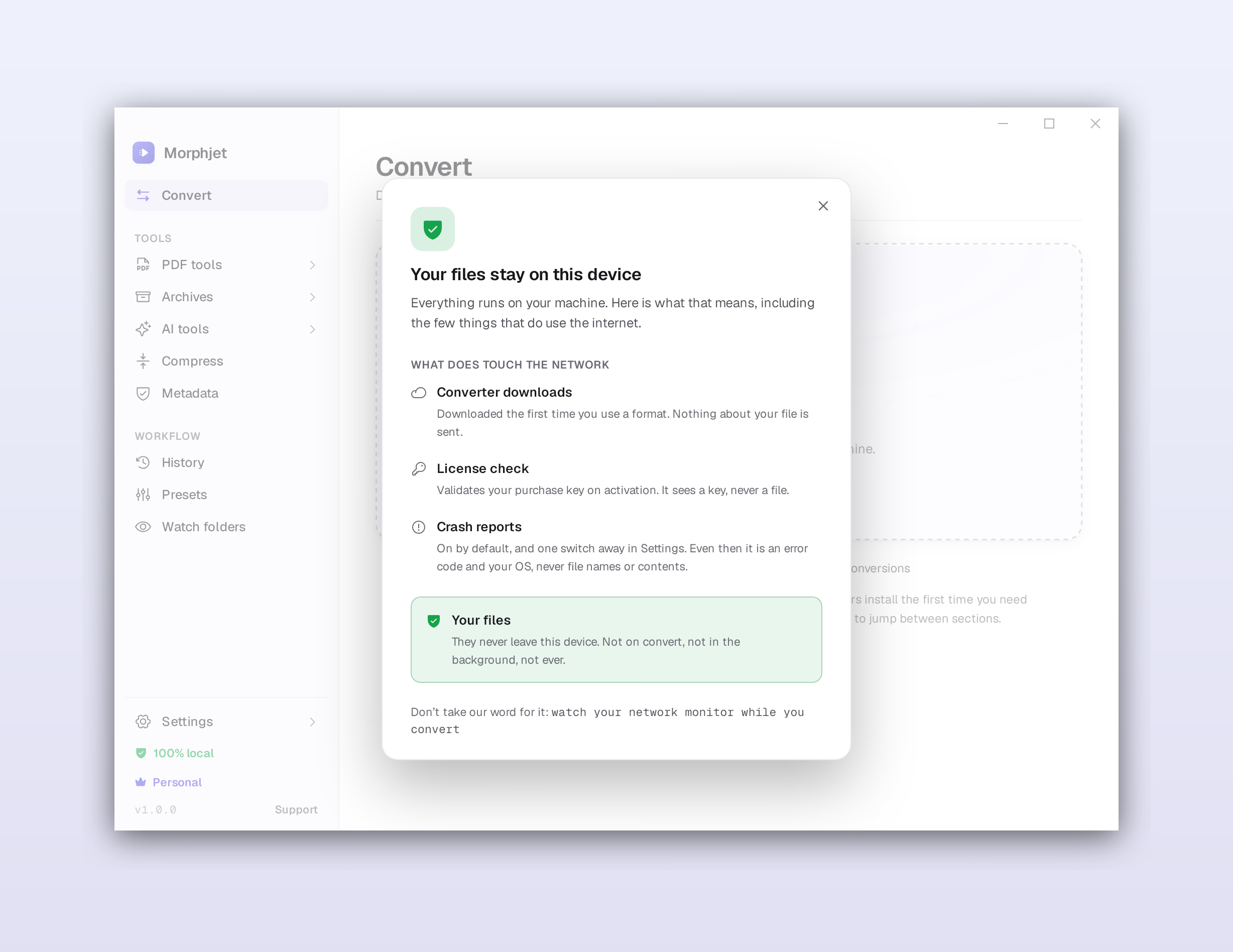
Morphjet's privacy panel showing conversions run fully on-device with no network activity.Morphjet's privacy panel showing conversions run fully on-device with no network activity.Morphjet's privacy panel showing conversions run fully on-device with no network activity.Morphjet's privacy panel showing conversions run fully on-device with no network activity.

Watch the network yourself

Turn on your firewall, or pull the ethernet cable, and convert a file. It still works, because nothing you convert was ever going anywhere.

Proven, not experimental

We didn't reinvent the risky part. The code that actually reads and writes your files is battle-tested tooling professionals have leaned on for years, not something we cobbled together last week. Our job was to wrap it in an app you'd want to use.

No telemetry by default

Analytics are off unless you switch them on. No tracking pixels, no "anonymous usage data" you didn't ask for.

No bundleware. No ads.

A clean app that does one job. No toolbars slipped into the installer, no upsell pop-ups, no "download manager." Just the thing you paid for.

A receipt for every conversion

Switch on checksums and Morphjet records a SHA-256 of your file before and after it converts. Months later, one click tells you whether that output is still byte for byte what Morphjet wrote. Worth having when the file is evidence, a deliverable, or an archive you have to stand behind.

How it compares

Where the other options fall down.

Online tools, browser-based converters, self-hosted containers, and Mac-only apps each give up something. Morphjet is the one that doesn't make you pick.

CapabilityMorphjetOnline convertersBrowser ‘local’ toolsSelf-hosted (Docker)Mac-only apps
Files stay on your device
Works with no internet
No upload size limit
No watermark, no daily cap
No account required
Batch + watch folders
OCR + full PDF tools
Tells you what metadata it removed
Extracts zip, 7z, rar archives
Custom output naming and folders
On-device AI (speech, upscale, cut-out)
Mac and Windows
Nothing to set up or self-host
One-time price

A check means yes. A dash means sometimes, or with caveats. A cross means no.

Fair questions

Questions worth asking.

Is it really offline?

Yes. The files you convert are read and written on your own disk and never leave it. The app does reach the network for two small things: checking your license, and downloading what a particular format needs the first time you use it. Your actual files are never part of that. Convert with your wifi off and see for yourself.

What does a one-time price actually mean?

You pay once and the app is yours to keep. No subscription, no annual renewal, no feature locked behind a higher tier later. And everyone who's here before launch gets every update free for as long as they use it, founding price included. Using the app you bought is always free, and that never changes.

Mac and Windows?

Both. macOS 15 Sequoia or later on Apple Silicon (M1 and newer), and Windows 10 or 11, 64-bit. Morphjet on Mac is an Apple Silicon build and does not run on Intel Macs. Your license works on your own computers, not just one.

What languages does it come in?

Seven: English, Spanish, German, Portuguese, French, Italian, and Simplified Chinese. Not just the menus either, the whole interface. The app follows your system language the first time it opens, and you can switch it any time in settings. Every conversion works the same whichever one you pick. The website is English only for now.

Isn't there free software that already does this?

For some of it, sure, if you're comfortable in a terminal and don't mind tracking down the right tool for each format. Morphjet is the opposite of that: one app, one window, with batch, watch folders, PDF tools, and right-click convert. Nothing to piece together and no terminal needed, though there is a real command line in there if you'd rather script it.

Aren't there free browser tools that also keep files local?

A few now do the conversion inside your browser tab, which is a real step up from uploading. But a browser tab has a ceiling: big files can crash it, batch is unreliable or missing, and there's no watch folder, OCR, full PDF toolkit, or on-device AI. Morphjet is a real app on your machine, with the same privacy and none of the limits.

When does it launch?

Soon. It's in final testing now, and the last step is code-signing so the installers are trusted on both platforms. Join the waitlist and you'll get one email the day it's ready, plus 30% off the founding price.

What if it doesn't work for my files?

Then you get your money back. Morphjet comes with a 14-day money-back guarantee: ask within 14 days of buying, for any reason, and you get a full refund with no deduction and no justification needed. We would rather refund you than have you keep something that isn't doing its job.

Still wondering something? Ask us, a human answers.

Convert your files without handing them to a stranger.

Morphjet is a one-time purchase, not another monthly bill. It's coming soon for Mac and Windows. Buy it once and it's yours to keep, no renewal, no tier you have to upgrade into later, and 14 days to change your mind.

30% off

Join the waitlist and you'll get 30% off the founding price, locked in no matter what we run later, plus every update free for as long as you use it. One email the day it's ready, and nothing else.

In final testing. Everyone on the list gets 30% off on launch day, no spam, just one email when it's ready.