Batch, with no limits
Drop a whole folder. Convert five files or five thousand. No two-a-day cap, no upgrade wall.
Features
Morphjet runs 2,911 conversions on your own machine, and quite a lot of the work around them. This is the whole inventory, including the parts that don't fit on a homepage.
Or watch 3 minutes of it working
ConvertingThe tools beside itDoing it again without thinkingWhere files land, and what they're calledThe dialsOutside the windowThe app itself
Turn speech in audio or video into text and subtitles. Have an ebook or a PDF read aloud. Enlarge a small photo 2x or 4x. Cut the background out of an image. Split a song into vocals, drums, and bass. Every one of those runs on your own computer, with no per-file fee and no subscription, and they keep working with the wifi off. They want about 8 GB of memory to be comfortable.
The first run of each downloads its model once. After that it's offline like the rest of the app.
The part you came for, without the things that usually get in the way.
Drop a whole folder. Convert five files or five thousand. No two-a-day cap, no upgrade wall.
Set one target for the whole batch, then override a single file without redoing the rest of them.
Drag a slider across the original and the result, side by side, before you keep it.
Morphjet reads the file itself instead of trusting its extension, so the screenshot someone renamed to .jpg still converts correctly.
Send a finished file to the clipboard and paste it into whatever you were already writing.
Five jobs that normally mean five separate downloads.
Need it under 8 MB for an email? Pick a target size and Morphjet finds the quality that lands just under it.
Photos carry GPS coordinates, your camera's serial number, sometimes your name. Morphjet lists exactly what's in there and takes out what you tell it to, without re-encoding a single pixel.
Zip, 7z, tar and rar, password-protected ones included. Pull any of them apart, and bundle files back up as zip, 7z or tar, without installing a second app for whatever someone sent you.
Merge, split, rotate, compress, protect, unlock, reorder pages, and turn images into a PDF. The whole toolbox, on your desktop.
Make a scanned PDF searchable in seconds. The recognition runs right on your machine, so even a sensitive scan stays put.
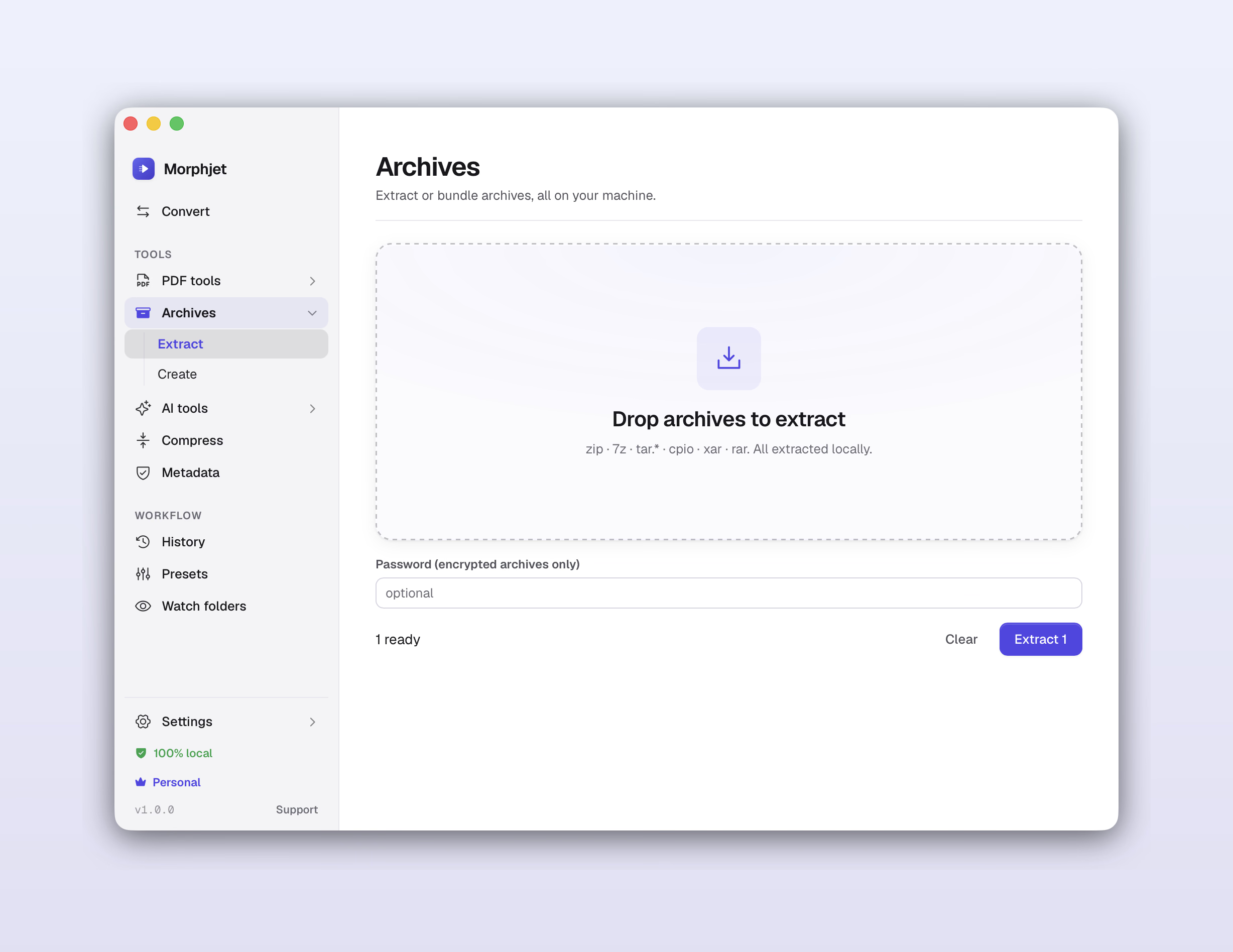
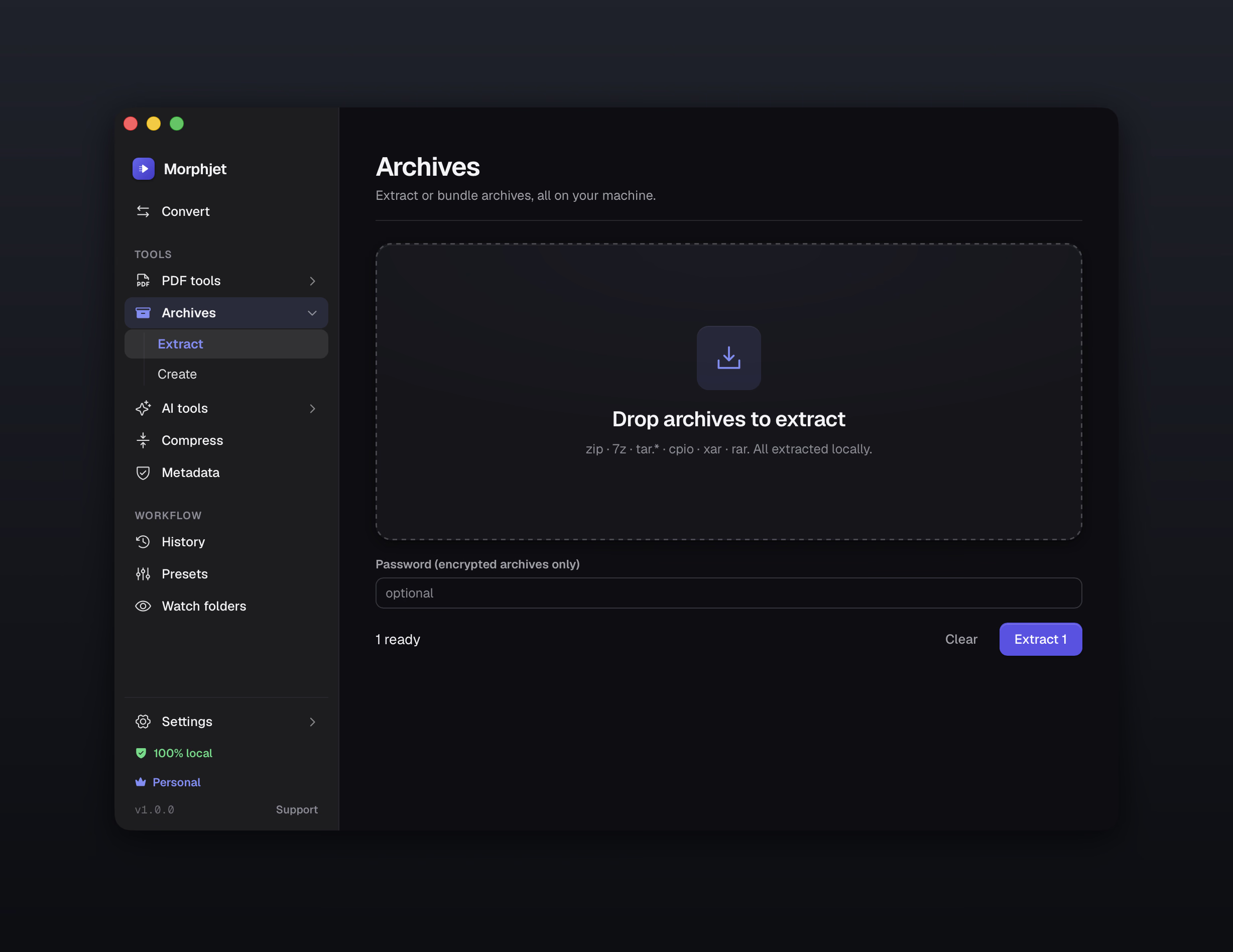
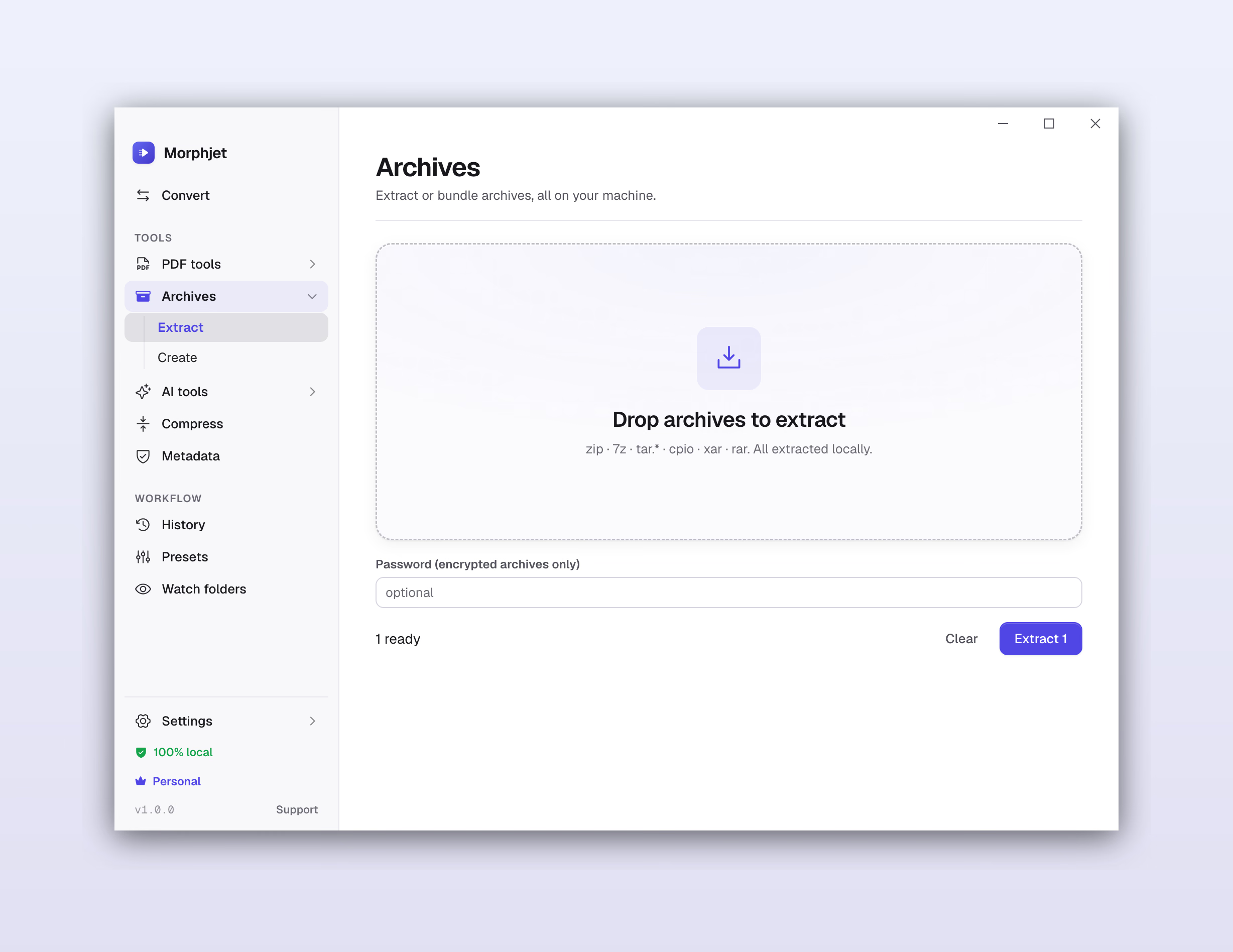
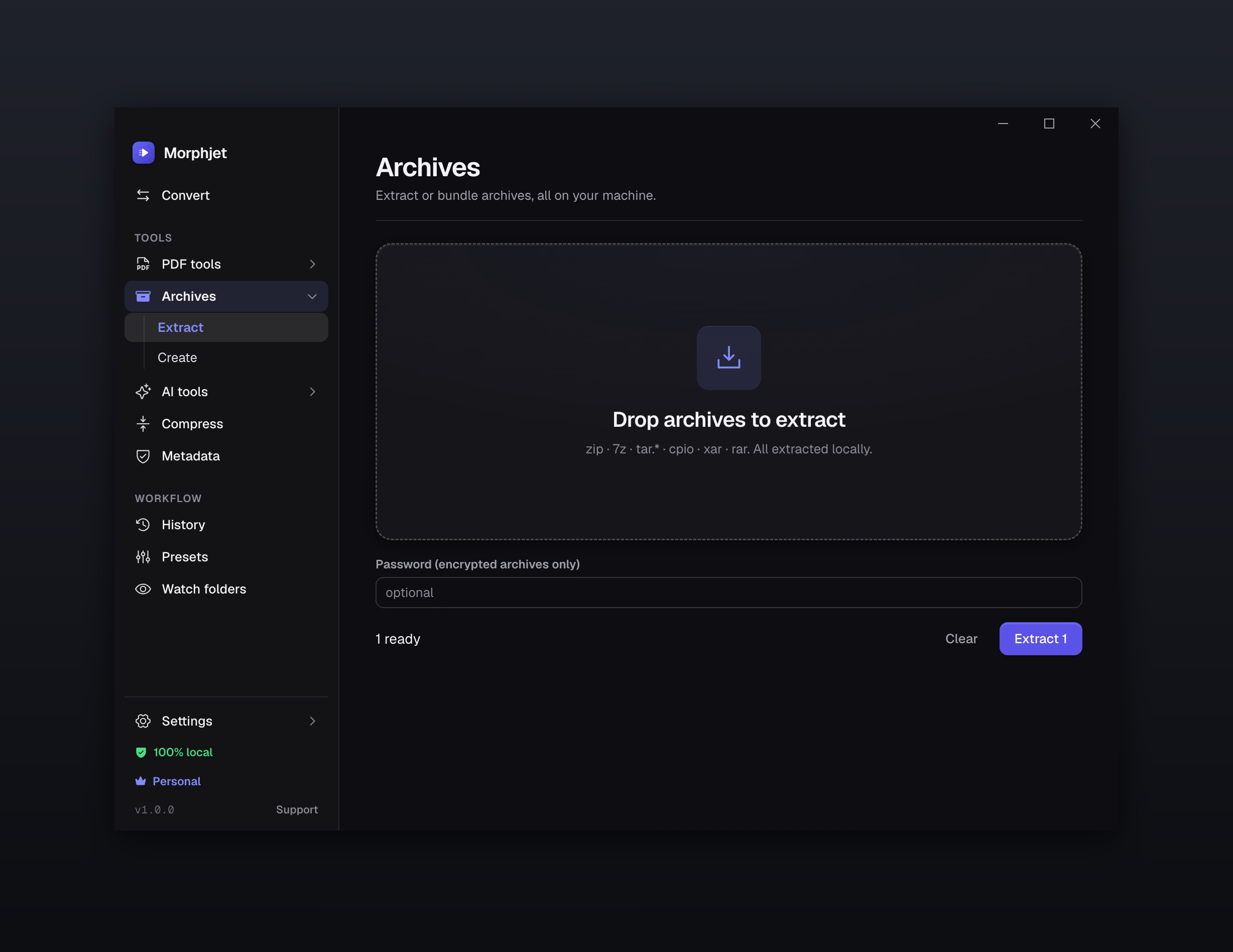
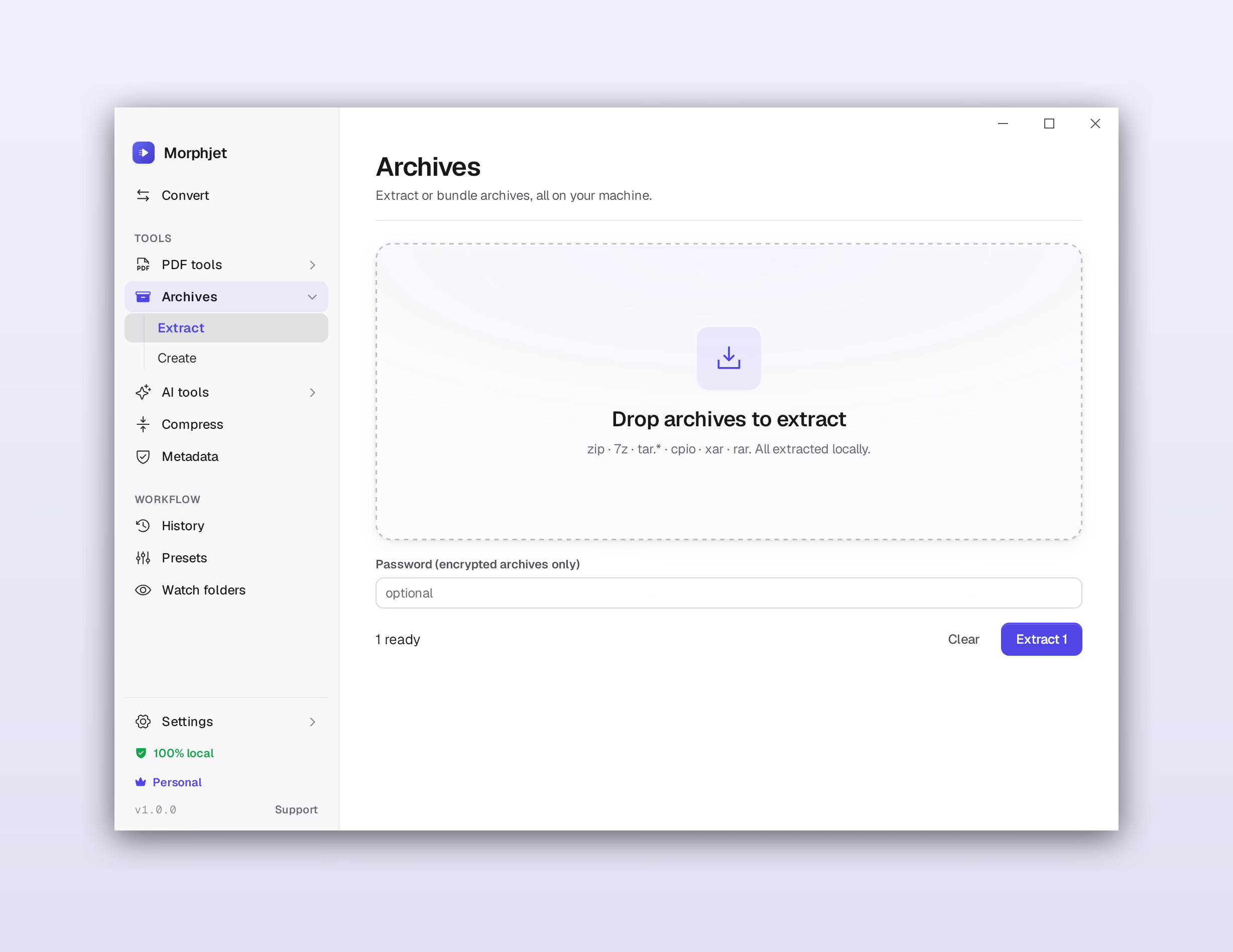
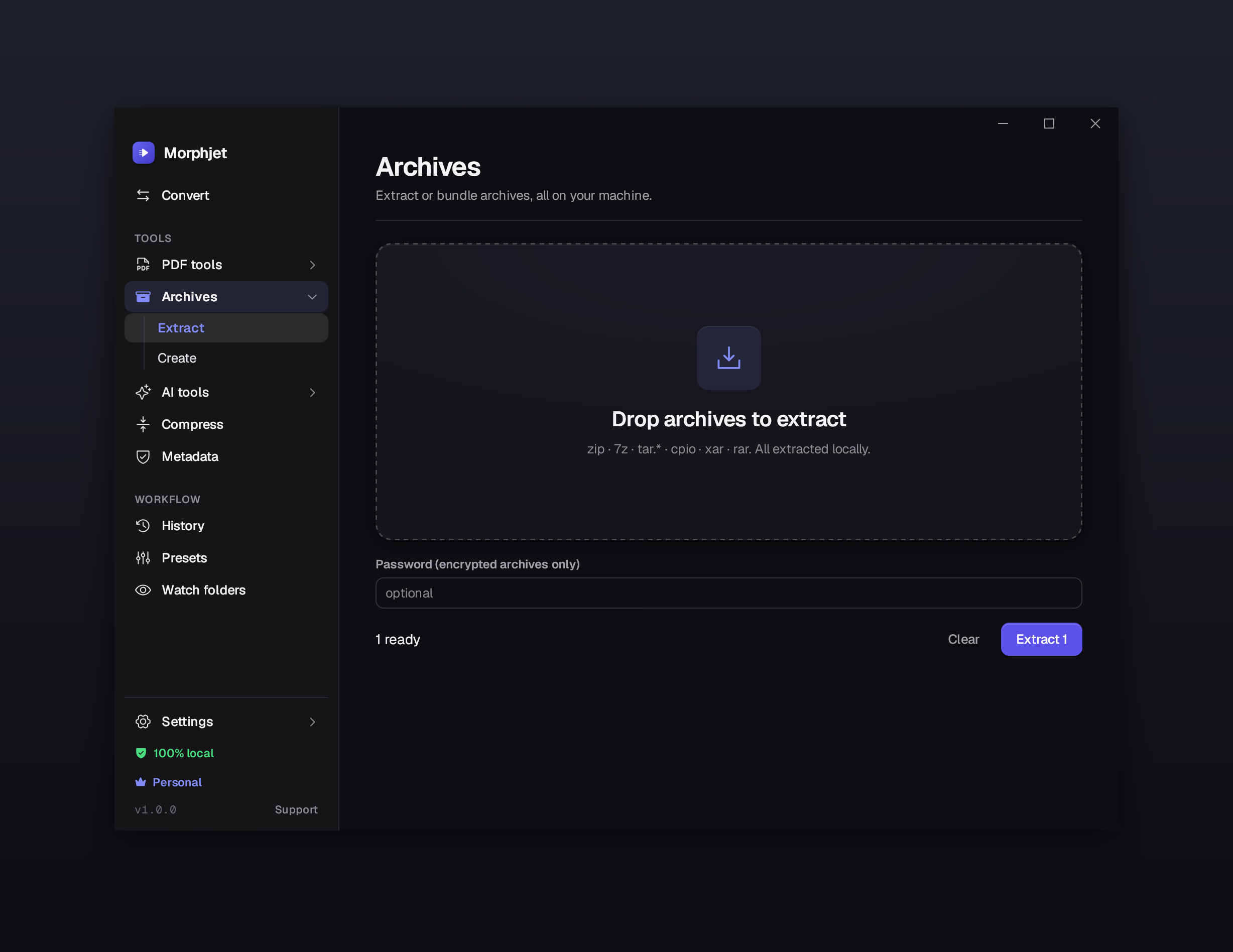
Zip, 7z, tar, cpio, xar, rar. Drop it in and it comes apart on your own machine. If it's encrypted, the password goes in the same window instead of sending you hunting for a tool that handles that one format.
Set a job up once and stop setting it up.
Point Morphjet at a folder. Anything that lands there gets converted, renamed, and filed automatically. Set it once.
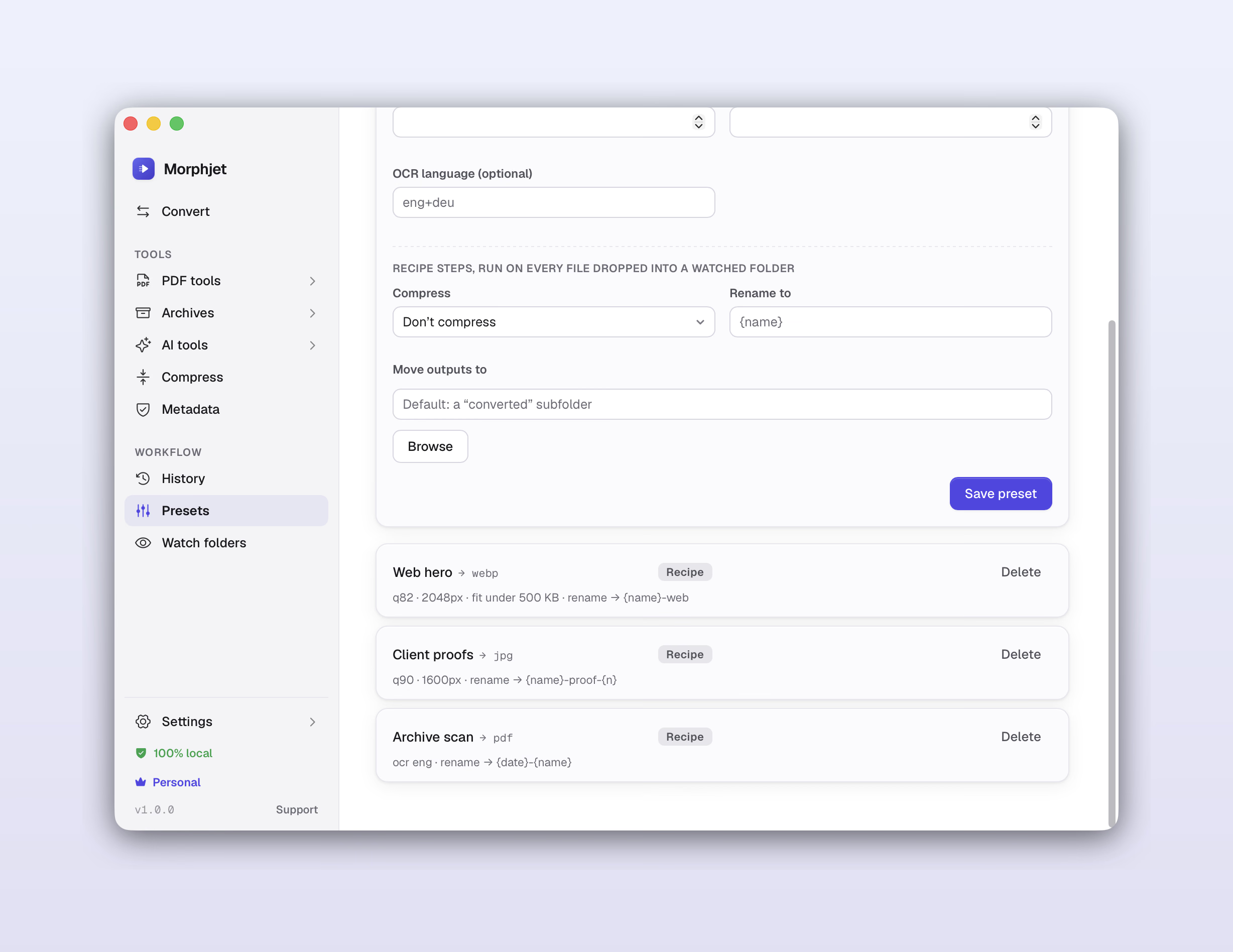
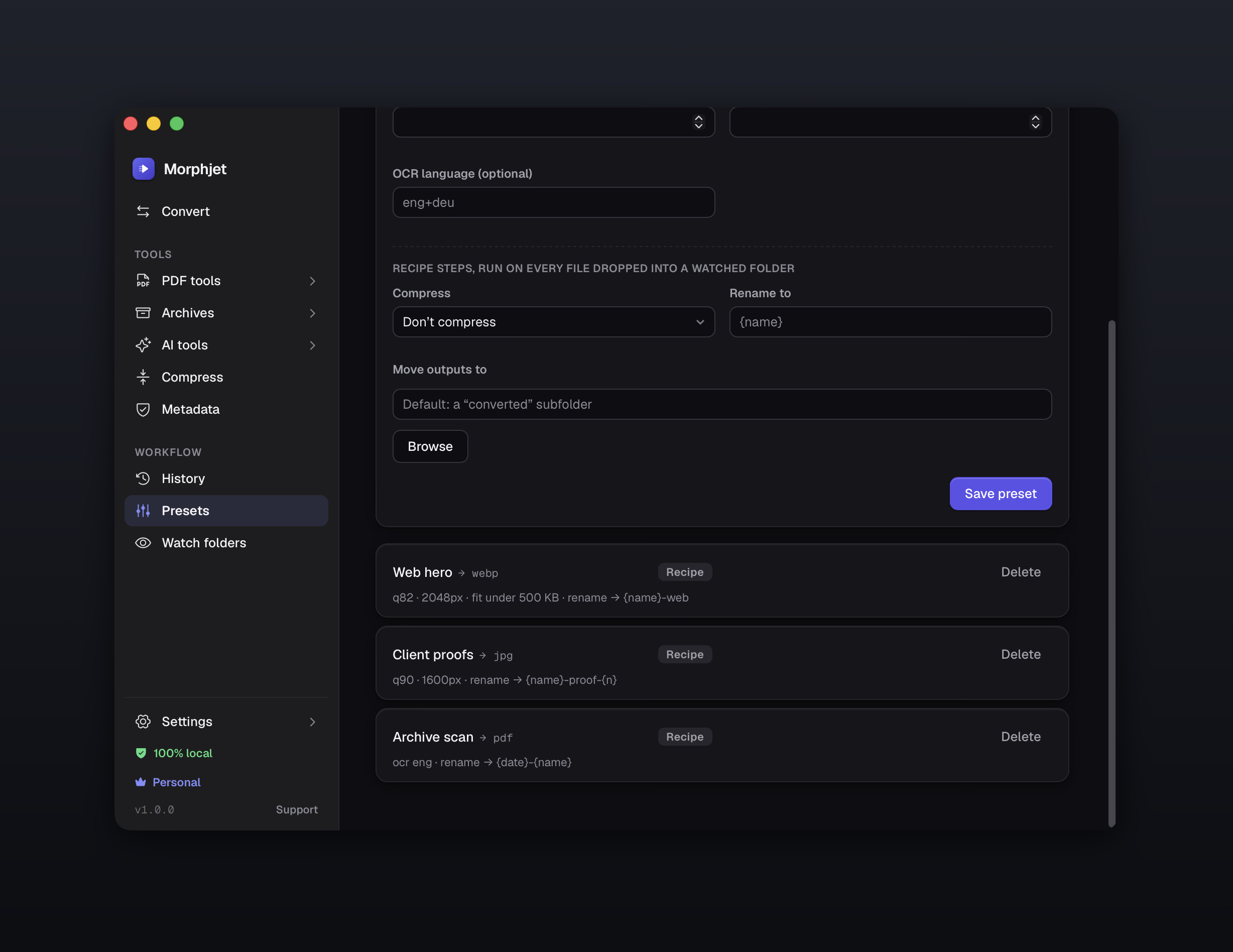
Name a target and its options once and apply the whole recipe in a click. A preset can compress, rename, and move the result too.
Export them to a file and import them on another machine, or hand them to someone who needs to produce the same output you do.
A running list you can filter, with one click to open a file, show it in its folder, or run the same conversion again.
Name a target and its options once and apply the whole recipe in a click. A preset can compress, rename and move the result too, and you can hand the file to someone who needs to produce exactly what you produce.
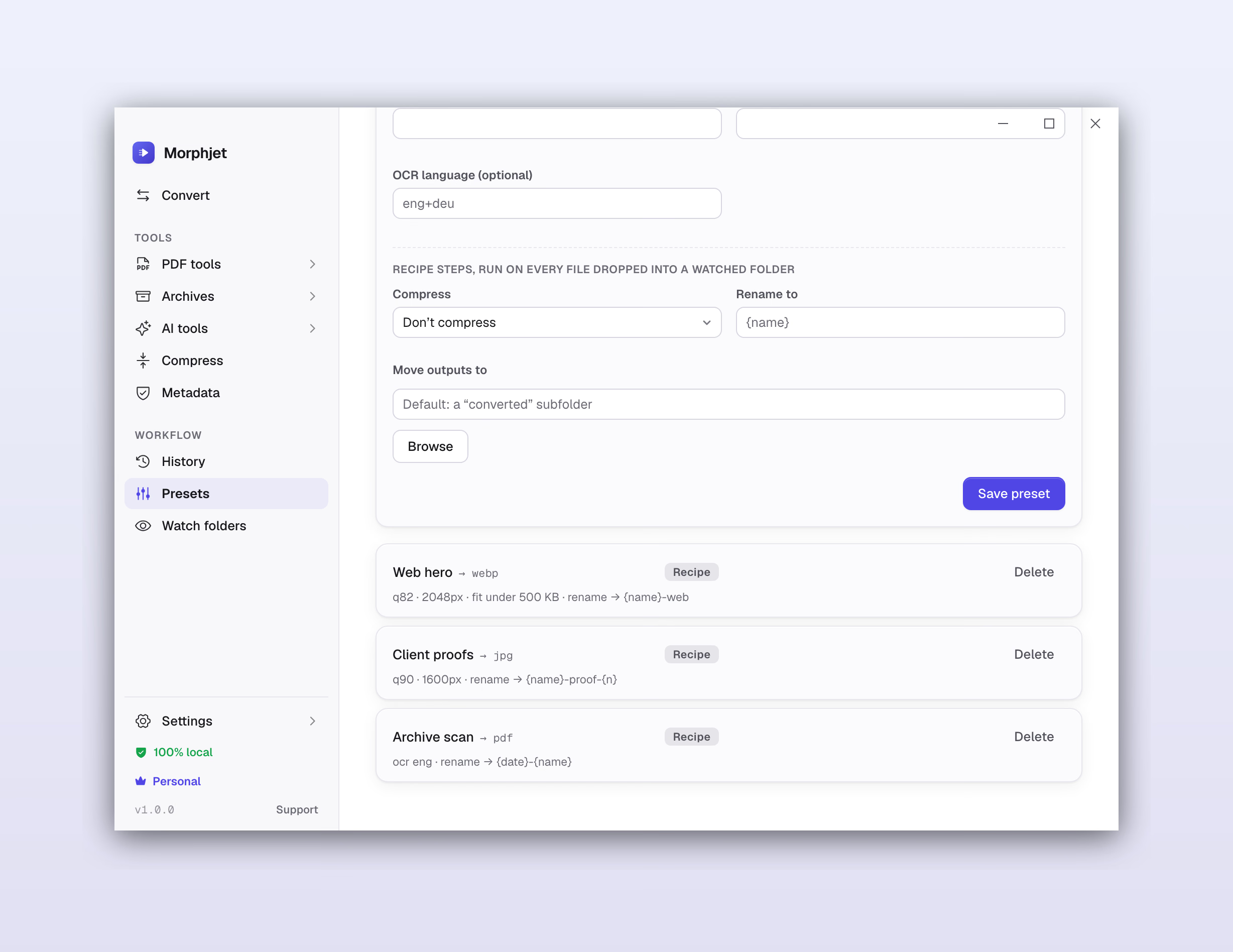
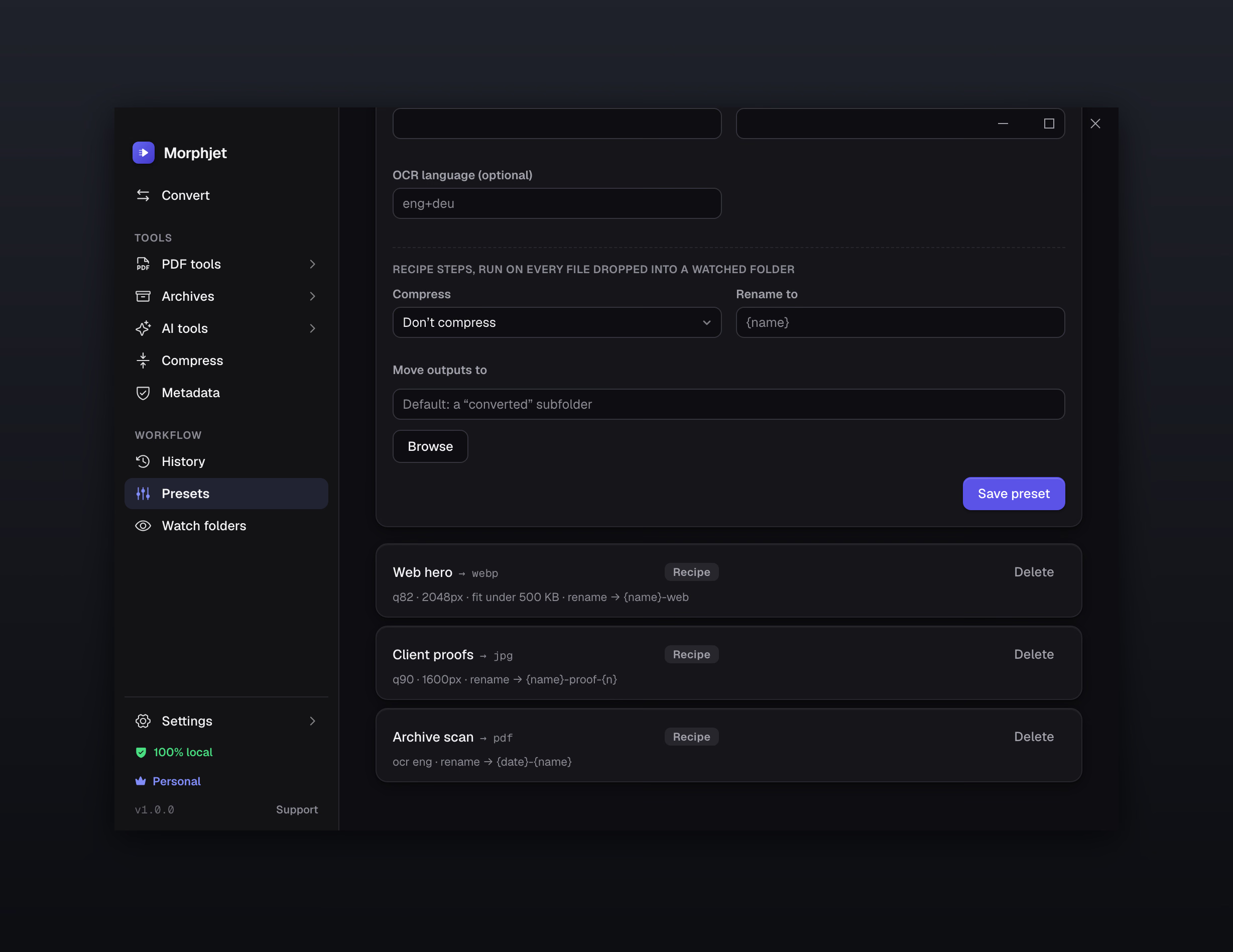
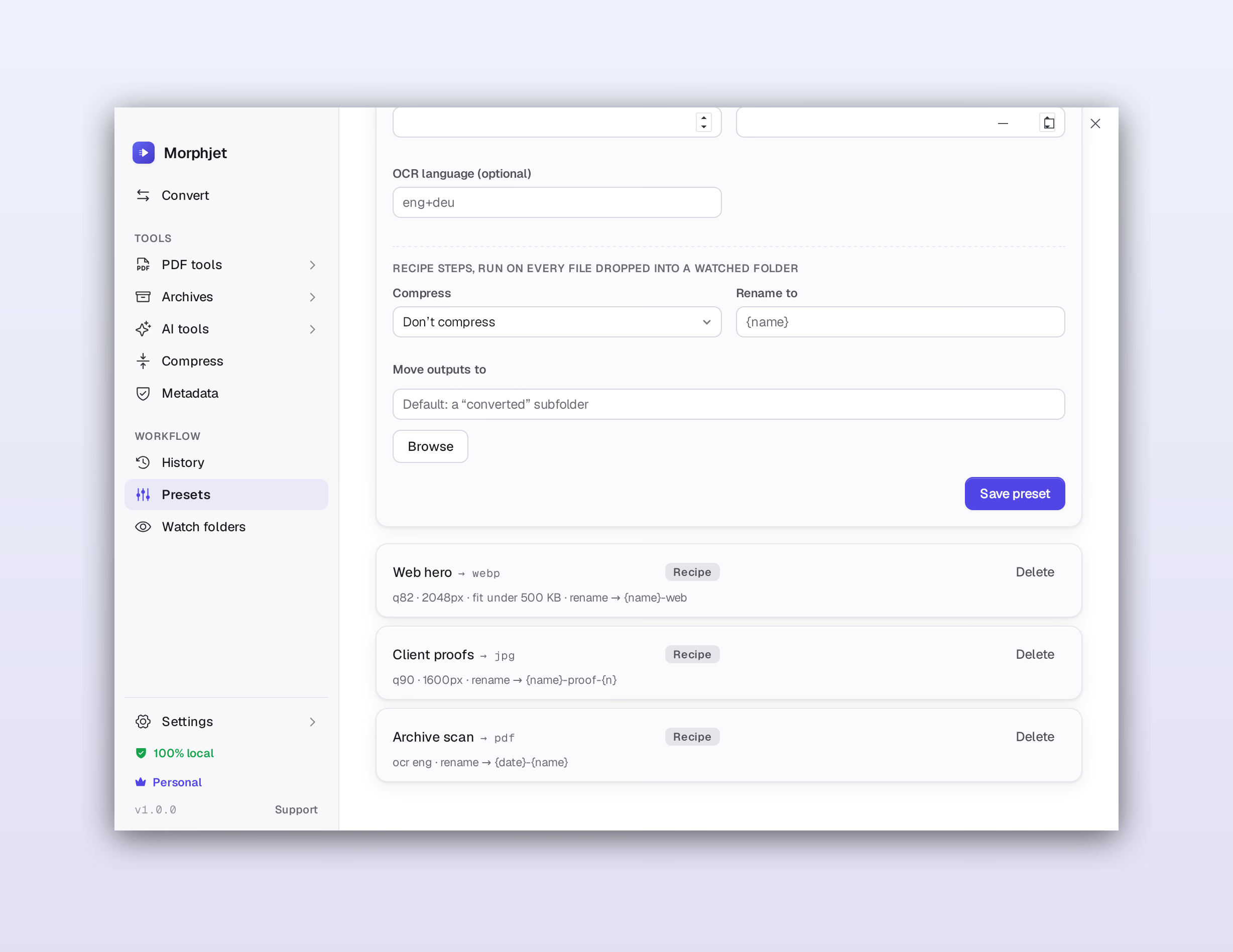
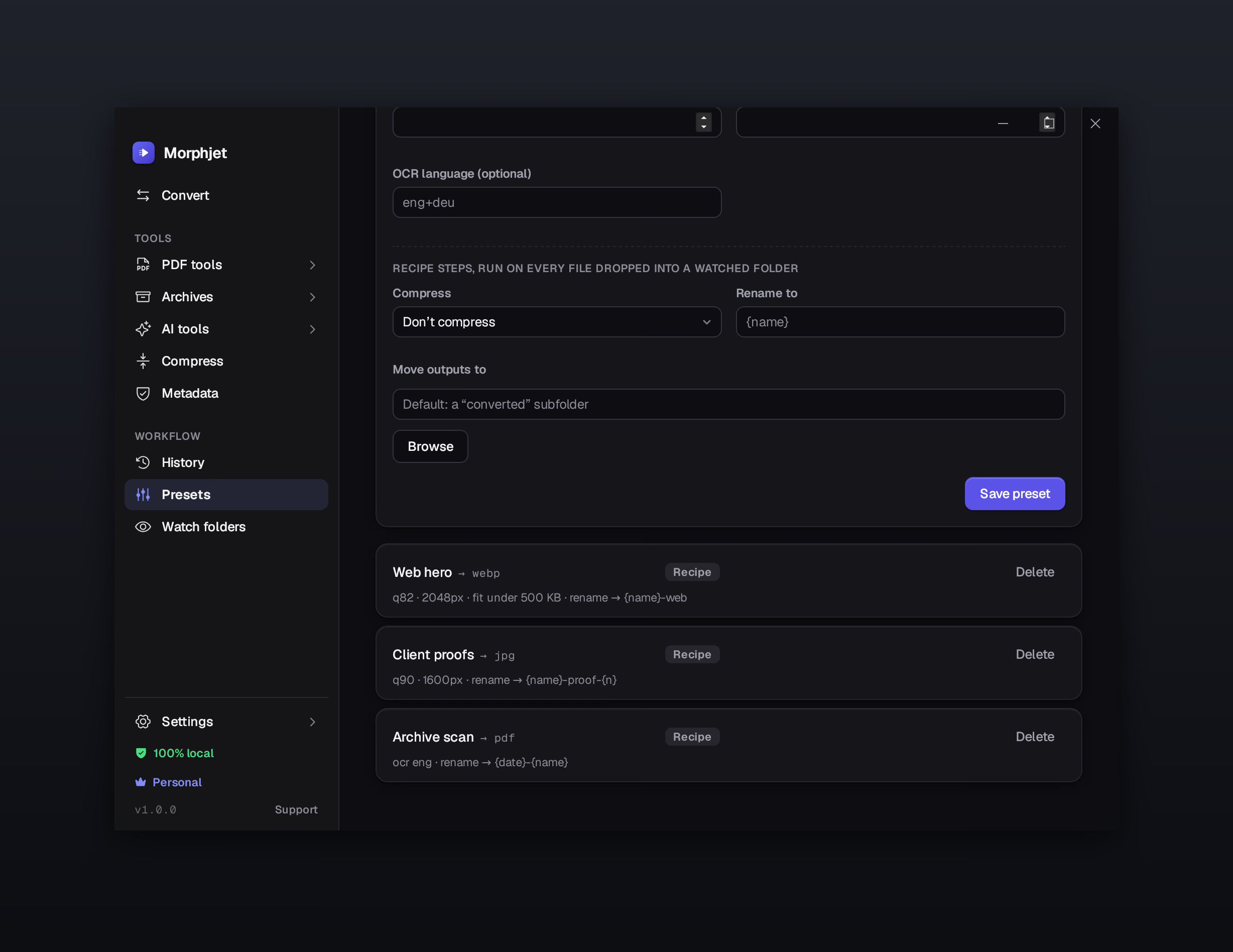
Every conversion with the size before and after. Re-run one, open it, or show it in its folder. When something fails it tells you why, and when a file comes out bigger than it went in, it says that too.
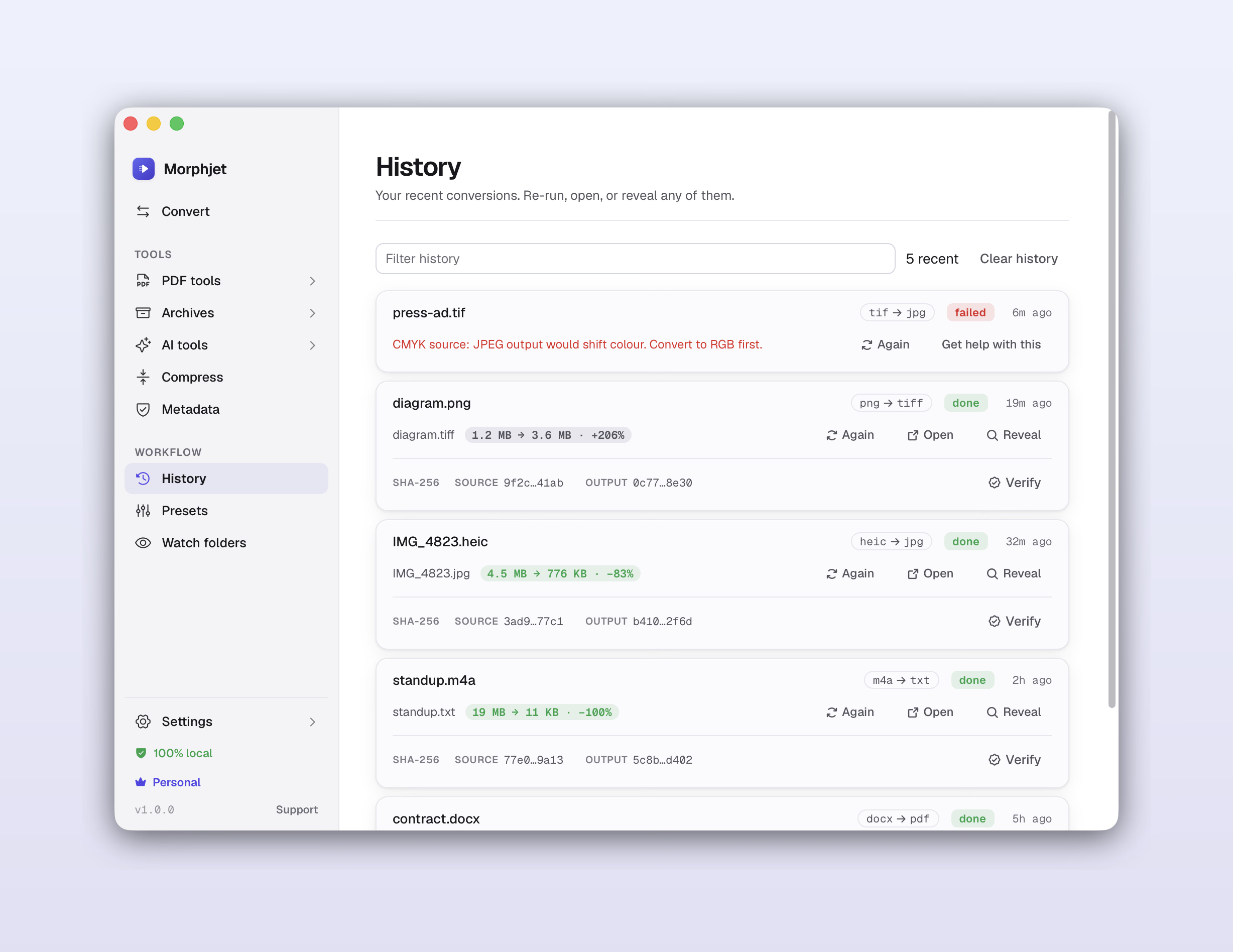
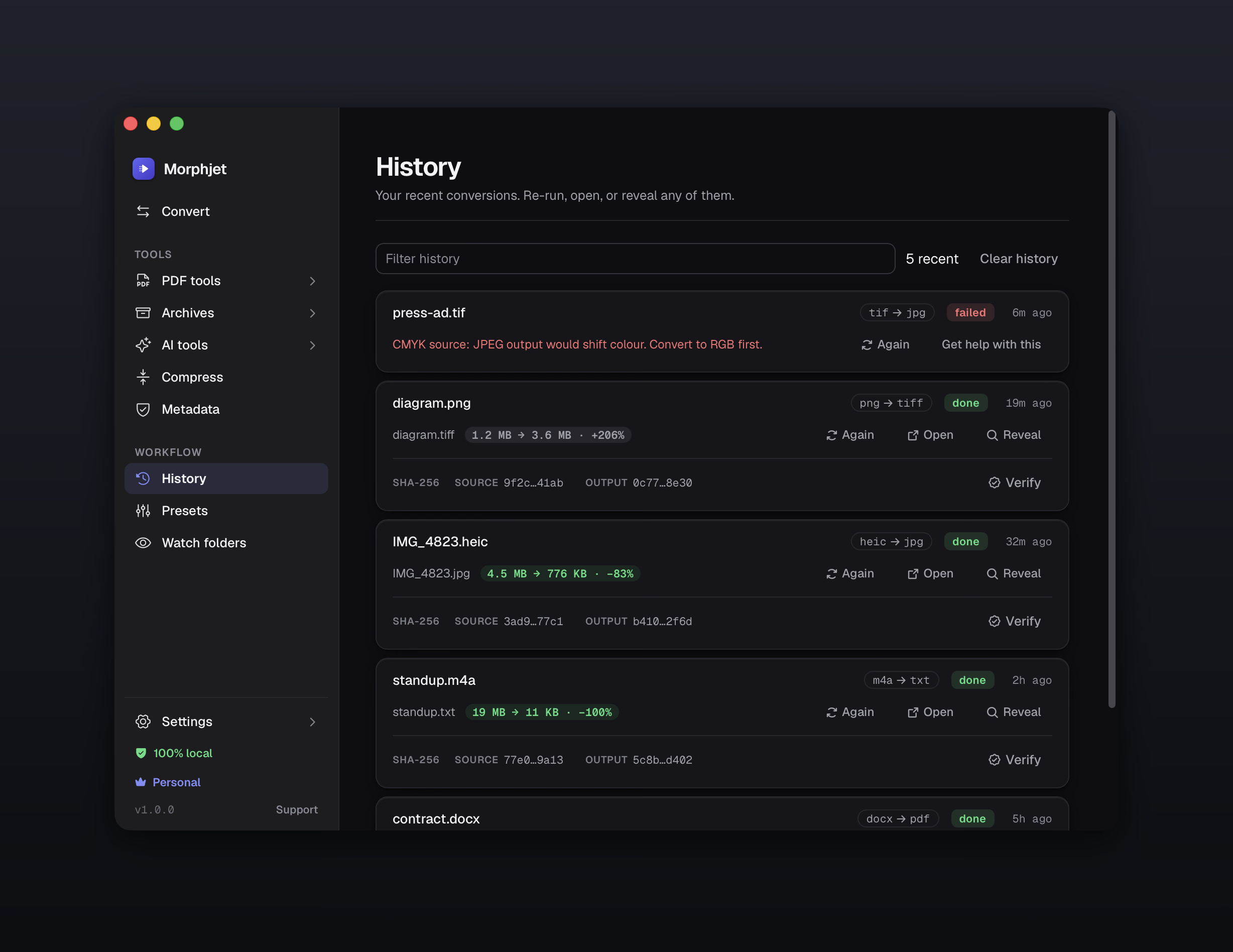
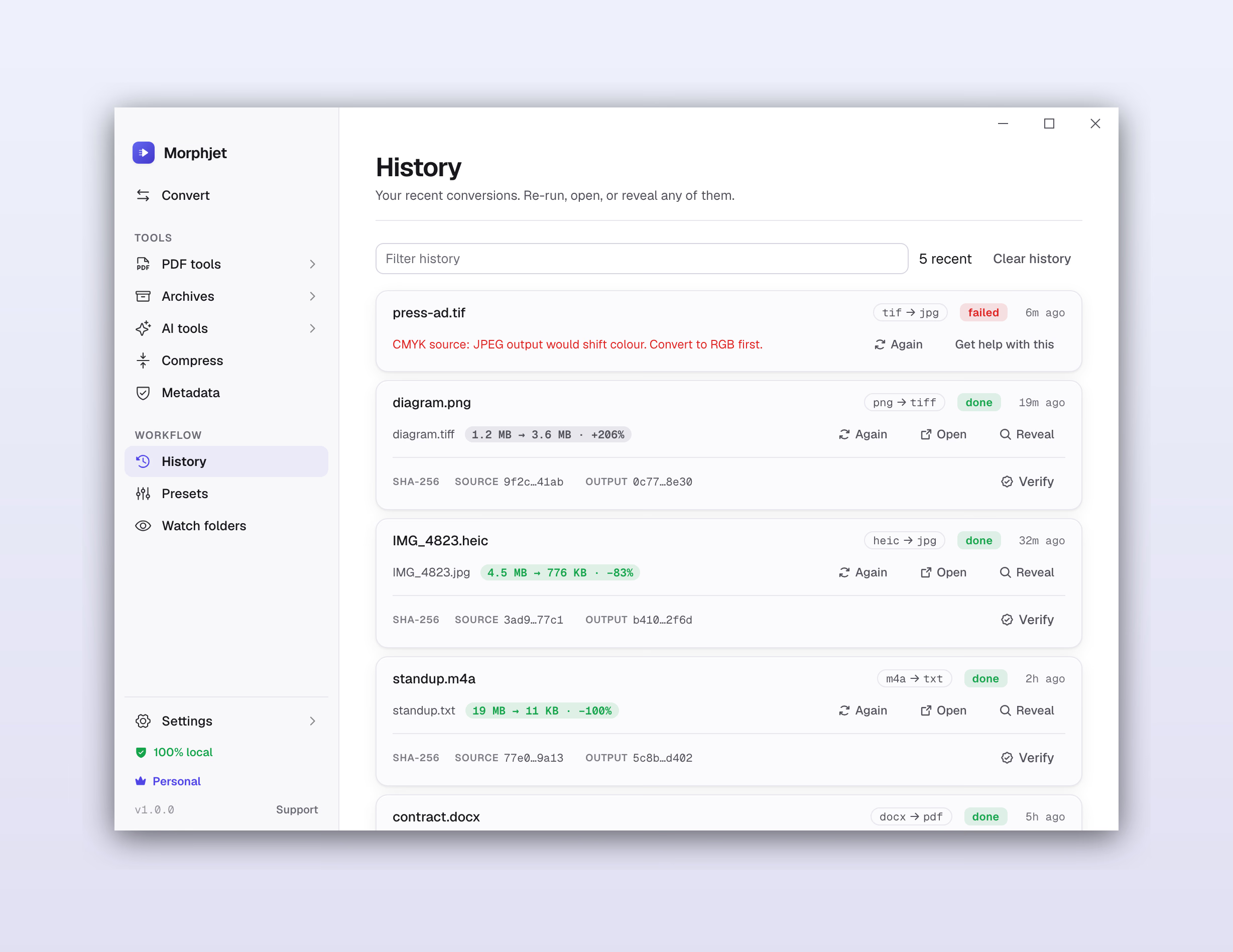
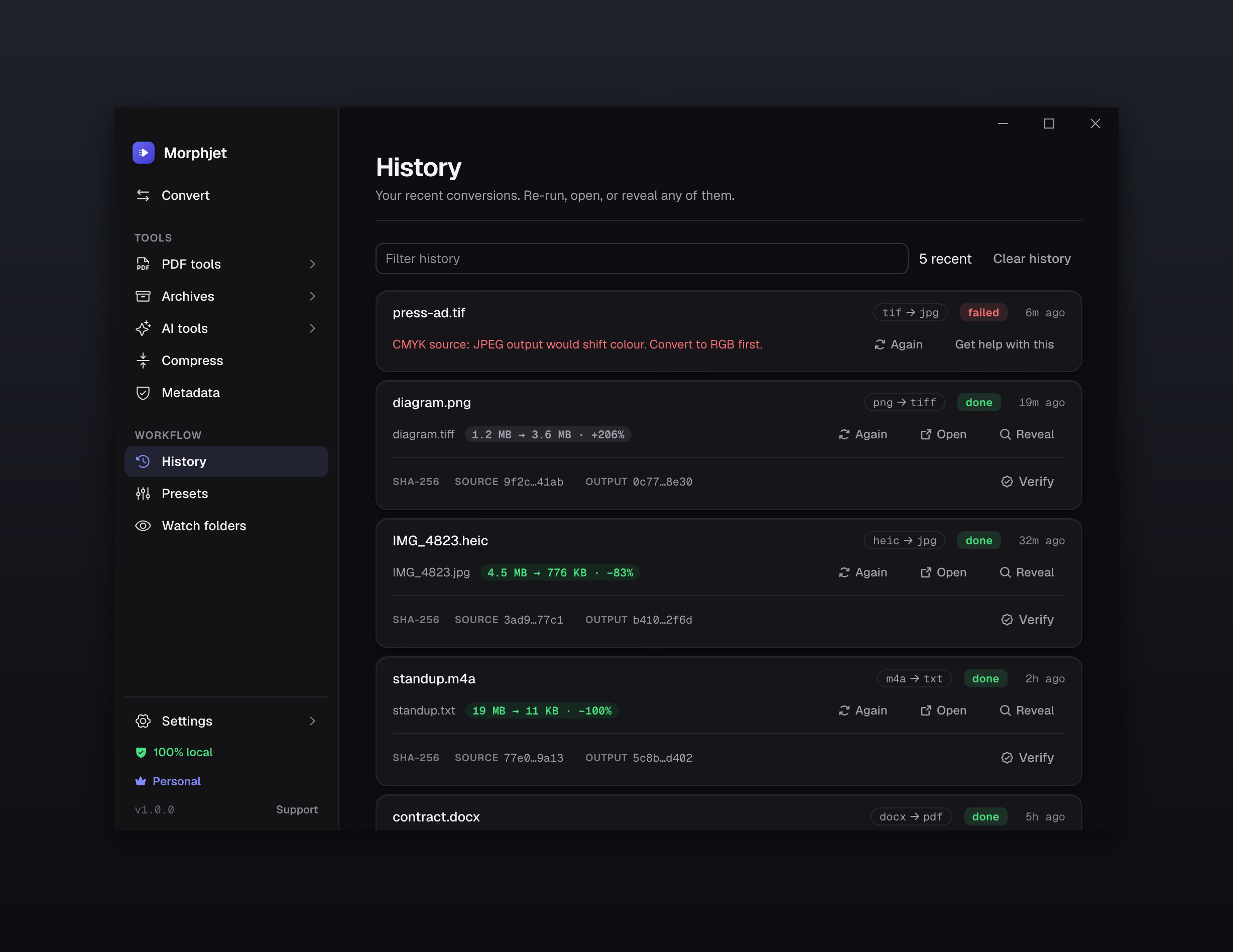
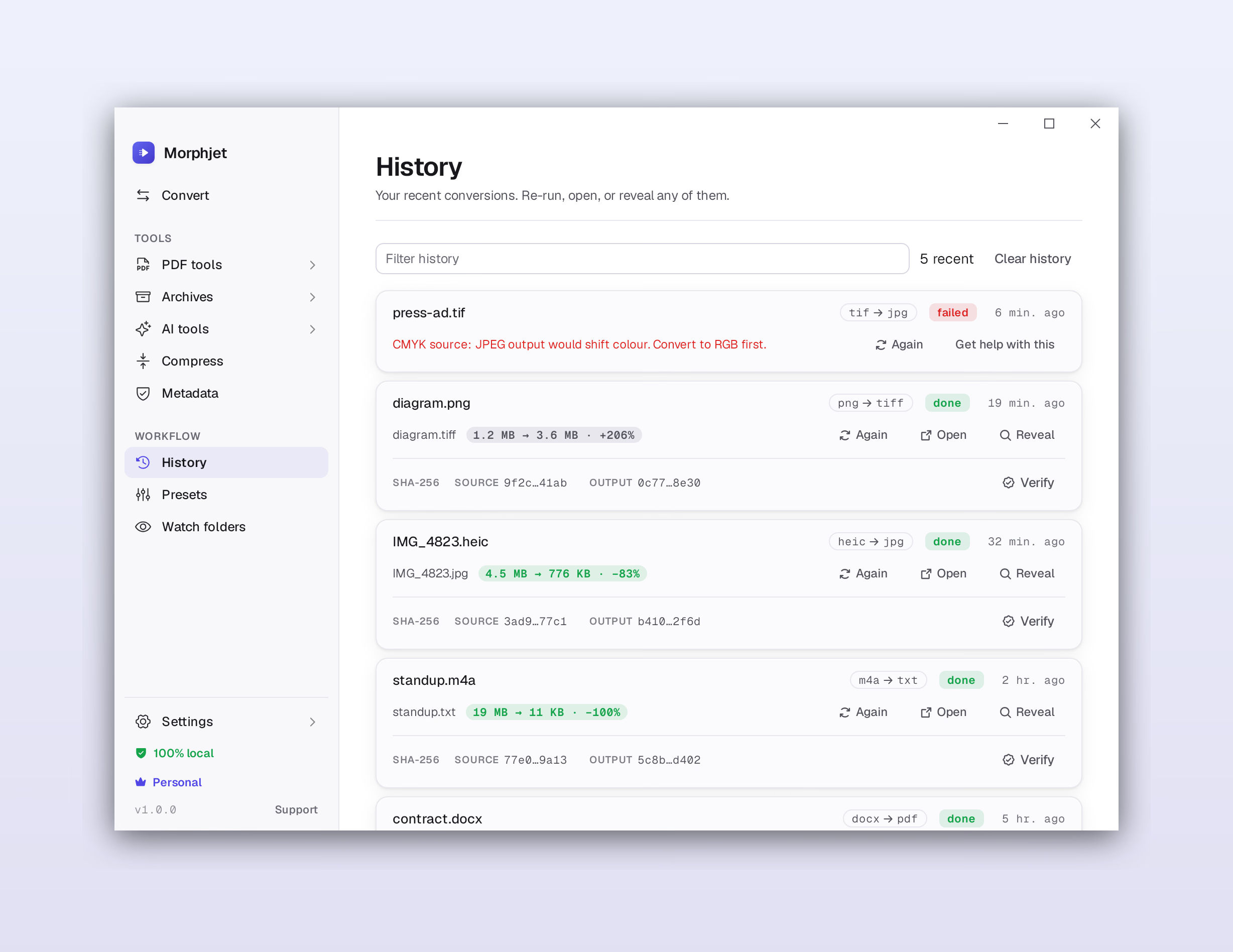
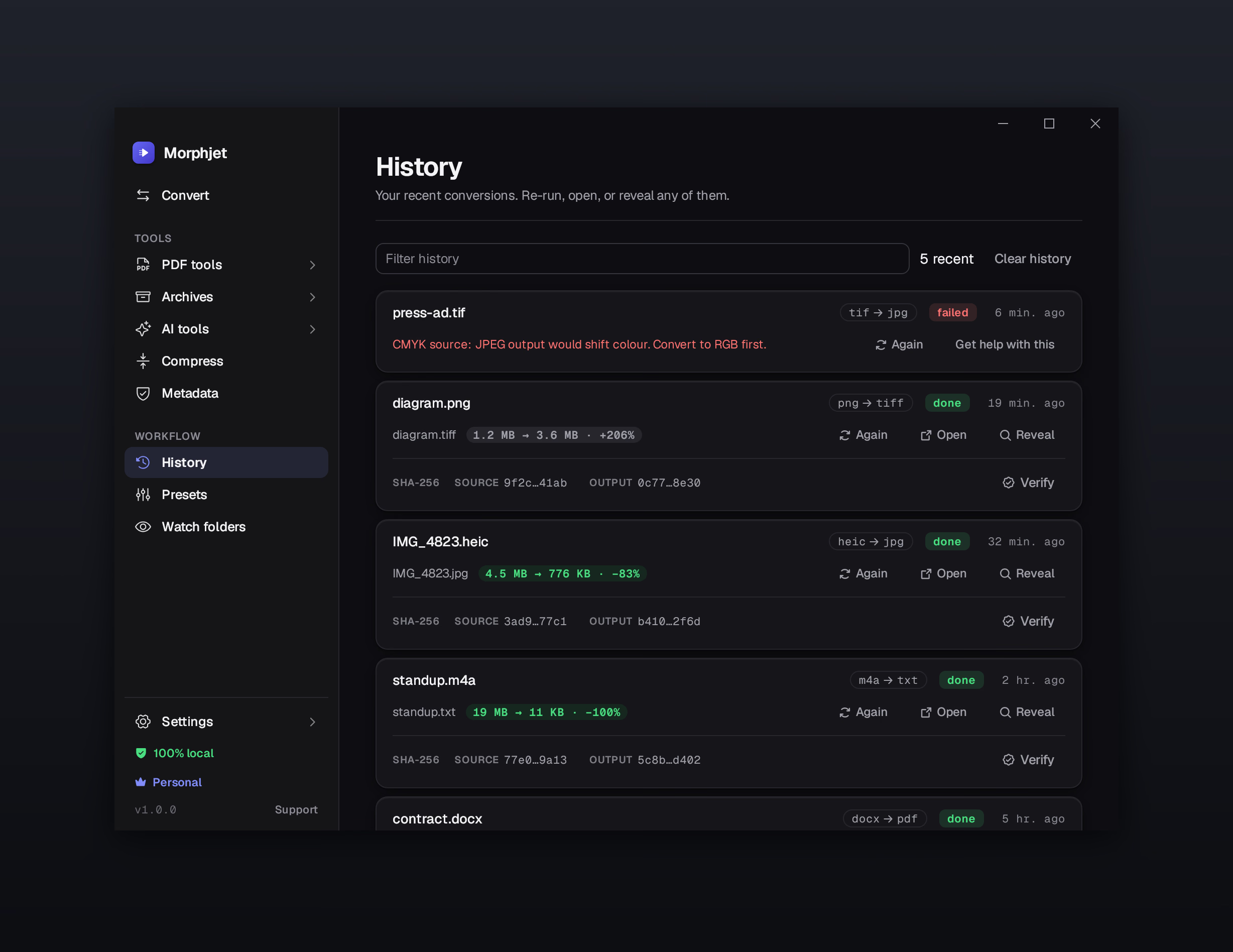
The unglamorous part that decides whether a batch was worth running.
Build output names from the original name, the date, the time, and the batch number. Rename 300 files correctly while you convert them, instead of afterwards.
Write results next to the original, or send every conversion to one folder you pick.
Keep both, replace the old one, or skip it. Chosen once, applied to the whole batch, so a long run never stops to ask.
Optionally move each source file to the Trash once its conversion succeeds. It's recoverable, and it's off unless you turn it on.
Sensible defaults, and real controls underneath them when you need them.
Quality, a target file size, a maximum edge in pixels, PNG compression level, DPI for PDF and vector sources, a fill colour for transparency, and grayscale.
Pick a device preset and be done, or set the codec yourself, including AV1 and VP9. Frame rate, quality, bitrate, and drop-the-audio are all there. Same for sound: bitrate, sample rate, mono or stereo.
A contract half in English and half in German reads correctly if you name both. You can also tell it how the page is laid out when a scan is a single column, a single line, or scattered text.
Convert without opening the app at all.
Convert straight from Finder or File Explorer without opening the app. Select files, right-click, done.
A proper command-line tool ships inside the app, signed and notarized with it, and it speaks JSON. Script a conversion, wire it into a build, or run it over a directory on a schedule.
How it behaves once it's living on your machine.
The whole app in seven languages: English, Spanish, German, Portuguese, French, Italian, and Simplified Chinese. It follows your system language the first time it opens, and you can switch any time in settings.
Switch on checksums and Morphjet records a SHA-256 of each file before and after. Months later, one click tells you whether that output is still byte for byte what Morphjet wrote.
It follows your system theme, or you pick one. It can borrow your system accent colour too.
One key jumps to each section, and the convert button has a shortcut. You can run a whole batch without reaching for the mouse.
Turn on background running and your watch folders keep converting from the tray after the window is shut. It can start at login so they resume after a restart.
New versions install from inside the app. No hunting for a download, no reinstall, no uninstaller to run first.
Some conversions genuinely lose something. When one does, Morphjet says so in plain words before you run it, rather than handing back a worse file and letting you find out.
Crash reports are on by default, the first screen tells you so, and one switch turns them off. A report carries an error code, the converter, and your OS. Never a file name, never contents. There are no usage analytics at all.
None of it uploads anything. Not the conversions, not the OCR, not the AI, not the metadata you strip out. Your files are read from your disk and written back to it, which you can confirm by pulling the network cable and carrying on.
Browse the conversion guides·Read what other converters do with your photos·See the price
Morphjet is a one-time purchase, not another monthly bill. It's available now for Mac, Windows and Linux. Buy it once and it's yours to keep, no renewal, no tier you have to upgrade into later, and 14 days to change your mind.
30% offLaunch offer. Use code LAUNCH30 at checkout. Ends 30 September.
50% offProduct Hunt offer. Code PH50 is applied when you click through, 3 devices whichever plan you pick, and 30 days to change your mind. Ends 23 September.
50% offr/macapps offer. Code MACAPPS50 is applied when you click through, 3 devices whichever plan you pick, and 30 days to change your mind. Ends 20 September.